Screenshots

Lagu, screen
by screen.

Every app, on the devices it runs on. Pick a platform, scroll along its row, or open any shot to see it full size.

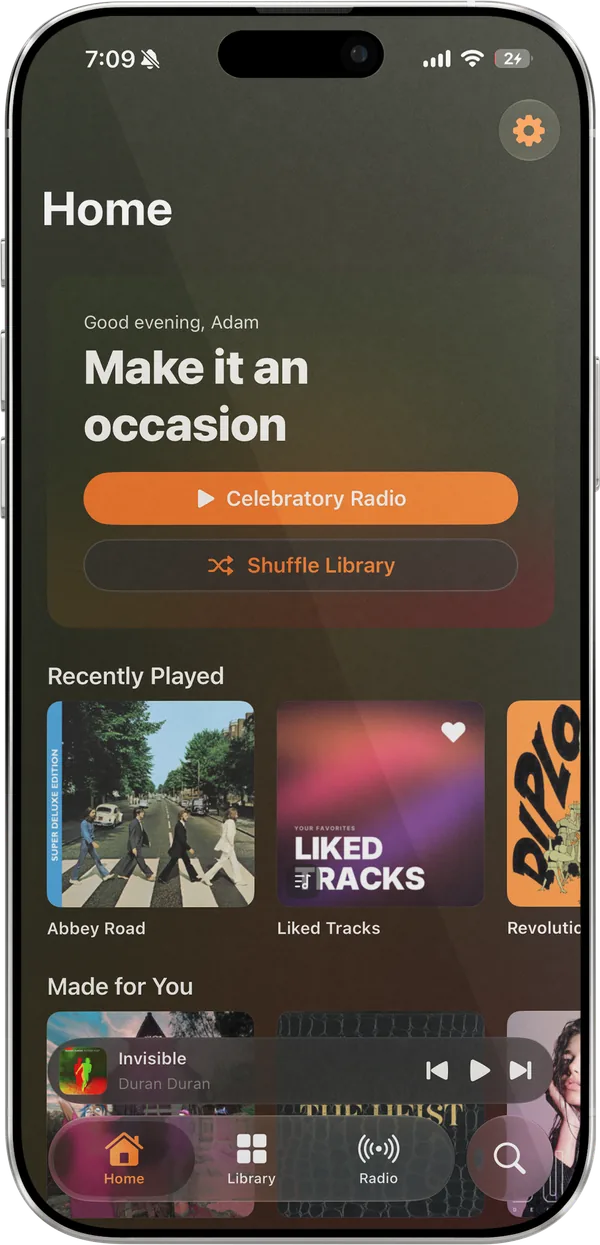
Lagu’s Home tab on iPhone: a Good evening greeting reading Make it an occasion, Celebratory Radio and Shuffle Library buttons, a Recently Played row, the start of Made for You, and the mini-player and tab bar along the bottom.
Home: a station for the moment, Recently Played, and Made for You.
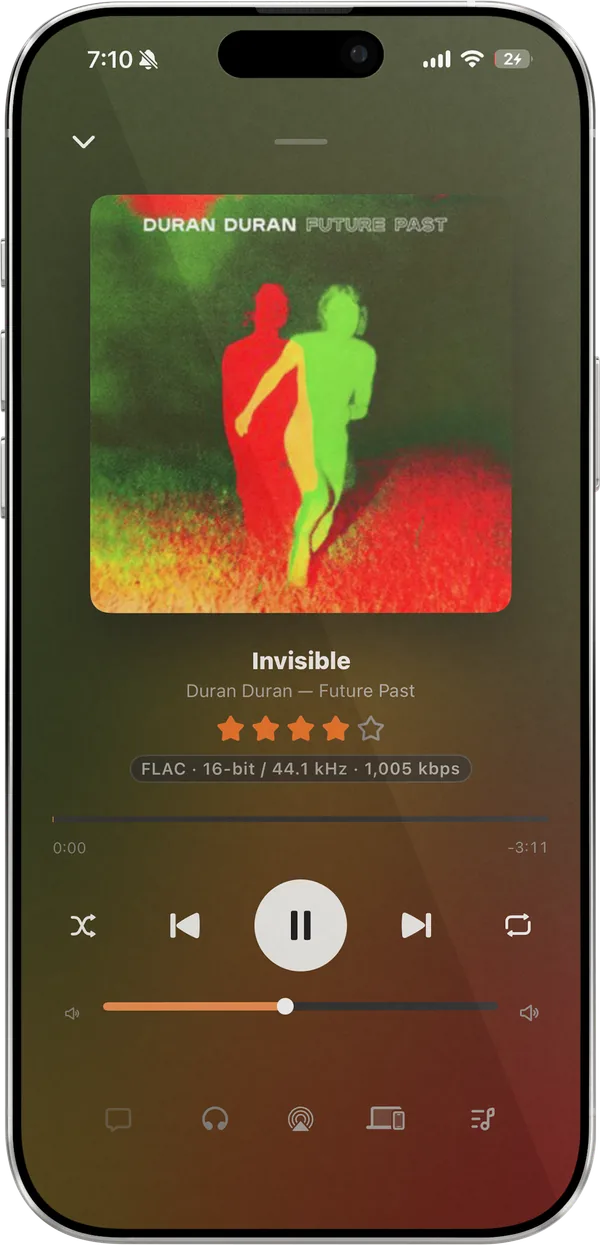
Now Playing on iPhone for Invisible by Duran Duran: the Future Past cover, a four-star rating, a FLAC 16-bit / 44.1 kHz label, the seek bar, transport controls, and a volume slider, with the screen tinted red and green from the cover.
Now Playing, tinted from the cover, with your rating and the format.
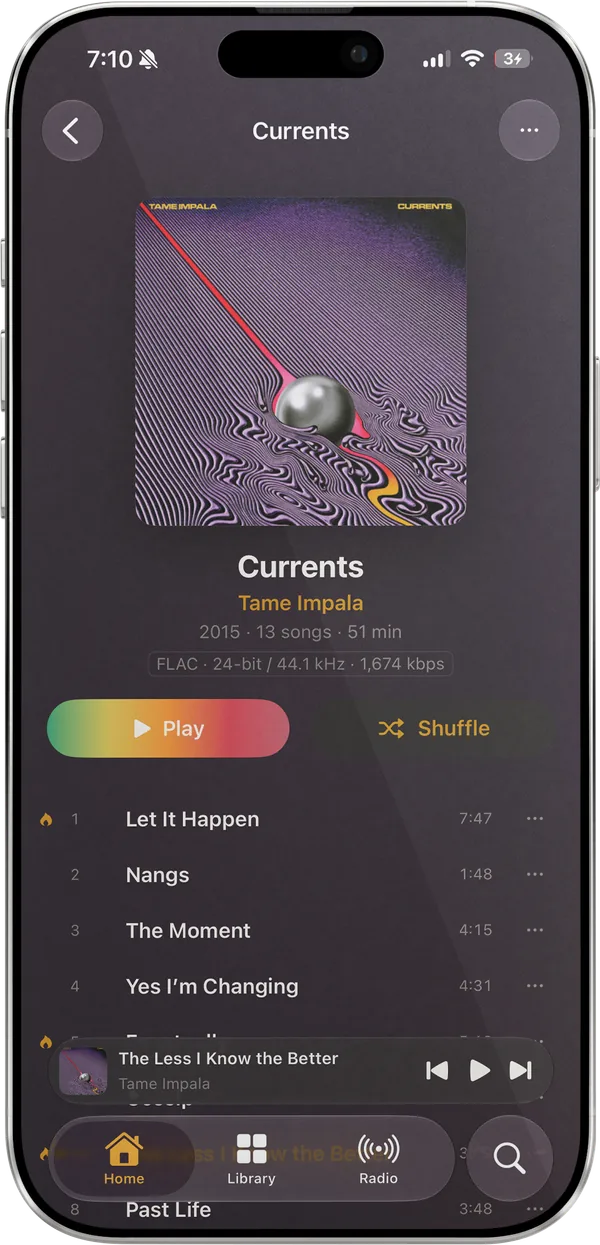
The album page for Tame Impala’s Currents on iPhone: the cover, 2015 · 13 songs · 51 min, a FLAC 24-bit / 44.1 kHz label, Play and Shuffle buttons, and the start of the track list.
An album page, with the format, Play, and Shuffle.
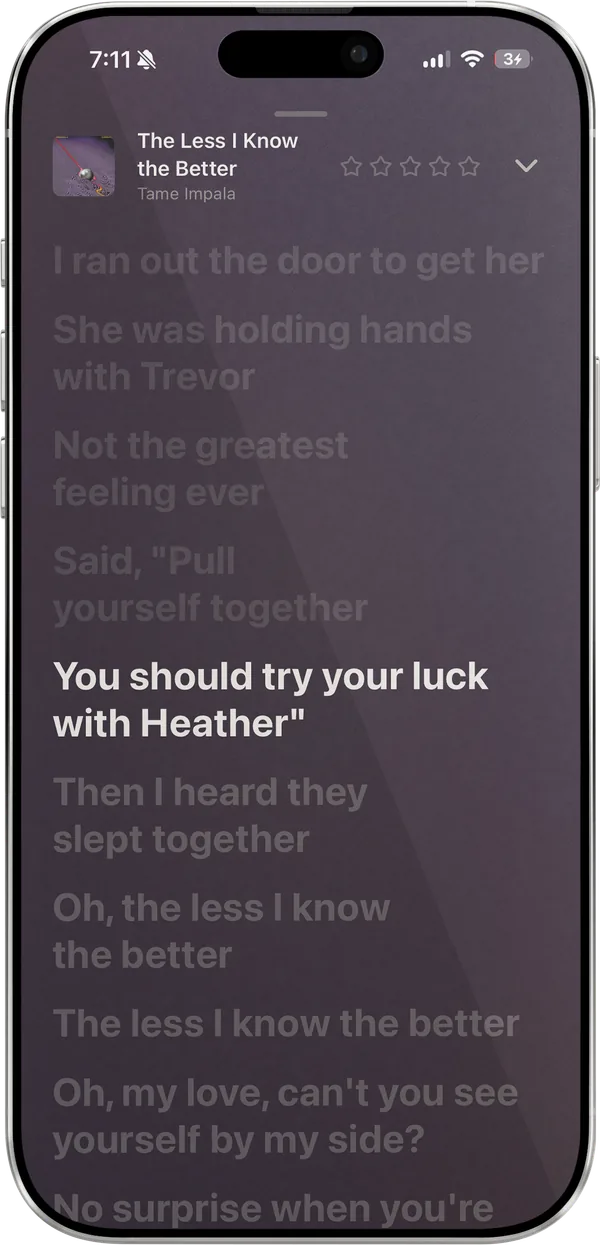
Synced lyrics on iPhone for The Less I Know the Better by Tame Impala, with the current line in white and the lines around it dimmed.
Synced lyrics, tap a line to jump to it.
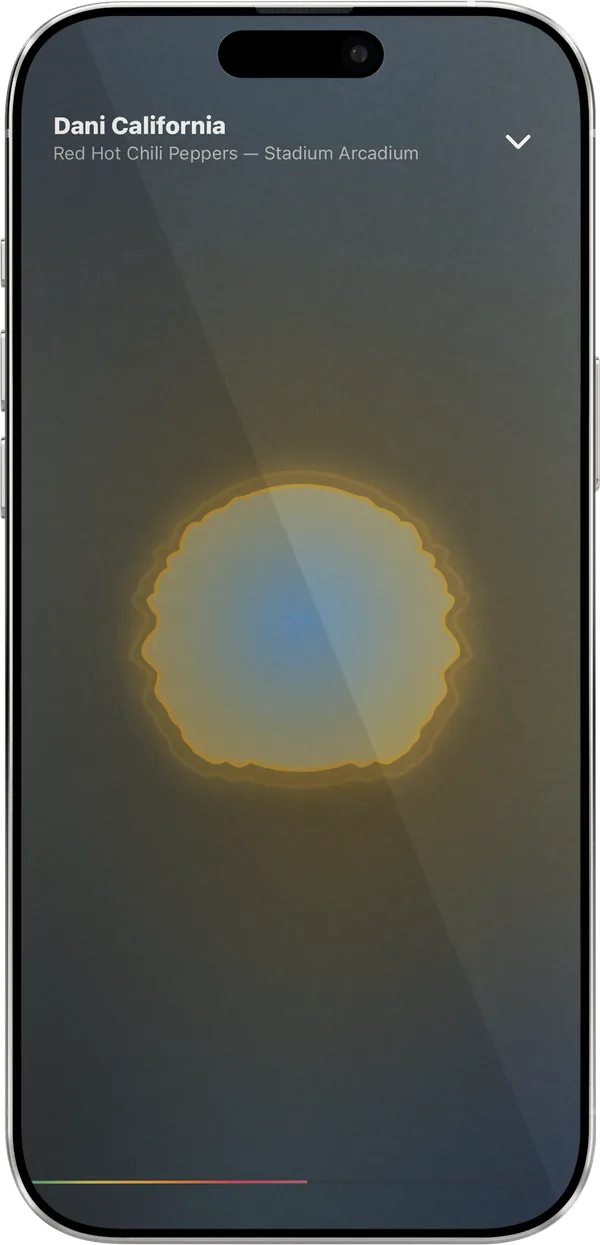
The Radial visualizer fullscreen on iPhone: a glowing gold and blue disc over a dark background, with the track title at the top and a progress line along the bottom.
The Radial visualizer, fullscreen.
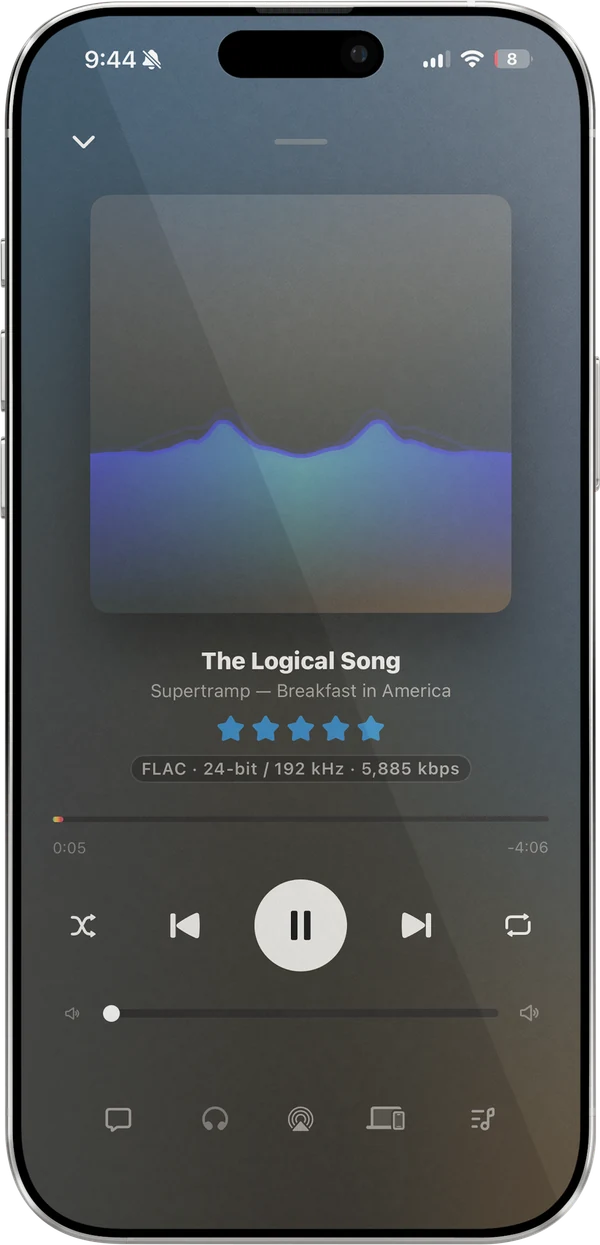
Now Playing on iPhone with the Tide visualizer drawn in place of the cover art, a blue and green wave rising across it, for The Logical Song by Supertramp, with a five-star rating, a FLAC 24-bit / 192 kHz label, the seek bar, transport controls, and a volume slider.
Tide in place of the cover, on Now Playing.
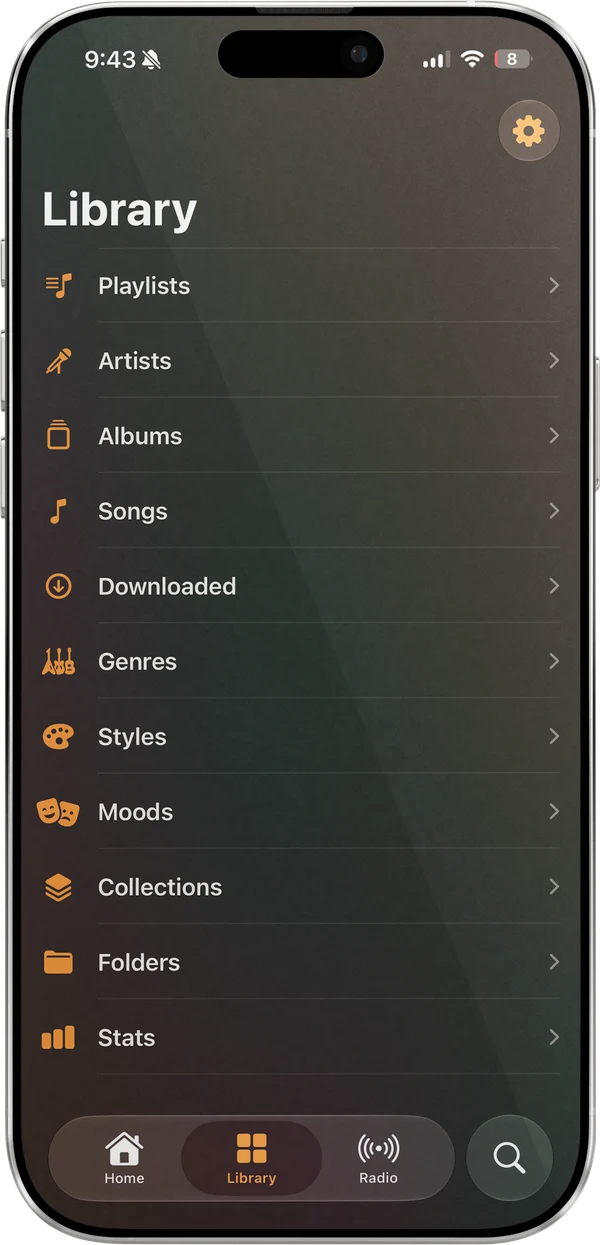
The Library tab on iPhone: Playlists, Artists, Albums, Songs, Downloaded, Genres, Styles, Moods, Collections, Folders, and Stats, with a settings button in the corner and the tab bar along the bottom.
Library, with Collections, Folders, and Stats.
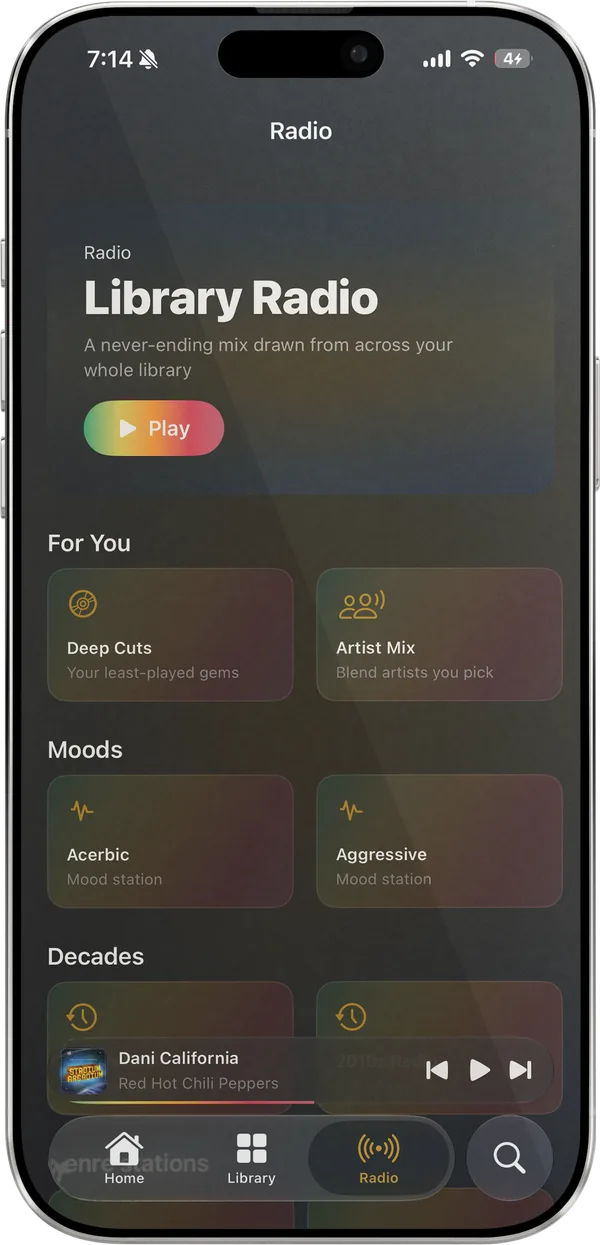
The Radio tab on iPhone: Library Radio with a Play button, a Build your own section with Artist Mix and Sonic Adventure, and For You stations starting with Deep Cuts and a Gorillaz artist station.
Radio: Library Radio, Build your own, and stations for you.
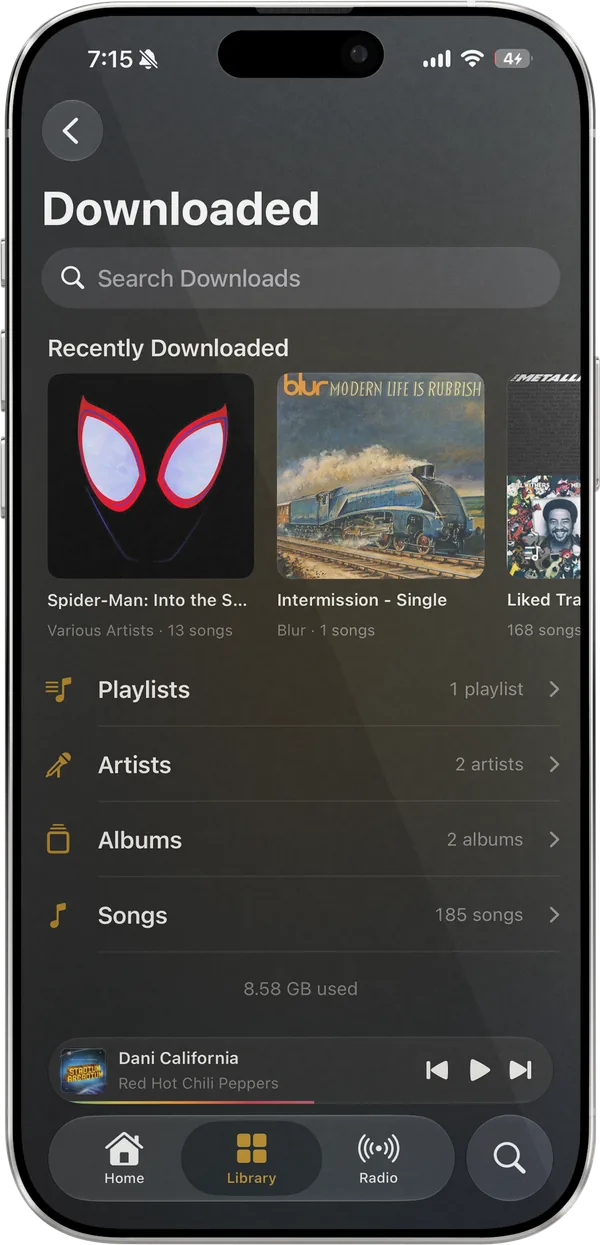
The Downloaded screen on iPhone: a search field, a Recently Downloaded row, counted rows for Playlists, Artists, Albums, and Songs, and 8.58 GB used.
Downloads: recent, then playlists, artists, albums, and songs.
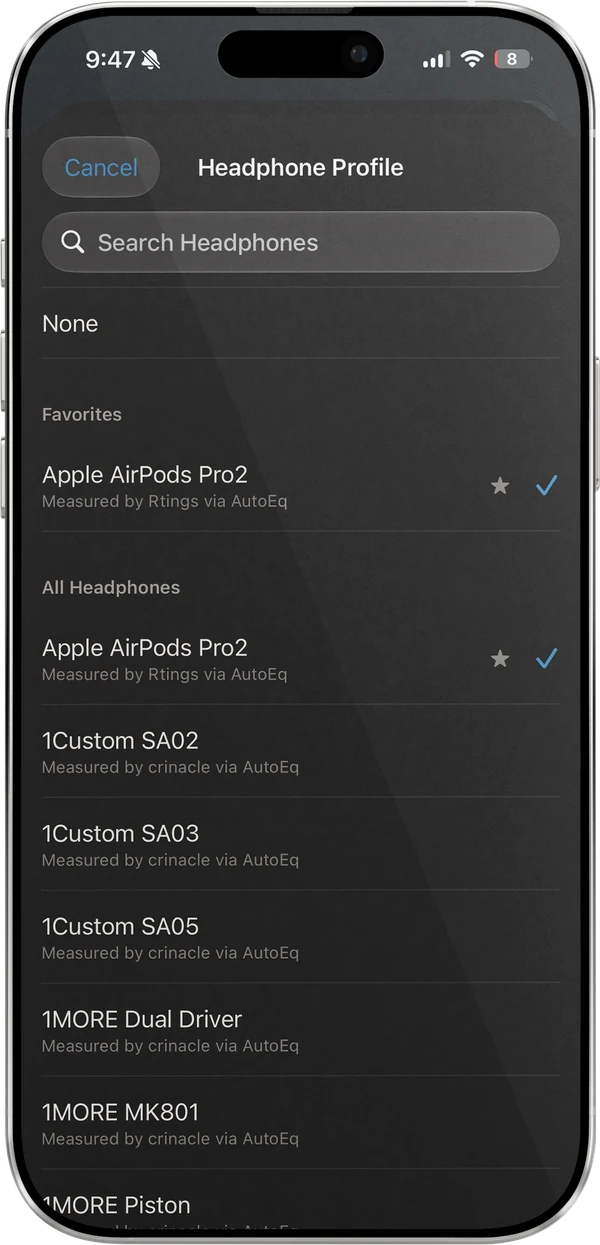
The Headphone Profile picker on iPhone: a search field, None, Apple AirPods Pro 2 starred and ticked under Favorites, and an All Headphones list of models, each measured by Rtings or crinacle via AutoEq.
AutoEq profiles for about 2,900 headphones.
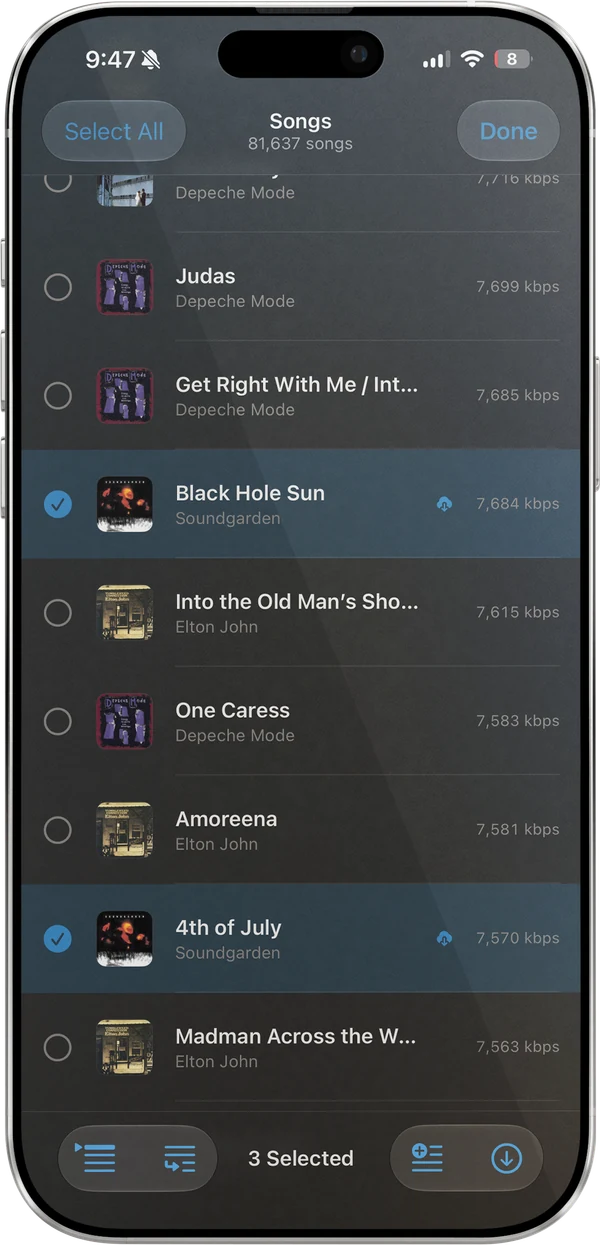
The Songs list on iPhone in select mode: Select All and Done at the top, checkmark circles beside each song, Black Hole Sun and 4th of July by Soundgarden ticked, and a bar along the bottom with Play Next, Add to Queue, 3 Selected, Add to Playlist, and Download.
Select songs to play next, queue, add to a playlist, or download.
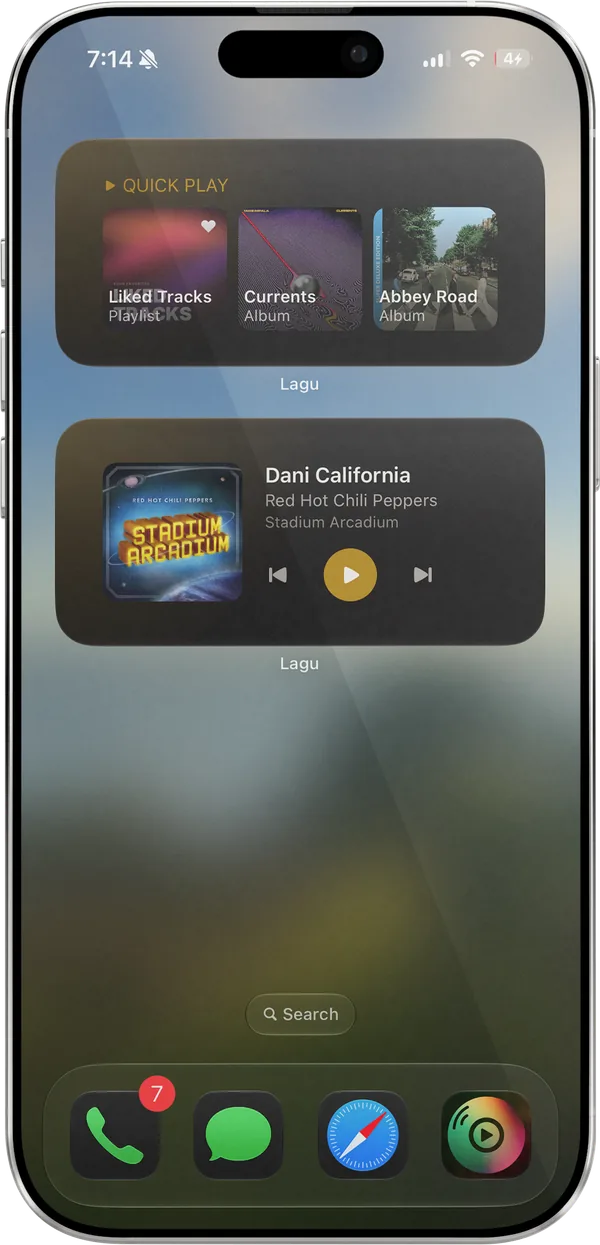
An iPhone Home Screen with Lagu’s Quick Play widget showing Liked Tracks, Currents, and Abbey Road, and the Now Playing widget showing Dani California with playback controls.
Quick Play and Now Playing widgets on the Home Screen.
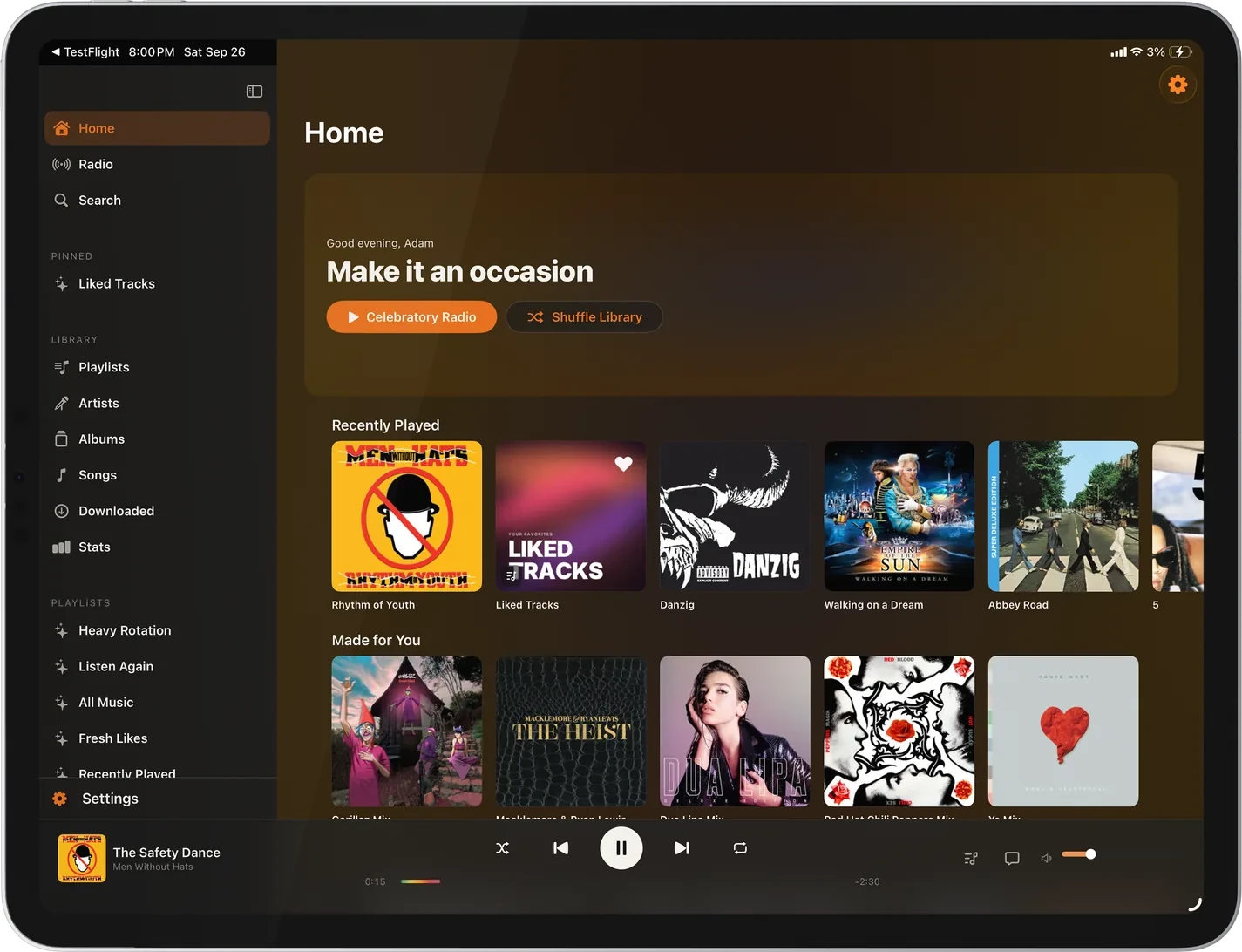
Lagu on iPad in landscape: a sidebar with Home, Radio, and Search, a pinned Liked Tracks, library rows from Playlists to Collections and Stats, and playlists, tinted orange from the album that is playing; Home with a Turn it up greeting, Rowdy Radio and Shuffle Library buttons, and Recently Played and Made for You rows; and a player bar showing See You Again by Tyler, The Creator.
Home, with the sidebar washed in the colors of what is playing.
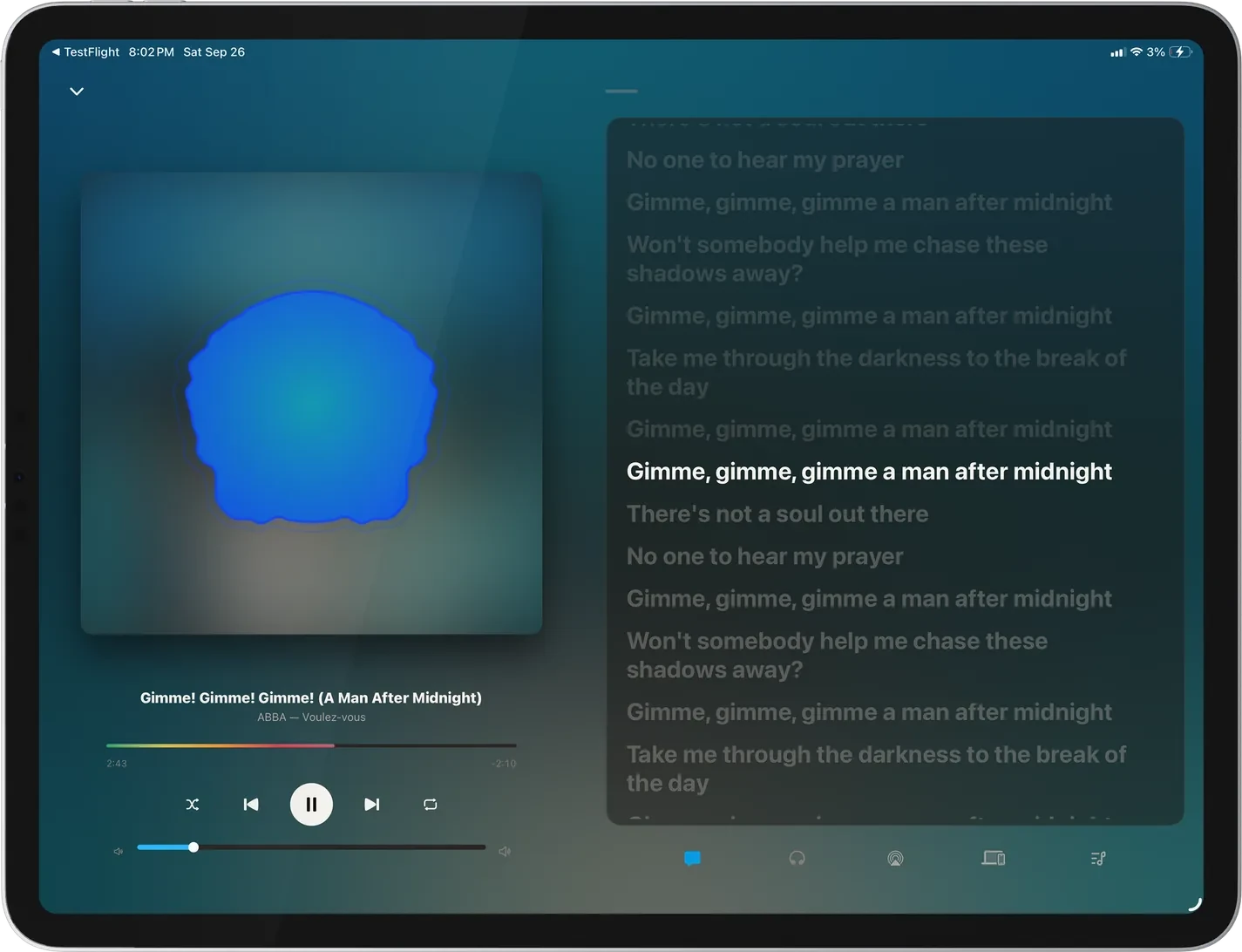
Now Playing on iPad in landscape with the Radial visualizer drawn in place of the ABBA Voulez-Vous cover, and synced lyrics for Gimme! Gimme! Gimme! (A Man After Midnight) in the column beside it.
Radial in place of the cover, with the lyrics beside it.
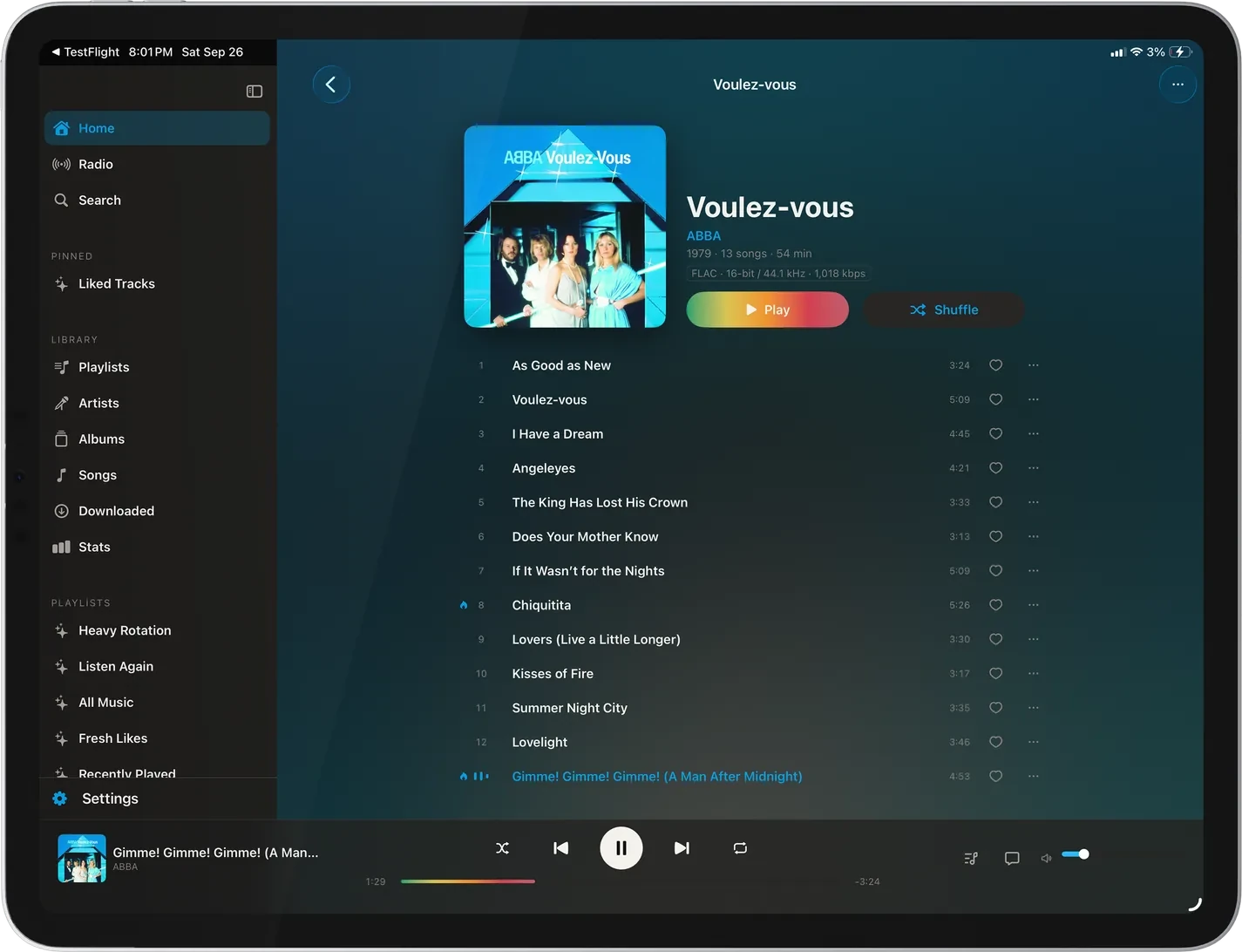
The album page for The Beatles’ Abbey Road on iPad: the cover, 1969 · 40 songs · 2 hr, 13 min, a FLAC 24-bit / 96 kHz label, Play and Shuffle buttons, and the track list from Come Together, with the sidebar and the player bar around it.
An album page, the art beside the details.
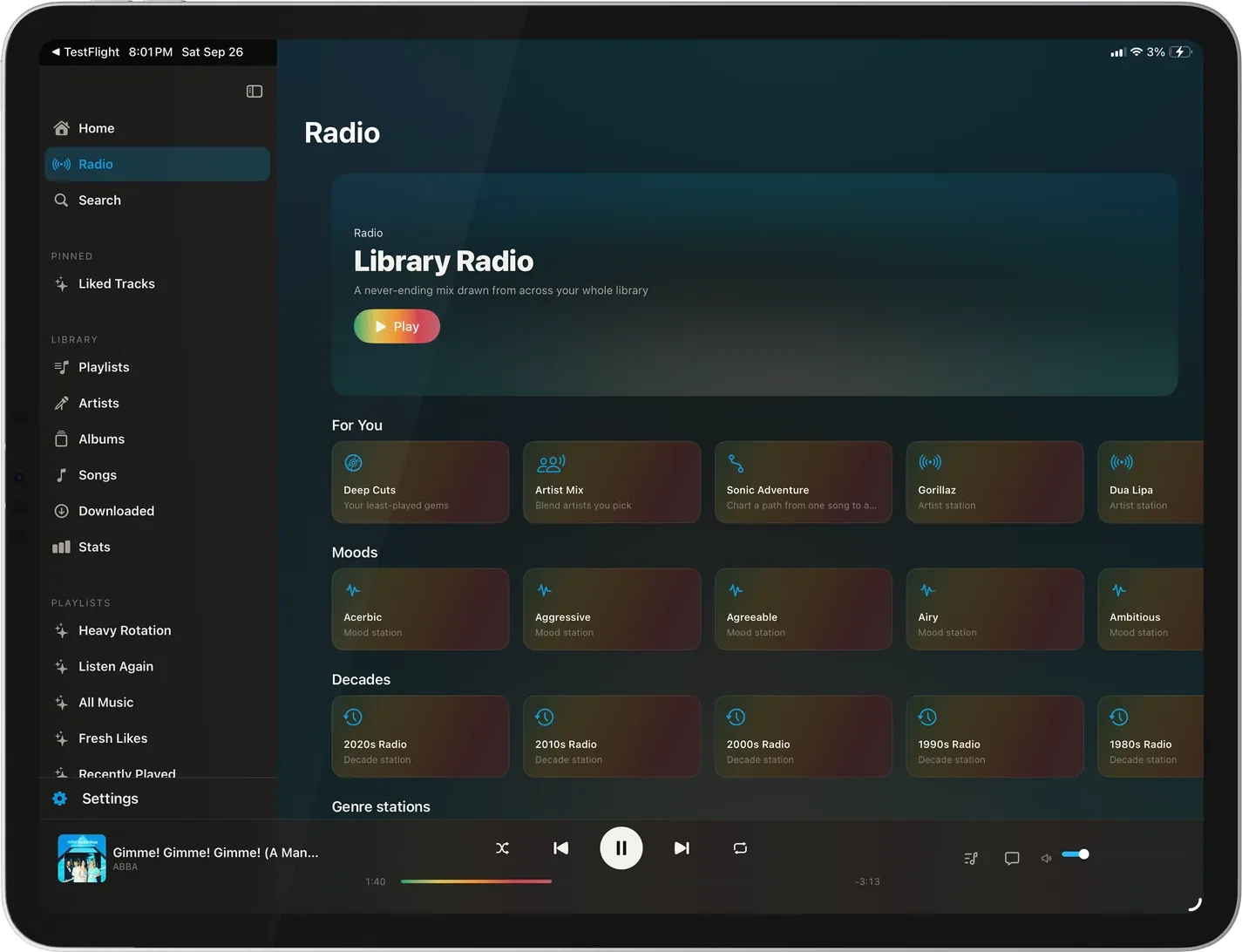
The Radio screen on iPad: Library Radio with a Play button, a Build your own row with Artist Mix and Sonic Adventure, For You stations from Deep Cuts to French Montana, a row of mood stations, and the start of Decades.
Radio: Library Radio, Build your own, stations for you, and moods.
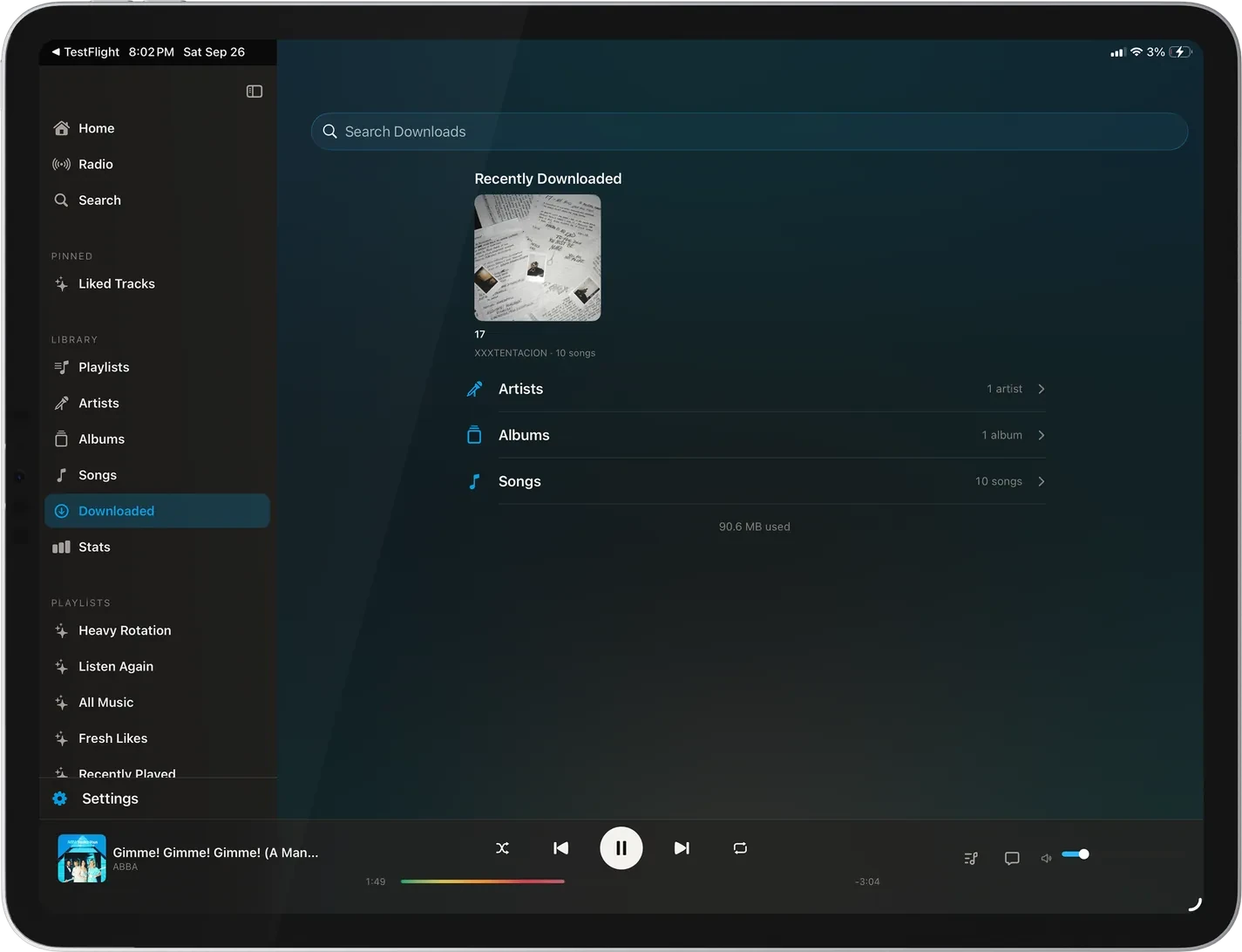
The Downloaded screen on iPad: a search field, Recently Downloaded albums by Two Door Cinema Club and Gorillaz, counted rows for Artists, Albums, and Songs, and 1.28 GB used, with the sidebar and player bar in place.
Downloads: recent, then artists, albums, and songs.
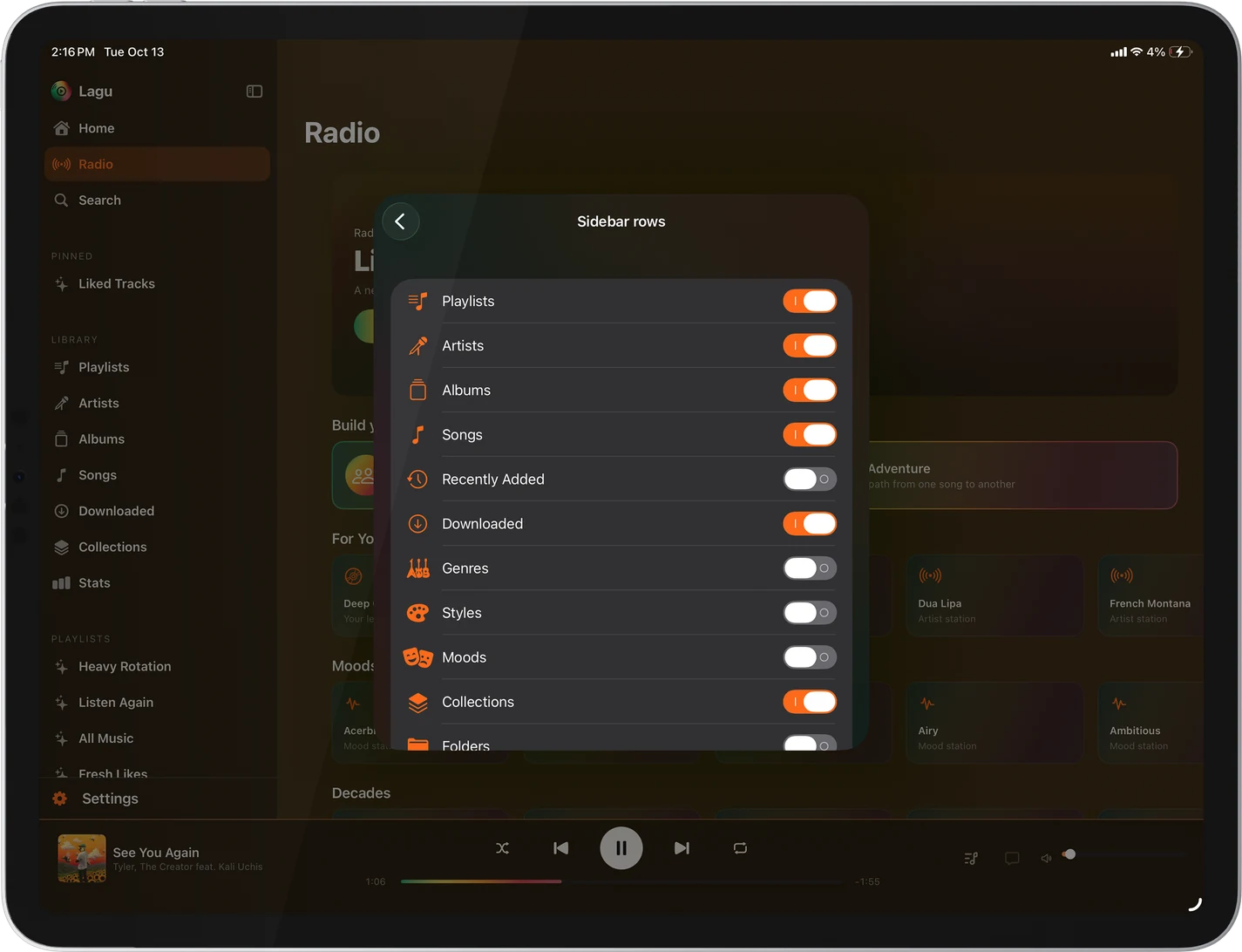
The Sidebar rows sheet on iPad, open over Radio: switches for Playlists, Artists, Albums, Songs, Recently Added, Downloaded, Genres, Styles, Moods, Collections, and Folders, with some on and some off.
Choose which library rows the sidebar shows.
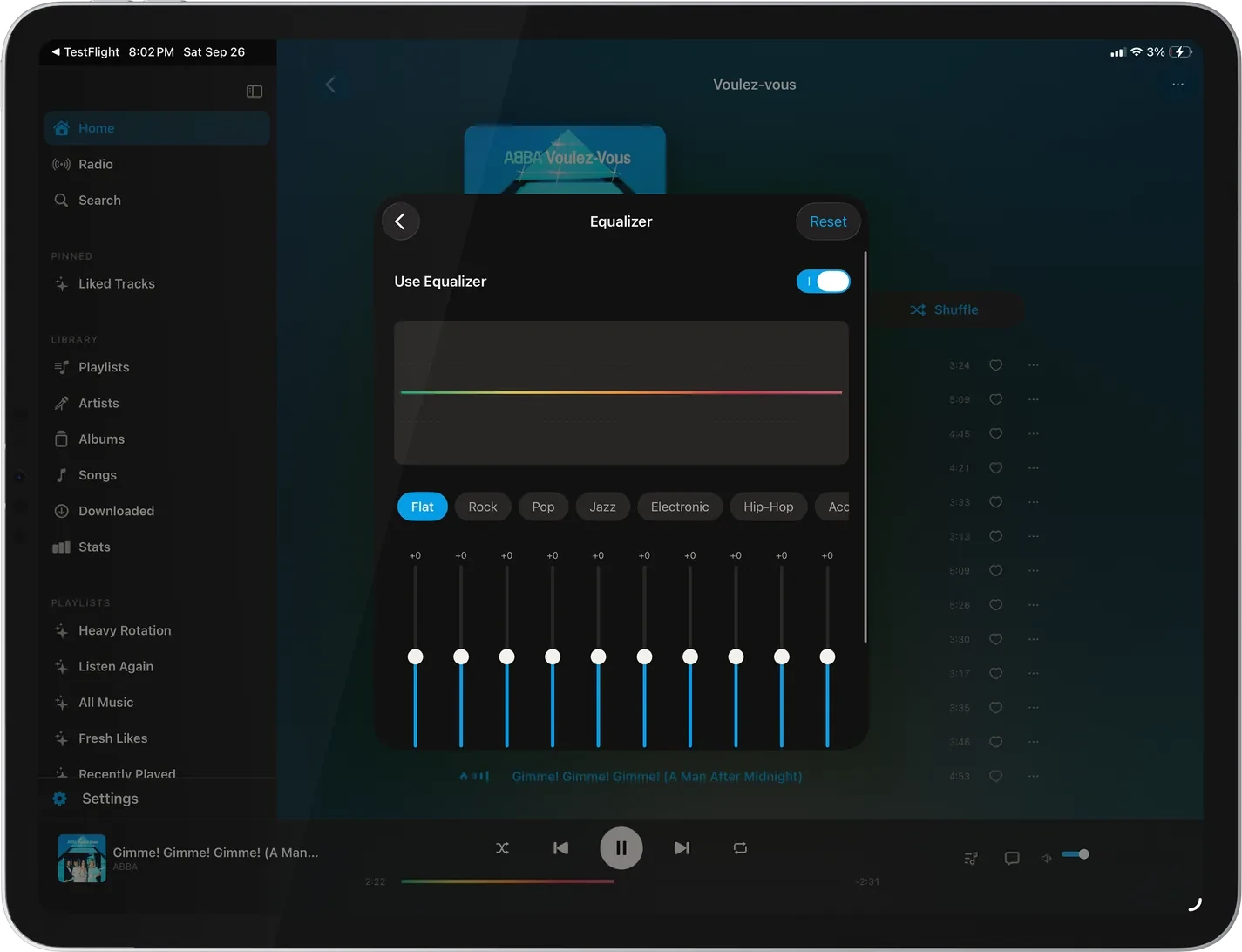
The Equalizer on iPad, open over Radio: a Use Equalizer switch, a Headphone Profile row to correct your headphones’ sound with a measured AutoEq profile, the curve, presets from Flat through Rock, Pop, Jazz, Electronic, and Hip-Hop, and the band sliders.
The ten-band EQ, with AutoEq headphone profiles.
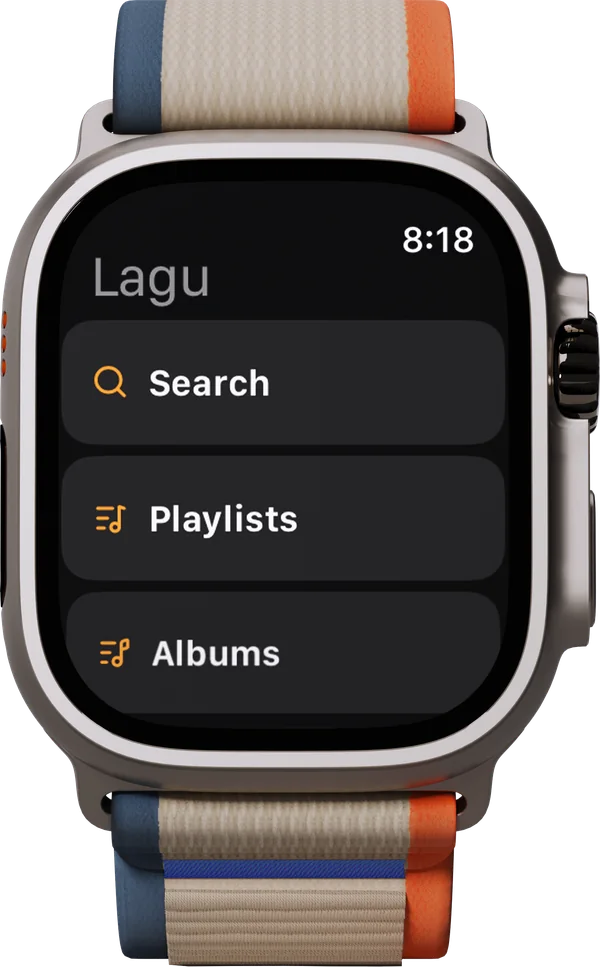
Lagu’s browse menu on Apple Watch: Search, Playlists, and Albums, with the time in the corner.
Browse: search, playlists, and albums on the wrist.
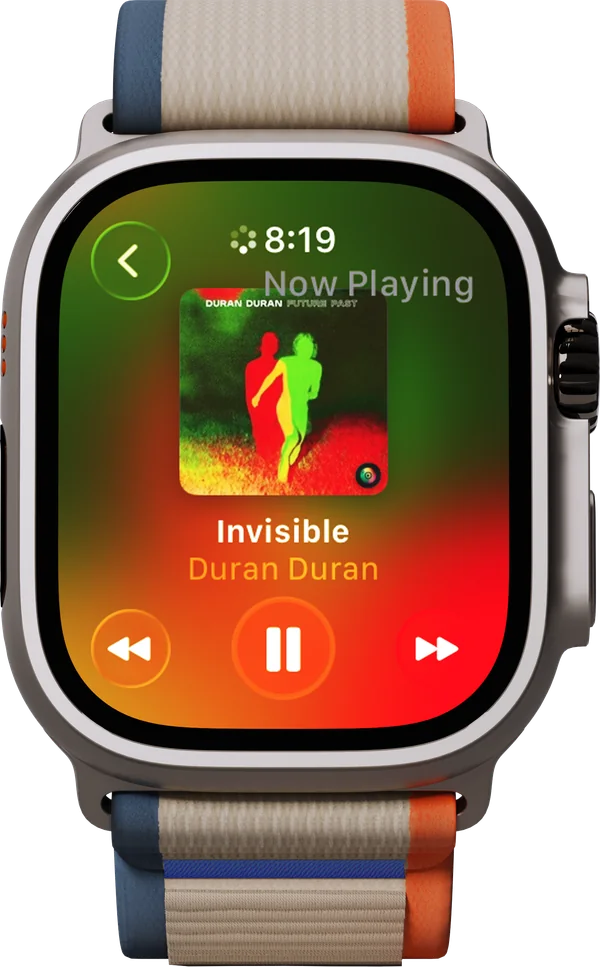
Now Playing on Apple Watch for Invisible by Duran Duran: the Future Past cover, the screen tinted red and green from it, and previous, pause, and next buttons.
Now Playing, tinted from the cover.
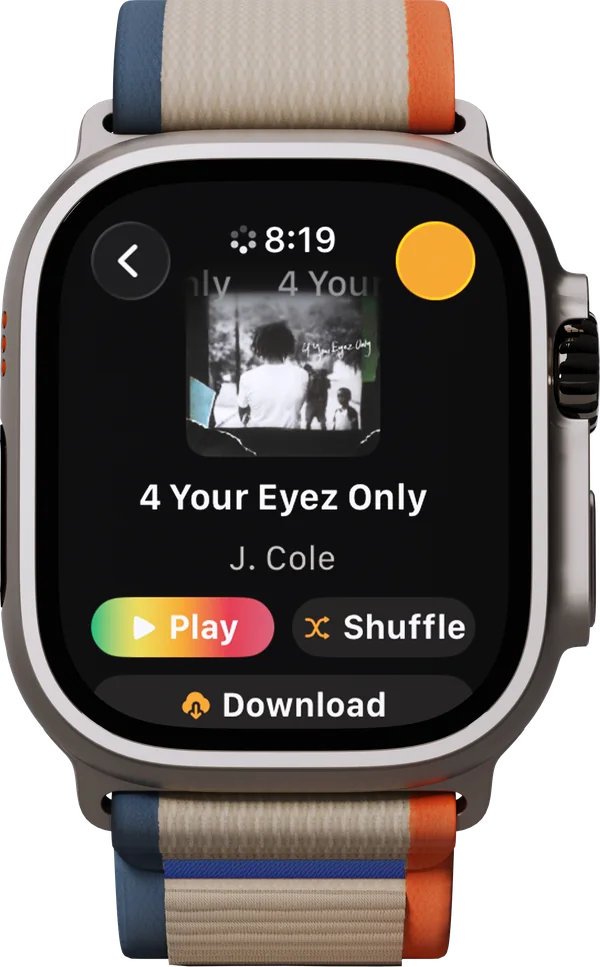
The album 4 Your Eyez Only by J. Cole on Apple Watch, with Play, Shuffle, and Download buttons.
An album, ready to play, shuffle, or download to the watch.
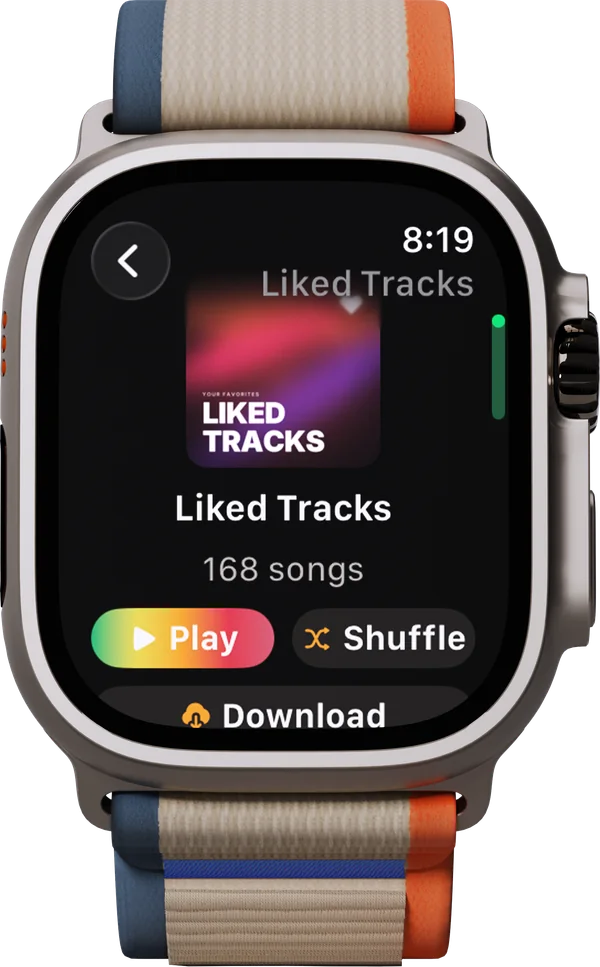
The Liked Tracks playlist on Apple Watch, 168 songs, with Play, Shuffle, and Download buttons.
A playlist, with Play, Shuffle, and Download.
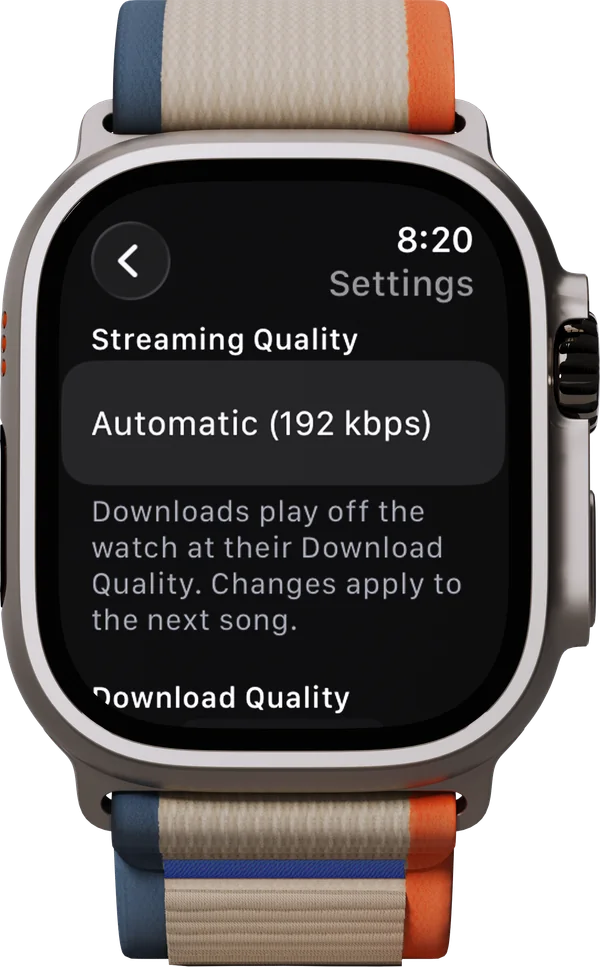
The watch’s own Settings on Apple Watch: Streaming Quality set to Automatic (192 kbps), a note that downloads play at their Download Quality, and the Download Quality setting below it.
Streaming quality, 192 kbps unless you pick another.
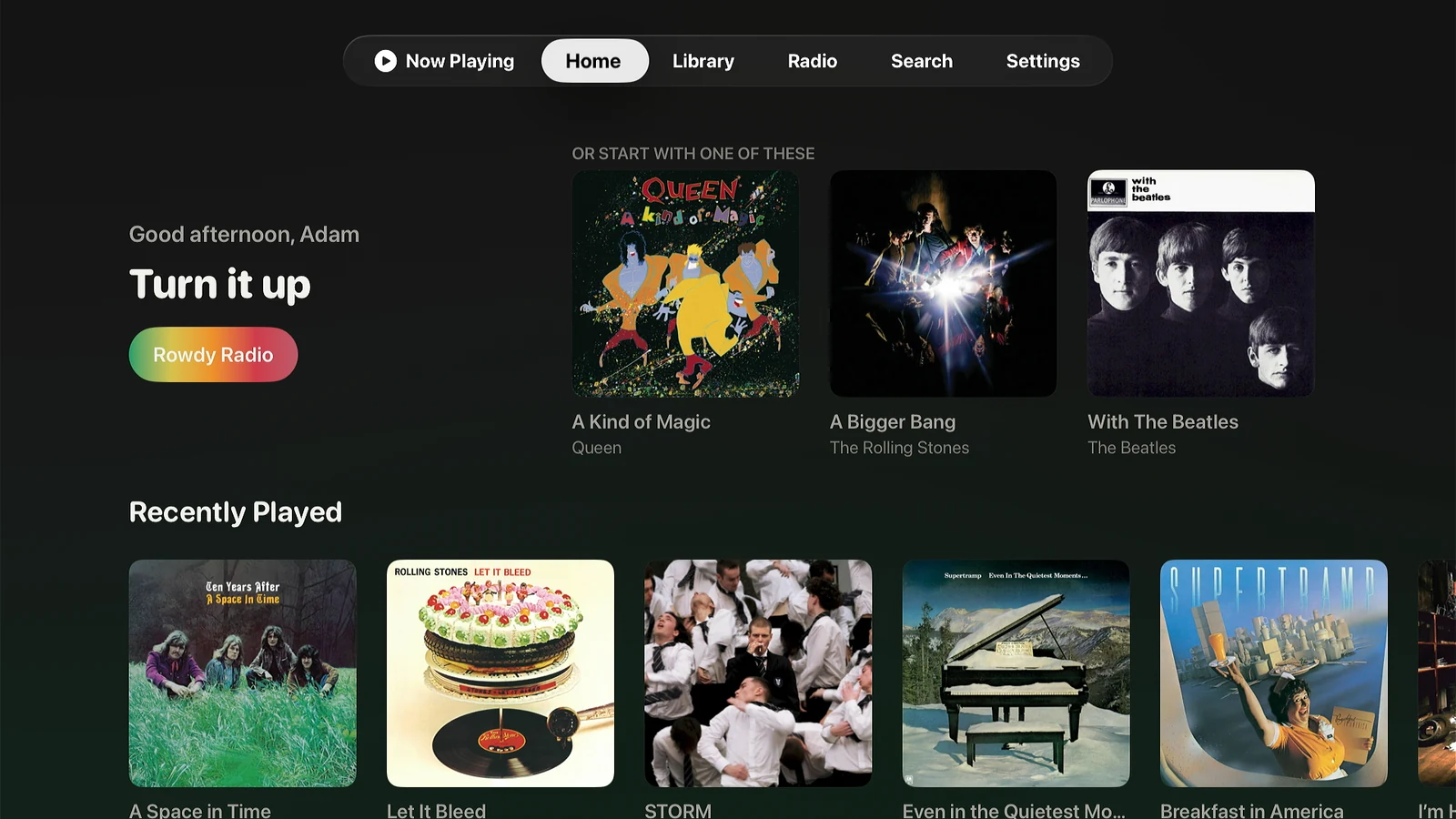
The Home screen on Apple TV: a Good afternoon greeting reading Turn it up with a Rowdy Radio button, an Or start with one of these row of three albums by Queen, The Rolling Stones, and The Beatles, and a Recently Played row below, under a tab bar reading Now Playing, Home, Library, Radio, Search, Settings.
Home: a station for the moment, picks to start with, and Recently Played.
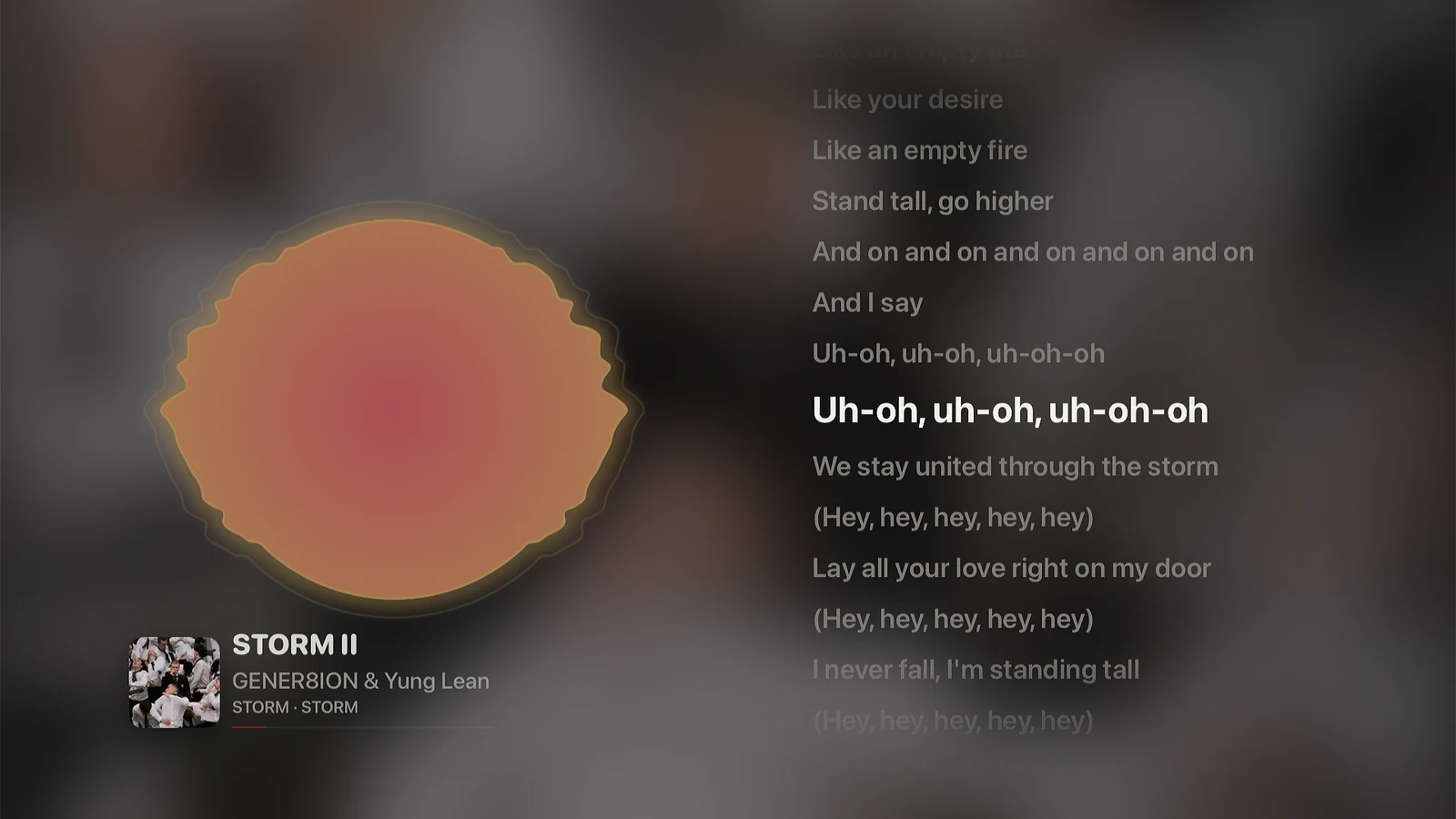
The Radial visualizer fullscreen on Apple TV with synced lyrics beside it: a glowing orange and rose disc on the left over a blurred background taken from the album cover, lyrics for STORM II by GENER8ION & Yung Lean on the right with the current line in white, and the cover, title, artist, album, and a progress line below the disc.
Press Down for synced lyrics beside the visualizer.
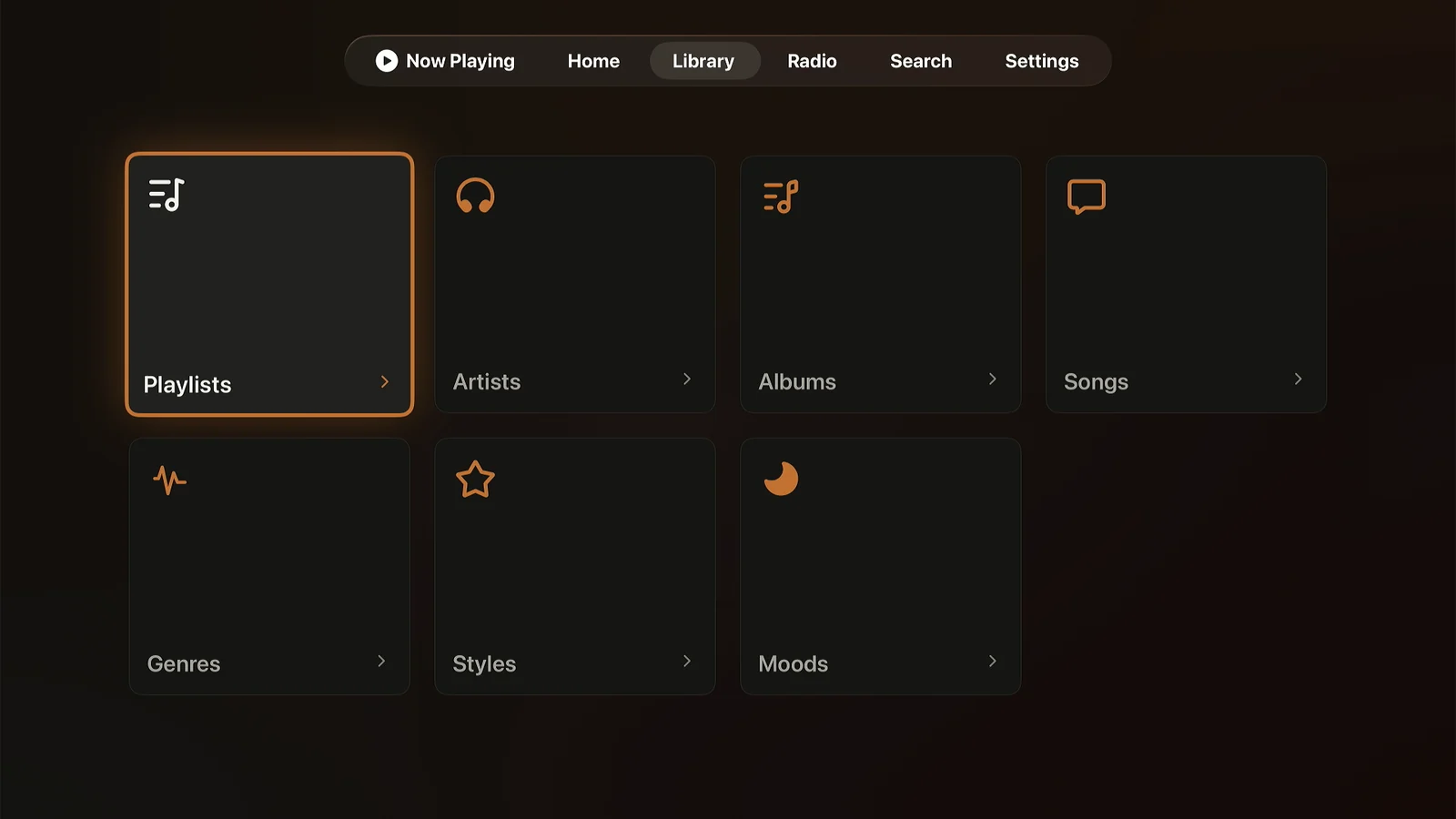
The Library screen on Apple TV: eight tiles in two rows for Playlists, Artists, Albums, Songs, Collections, Genres, Styles, and Moods, under a tab bar reading Now Playing, Home, Library, Radio, Search, Settings.
Library: playlists, artists, albums, songs, collections, genres, styles, and moods.
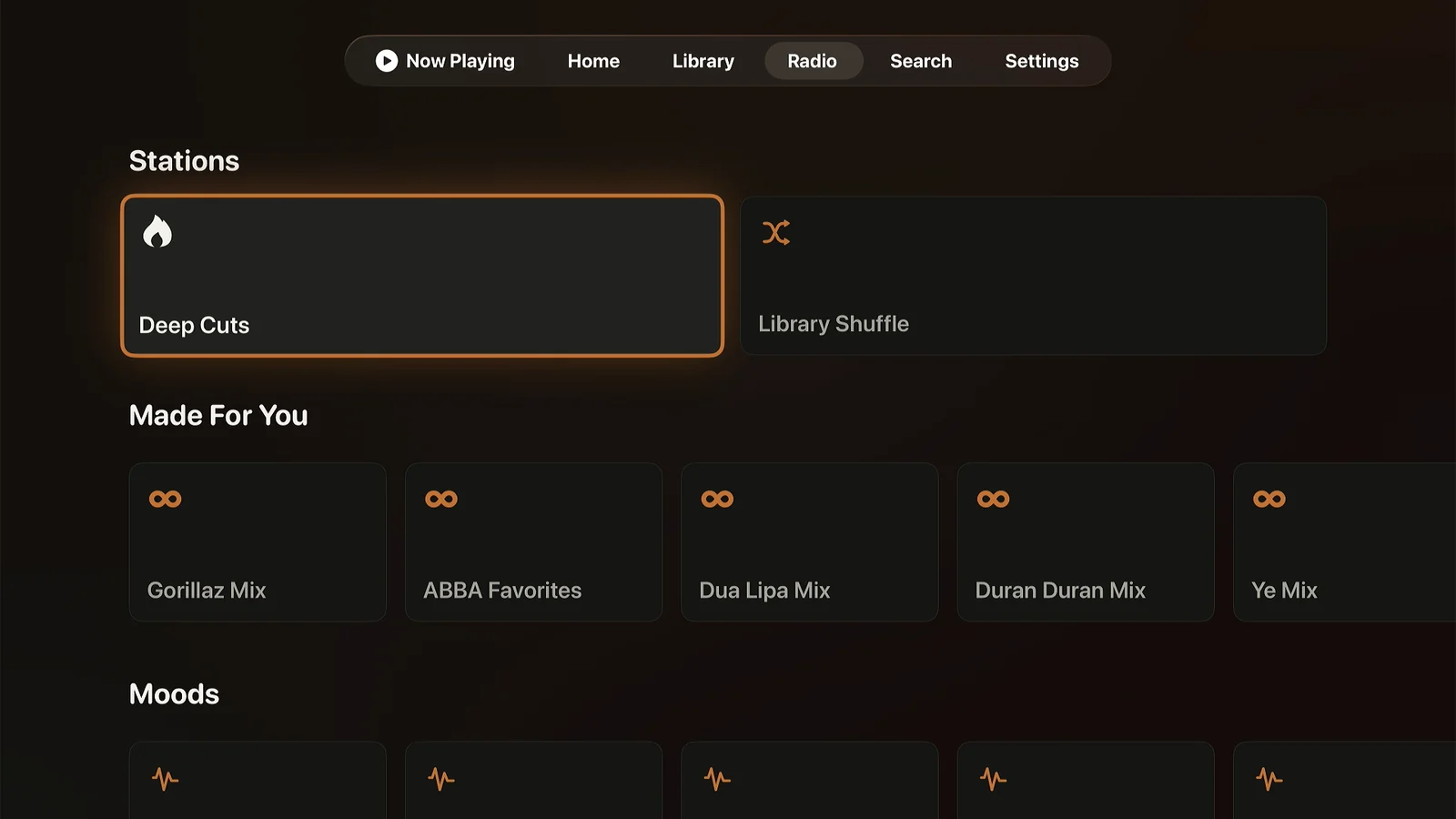
The Radio screen on Apple TV: Stations with Deep Cuts and Library Shuffle, a Build your own row with Artist Mix, Blend artists you pick, and Sonic Adventure, Chart a path from one song to another, and the start of a Moods row.
Radio: Deep Cuts, Library Shuffle, Build your own, and moods.
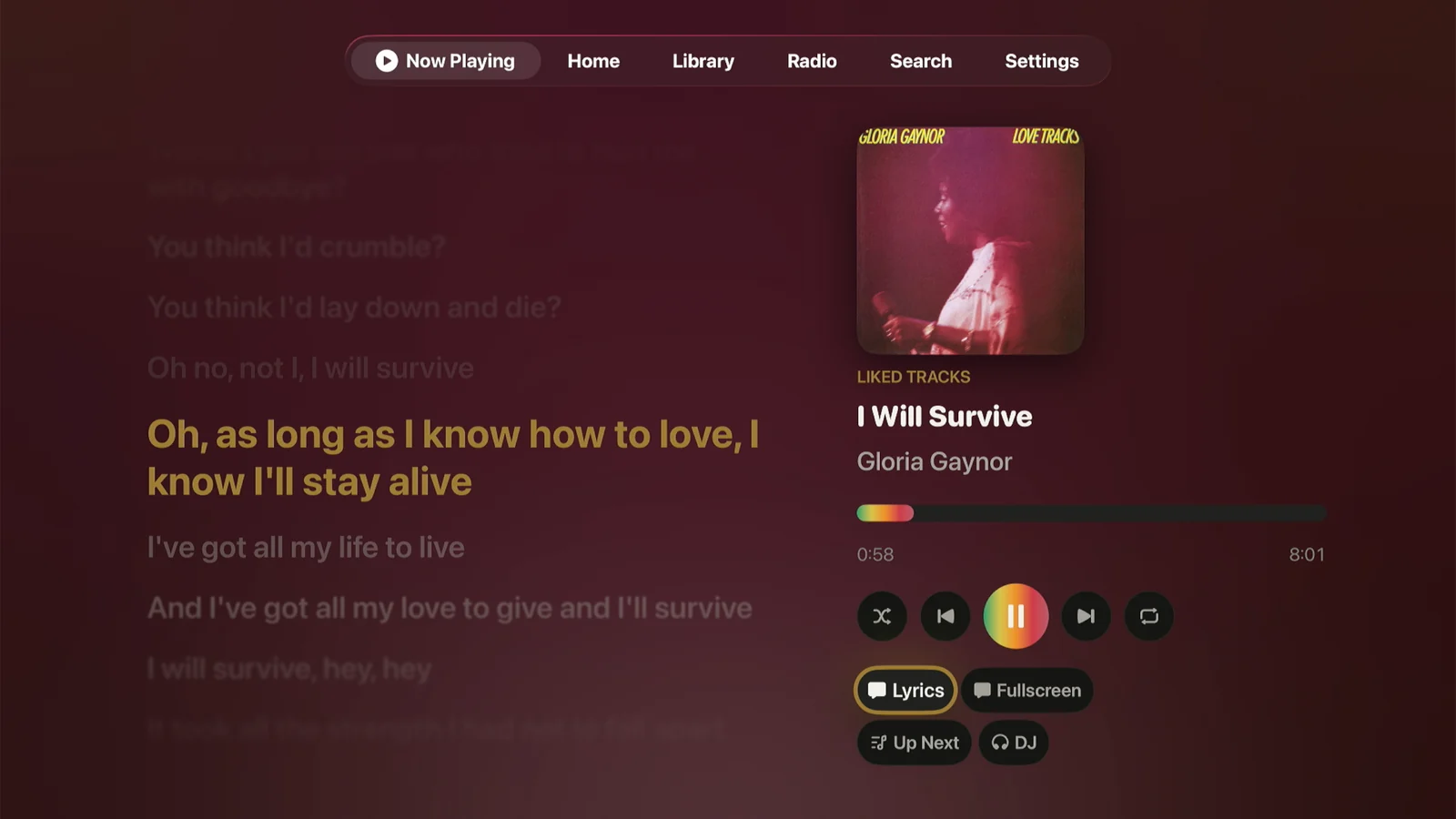
Lagu Now Playing on Apple TV: synced lyrics on the left with the current line highlighted in gold, and on the right the album cover, track title, rainbow seek bar, transport controls, and buttons for Lyrics, Fullscreen, Up Next, and DJ. A tab bar across the top reads Now Playing, Home, Library, Radio, Search, Settings.
Now Playing, with synced lyrics beside the player.
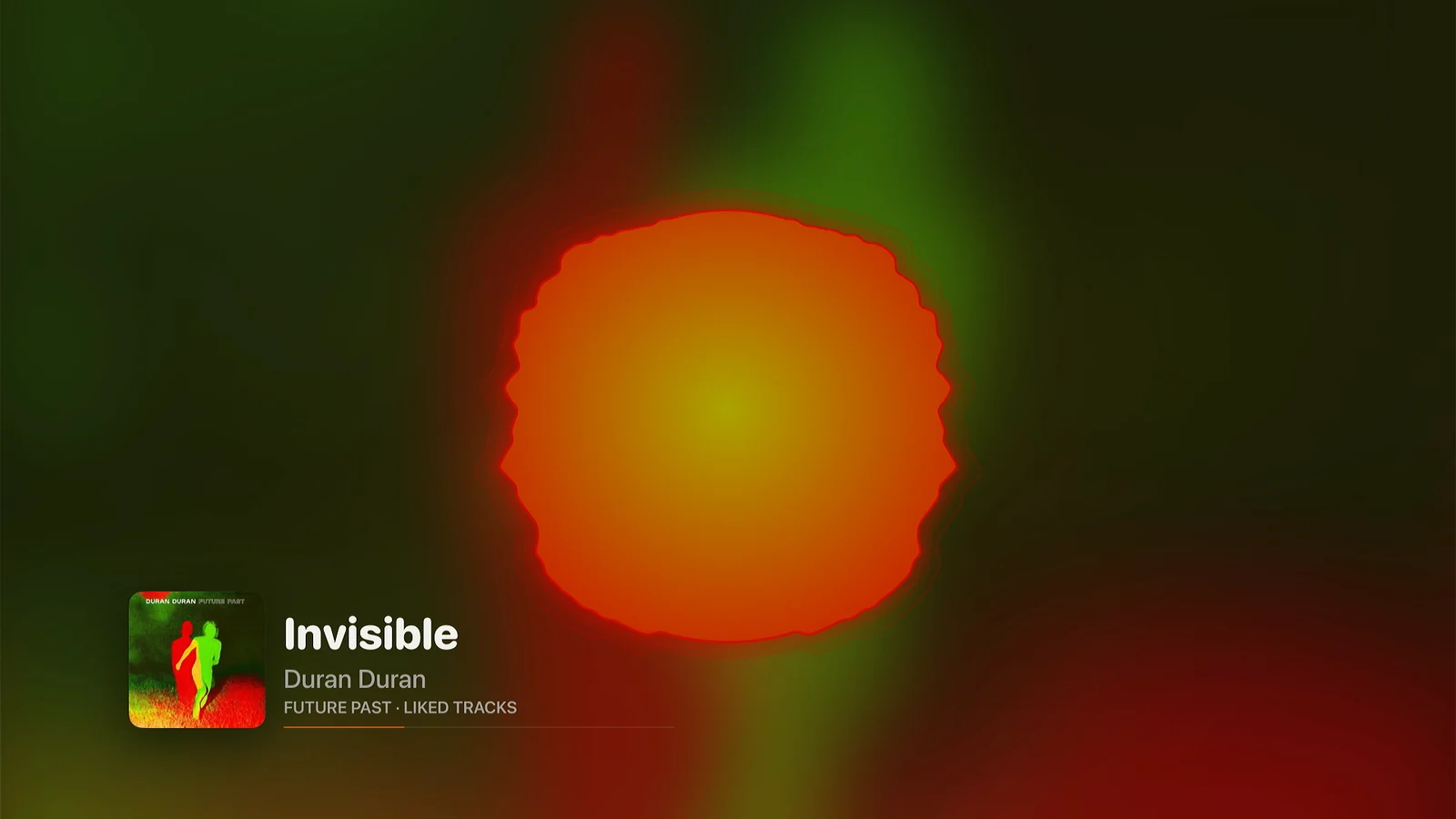
The Radial visualizer fullscreen on Apple TV: a pulsing orange disc over a green and red background taken from the album cover, with the cover, track title, artist, and a thin progress line in the bottom left corner.
The Radial visualizer, fullscreen, in the colors of the album that is playing.
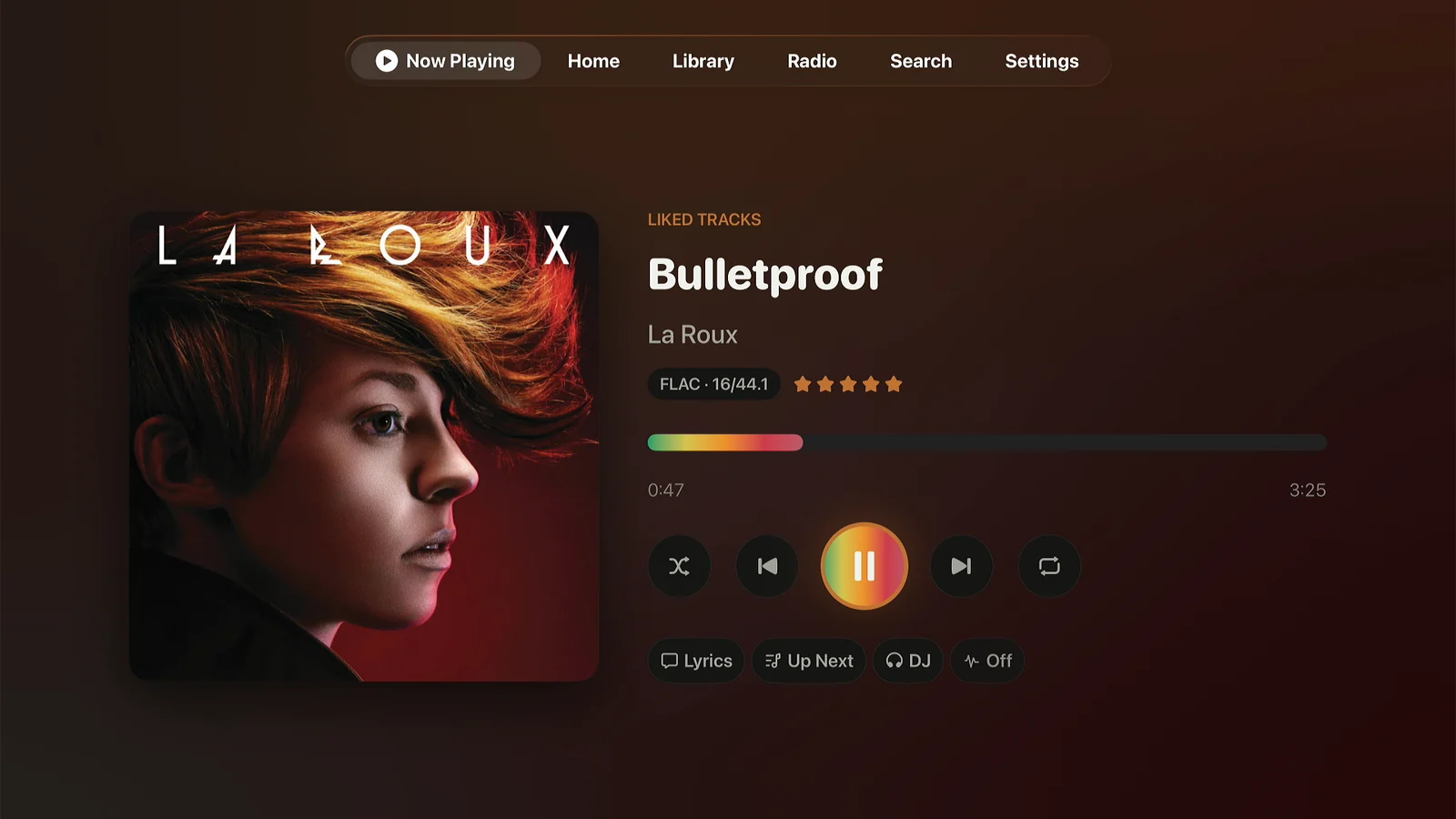
Lagu Now Playing on Apple TV without lyrics: a large album cover on the left, and on the right the track title, artist, a FLAC 16/44.1 label, a five-star rating, the rainbow seek bar, transport controls, and buttons for Lyrics, Up Next, DJ, and the visualizer.
Now Playing, with the format, your rating, and the rainbow seek bar.
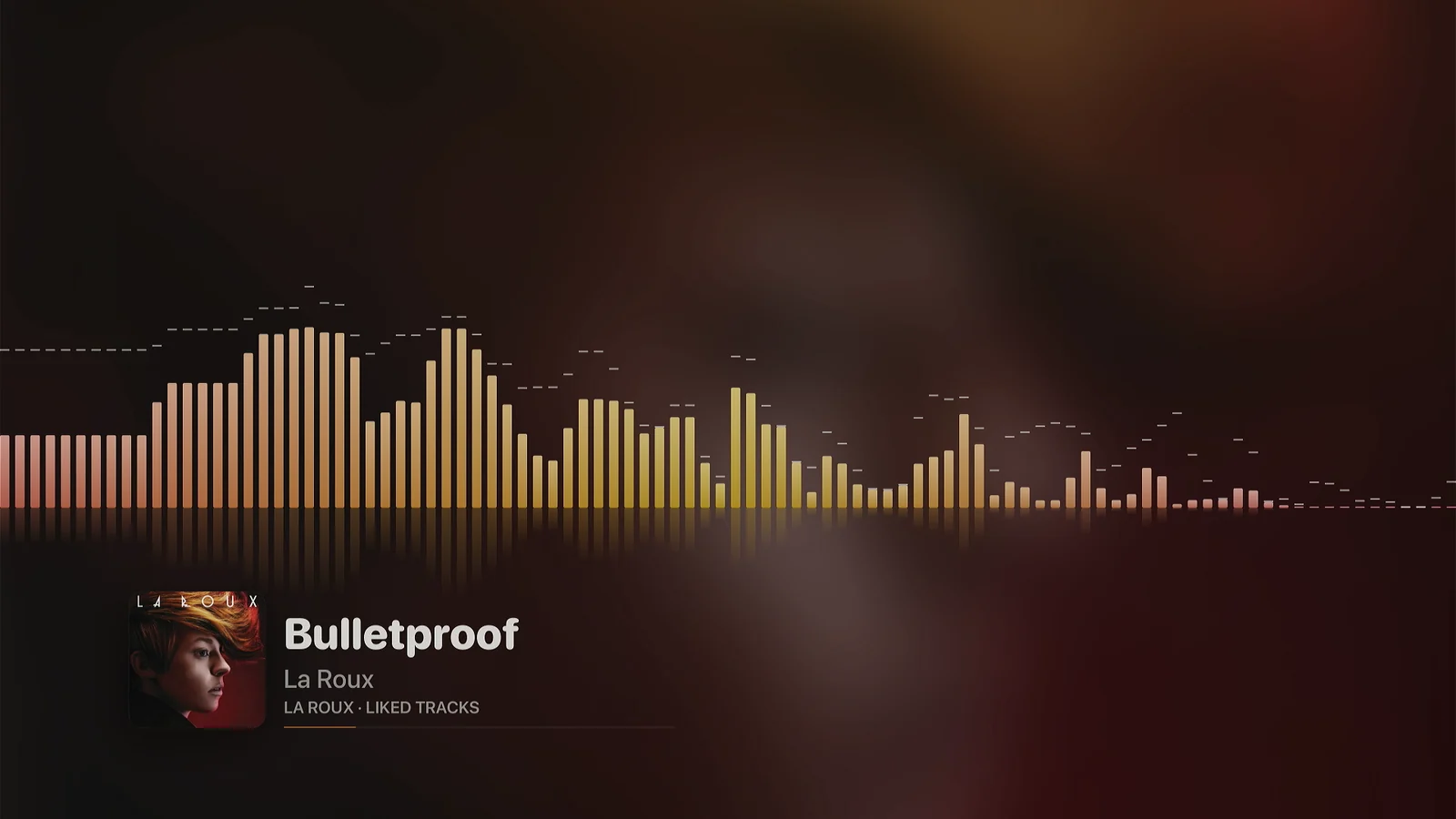
The Spectrum visualizer fullscreen on Apple TV: gold and rose frequency bars with peak markers across the screen, reflected below, over a blurred version of the album cover.
The Spectrum visualizer, one of six that run fullscreen.
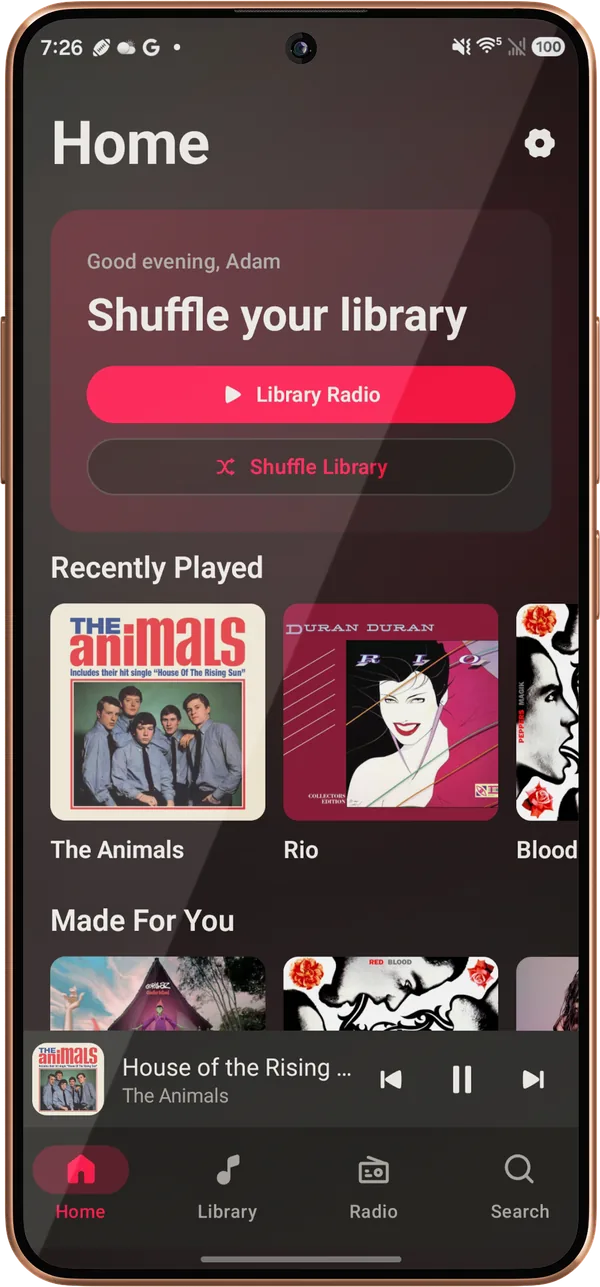
Lagu’s Home screen on an Android phone: a Good evening greeting reading Shuffle your library, Library Radio and Shuffle Library buttons, a Recently Played row, the start of Made For You, and the mini-player and navigation bar.
Home: a station to start on, then Recently Played and Made For You.
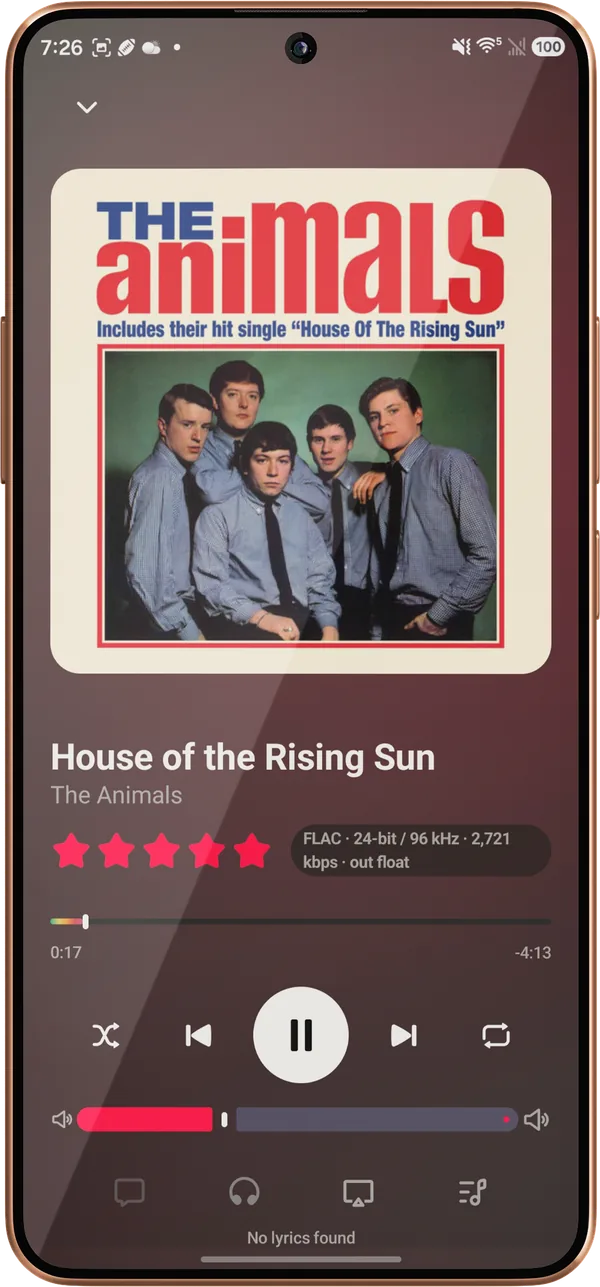
Now Playing on an Android phone for House of the Rising Sun by The Animals: the album cover, a five-star rating, a FLAC 24-bit / 96 kHz label, the rainbow seek bar, transport controls, and a volume slider.
Now Playing, with your rating, the format, and the rainbow seek bar.
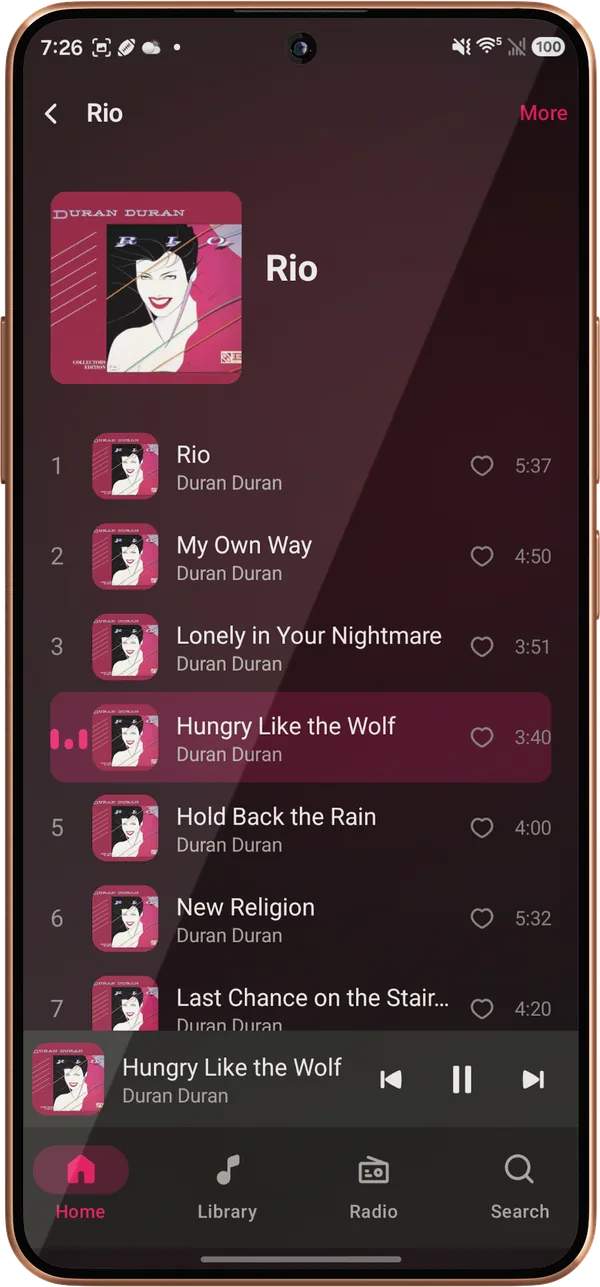
The album page for Duran Duran’s Rio on an Android phone: the cover and the track list, with Hungry Like the Wolf highlighted as the playing track.
An album page, with the playing track highlighted.
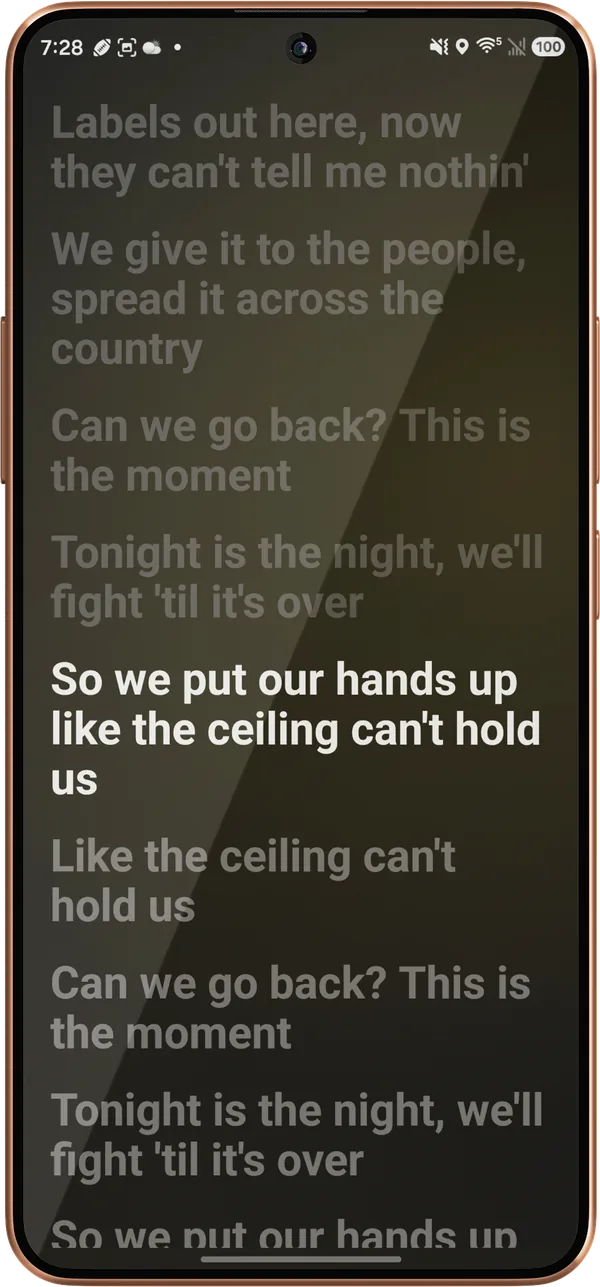
Synced lyrics on an Android phone for Can’t Hold Us by Macklemore & Ryan Lewis, with the current line in white and the lines around it dimmed.
Synced lyrics, tap a line to jump to it.
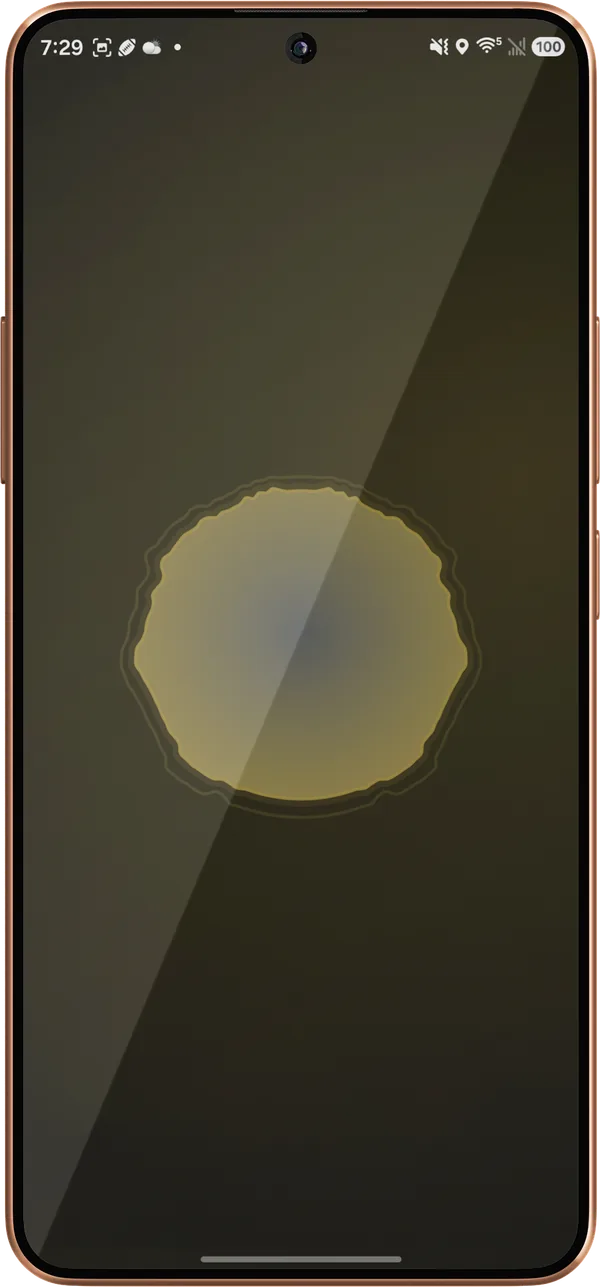
The Radial visualizer fullscreen on an Android phone: a glowing gold and blue disc over a dark background.
The Radial visualizer, fullscreen.
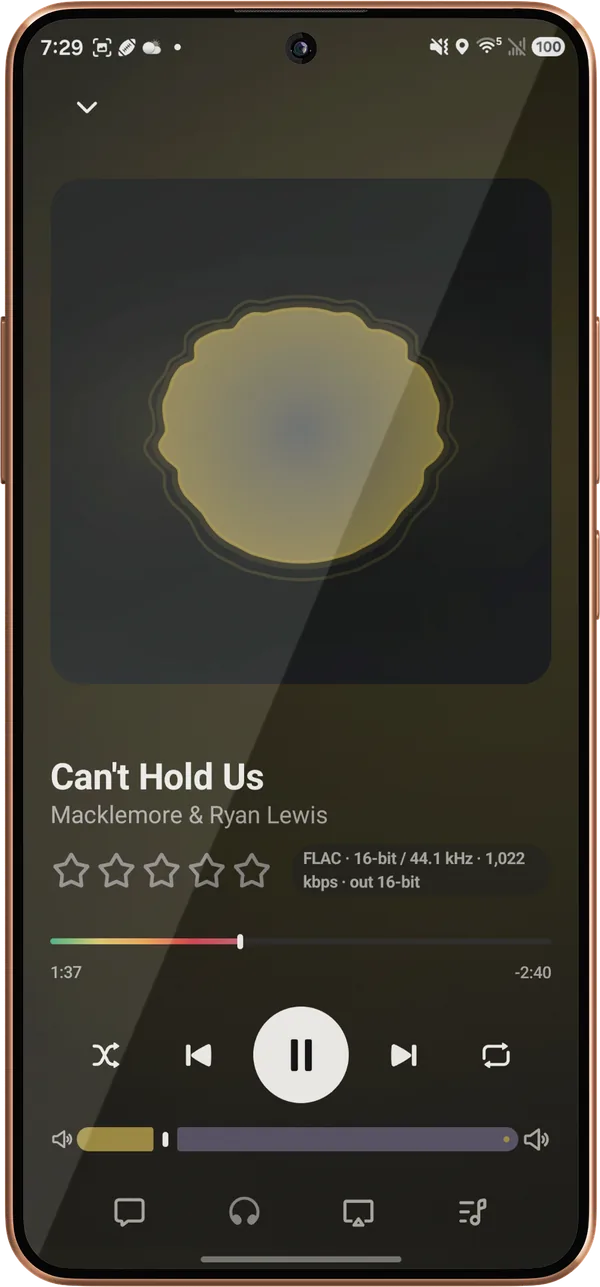
Now Playing on an Android phone with the Radial visualizer drawn in place of the cover art, for Can’t Hold Us by Macklemore & Ryan Lewis, with a FLAC 16-bit / 44.1 kHz label.
Or in place of the cover, on Now Playing.
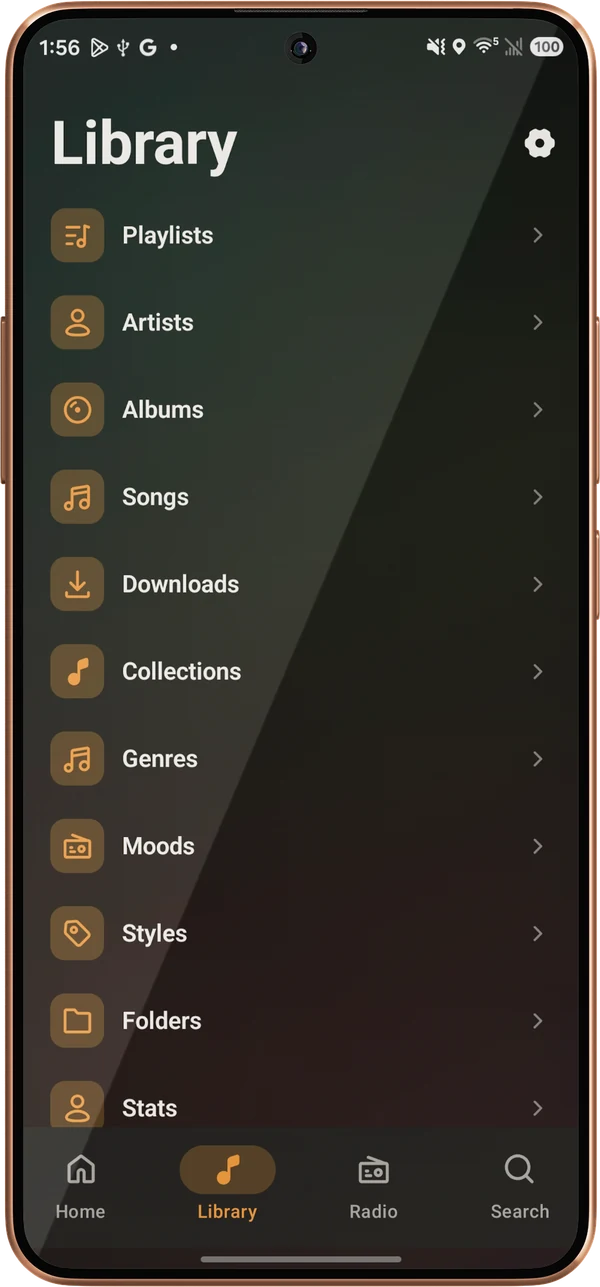
The Library tab on an Android phone: Playlists, Artists, Albums, Songs, Downloads, Collections, Genres, Moods, Styles, Folders, and Stats, with a settings button in the corner and the navigation bar along the bottom.
Library, with Collections, Folders, and Stats.
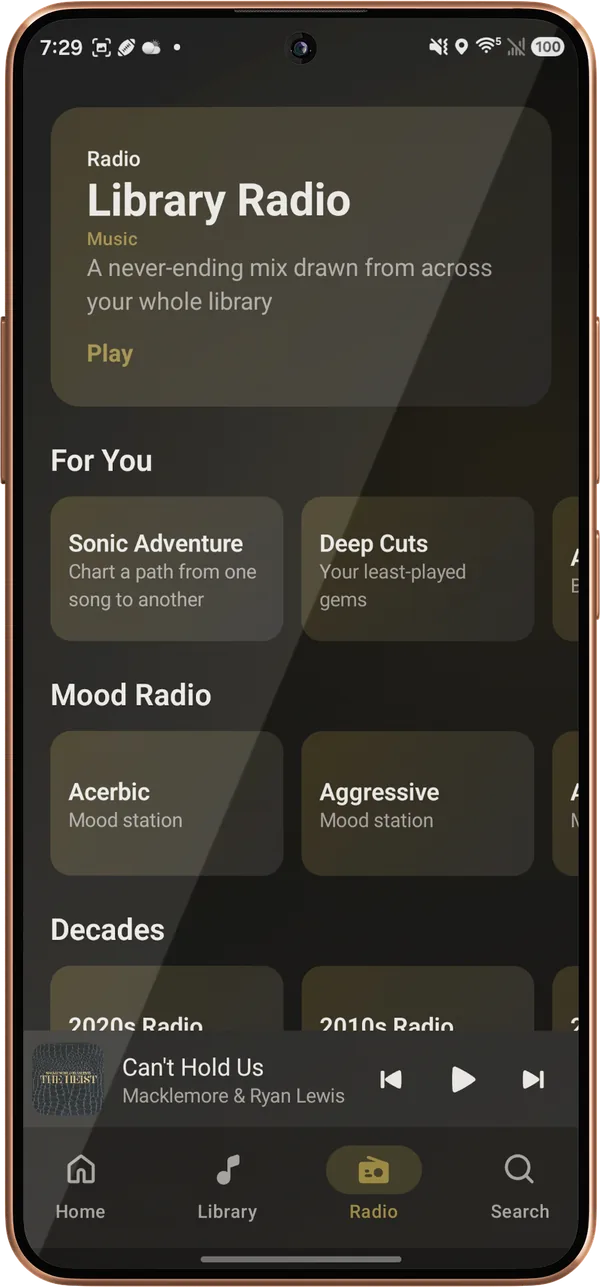
The Radio screen on an Android phone: Library Radio, Sonic Adventure and Deep Cuts under For You, Mood Radio stations, and the start of Decades.
Radio: Library Radio, Sonic Adventure, Deep Cuts, and moods.
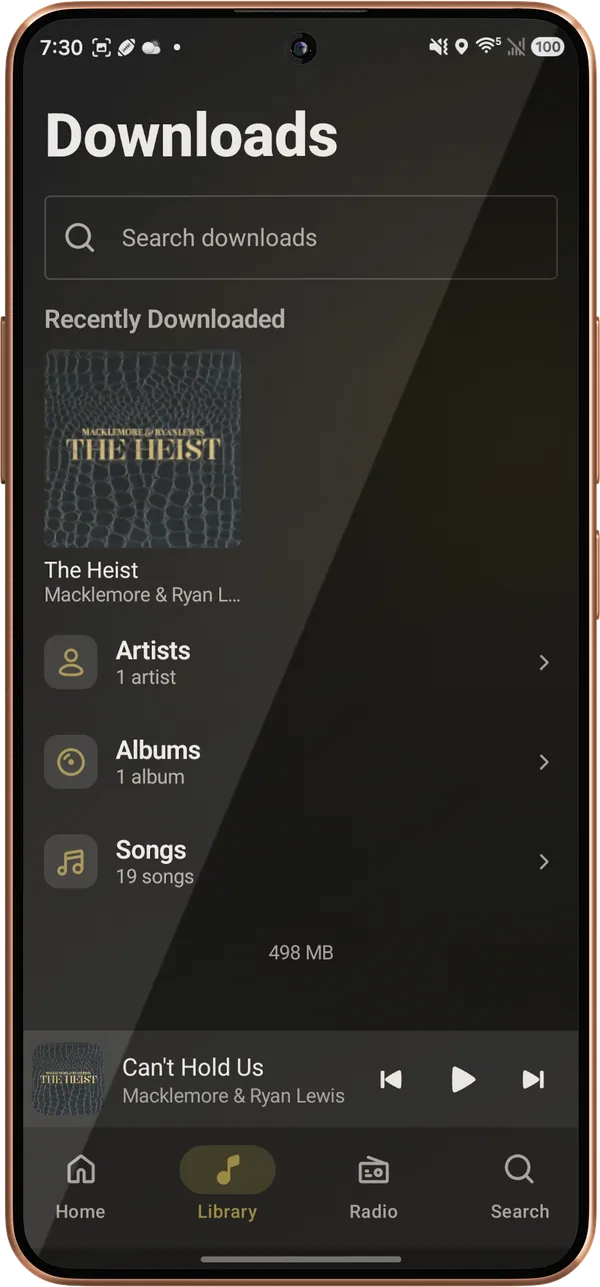
The Downloads screen on an Android phone: a search field, a Recently Downloaded row with The Heist, and counted rows for Artists, Albums, and Songs.
Downloads: recent, then artists, albums, and songs.
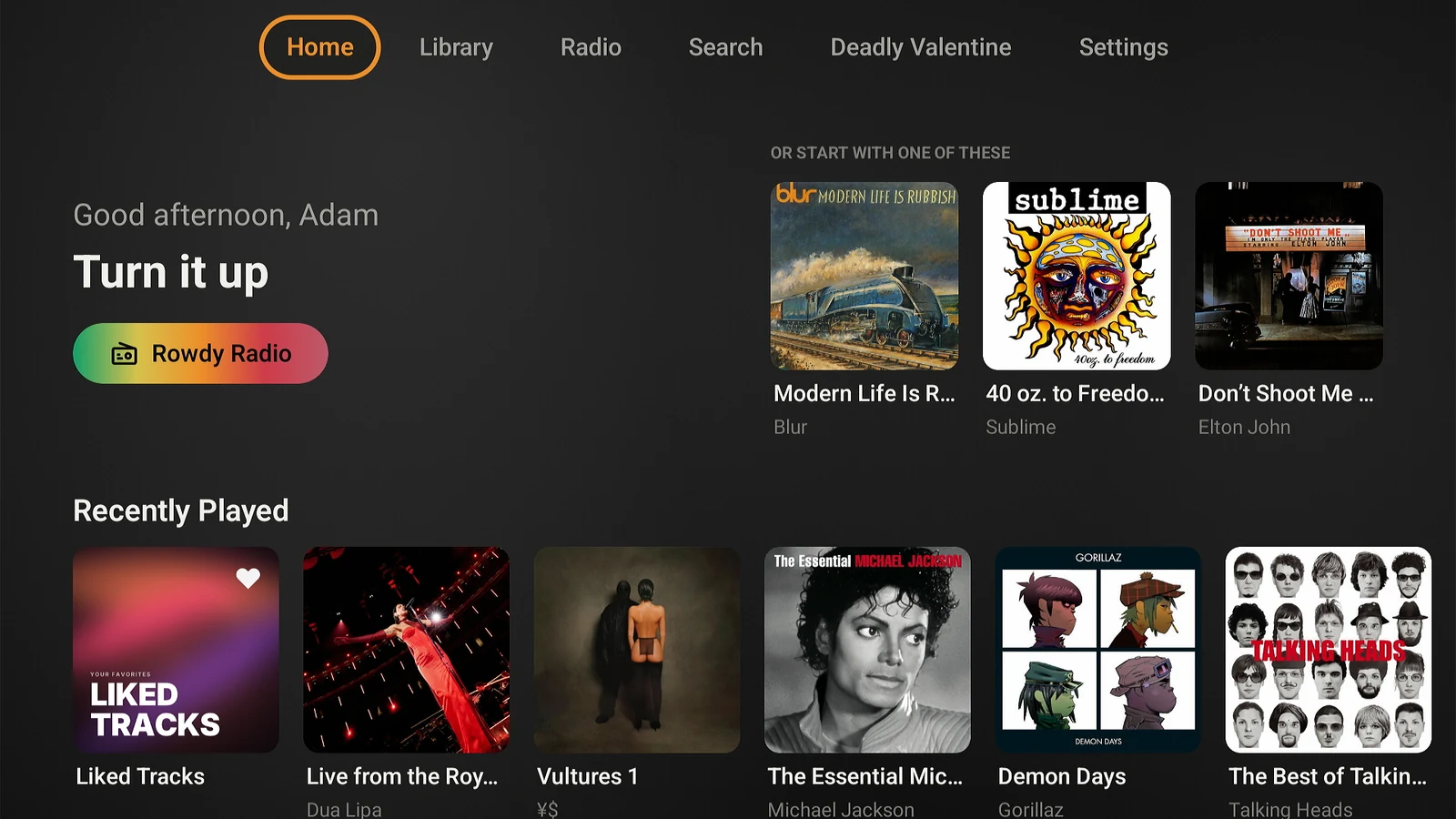
The Home screen on Android TV: a Good afternoon greeting reading Turn it up with a Rowdy Radio button, an Or start with one of these row of three albums by Blur, Sublime, and Elton John, and a Recently Played row below, under a top bar reading Home, Library, Radio, Search, the current track, and Settings.
Home: a station for the moment, picks to start with, and Recently Played.
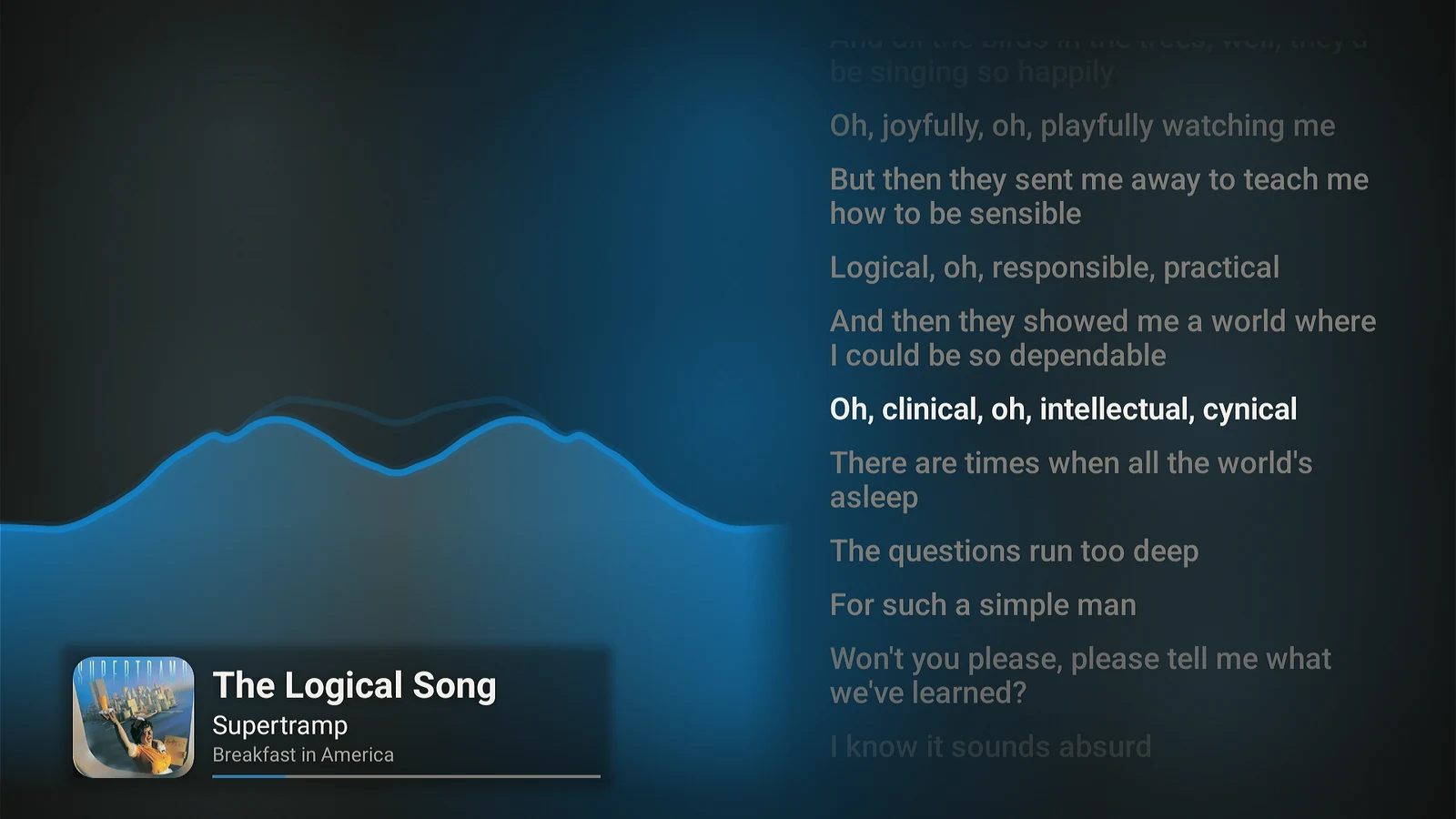
The Tide visualizer fullscreen on Android TV with synced lyrics beside it: a blue wave rising along the bottom left over a dark blue background, lyrics for The Logical Song by Supertramp on the right with the current line in white, and the cover, title, artist, album, and a progress line in the bottom left corner.
Press Down for synced lyrics beside the visualizer.
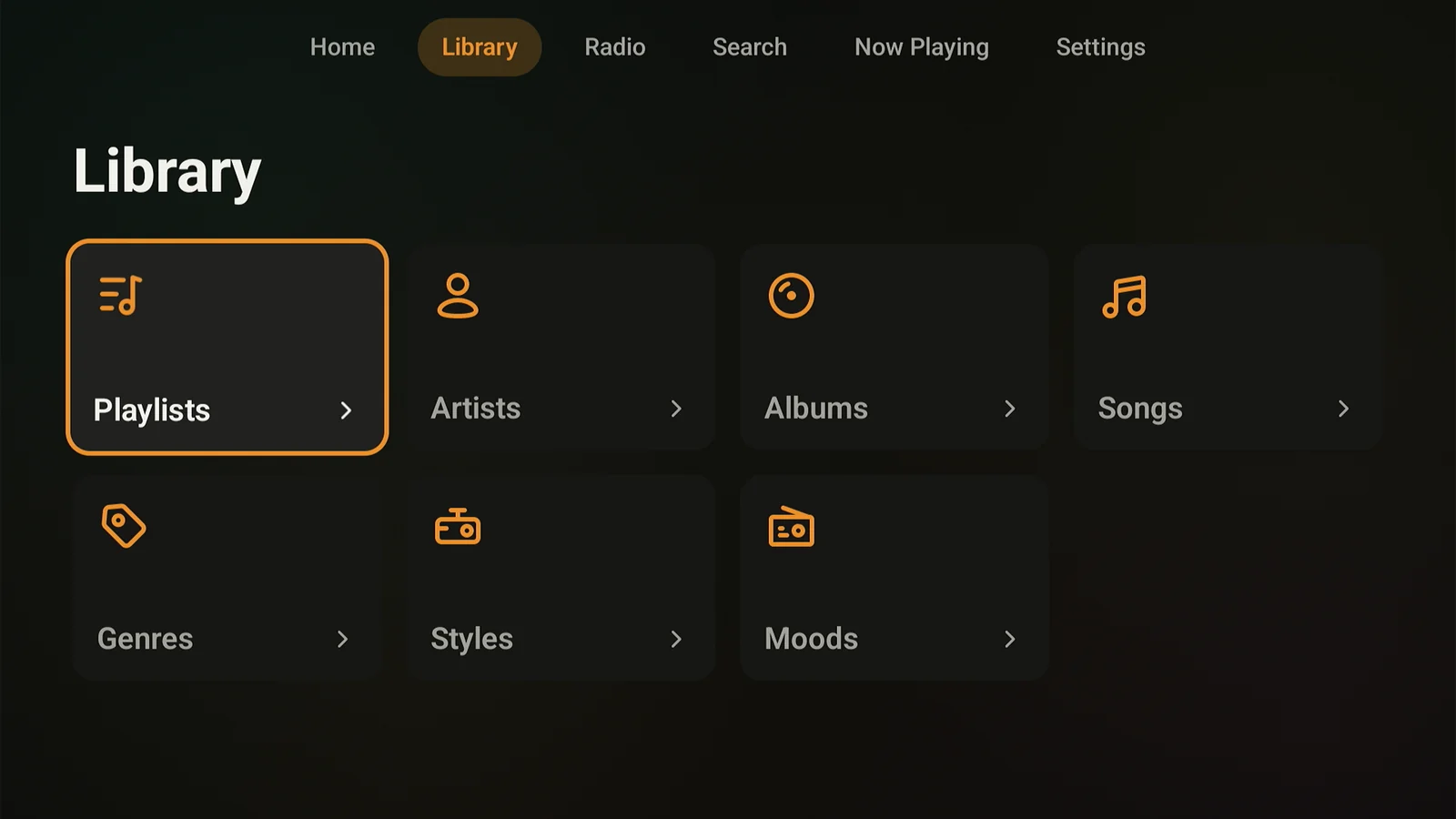
The Library screen on Android TV: eight tiles in two rows for Playlists, Artists, Albums, Songs, Collections, Genres, Styles, and Moods, with Library focused in the top bar.
Library: playlists, artists, albums, songs, collections, genres, styles, and moods.
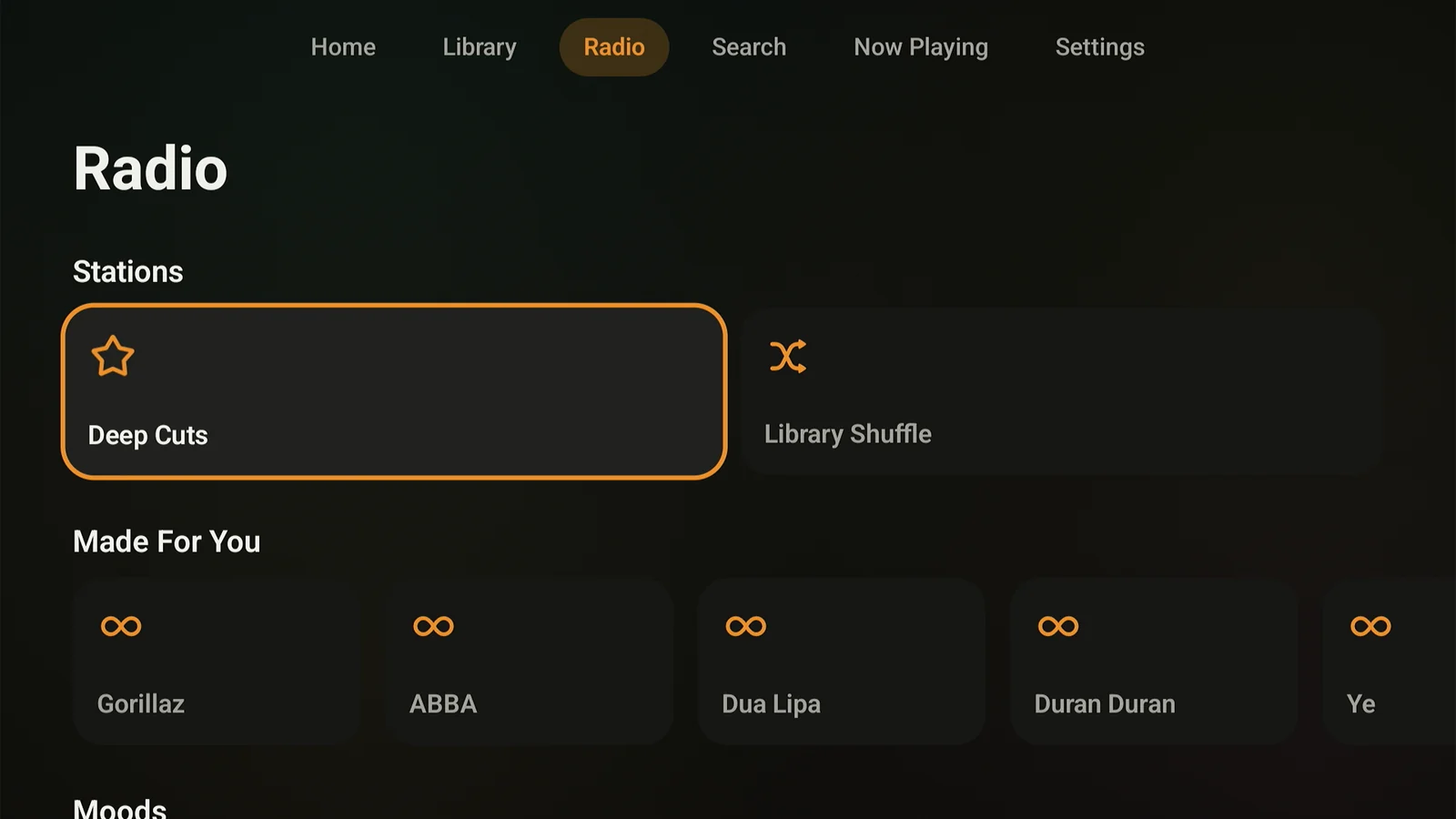
The Radio screen on Android TV: Stations with Deep Cuts and Library Shuffle, a Made For You row of artist mixes for Gorillaz, Tame Impala, The Beatles, Ten Years After, and Dua Lipa, and the start of a Moods row.
Radio: Deep Cuts, Library Shuffle, Made For You mixes, and moods.
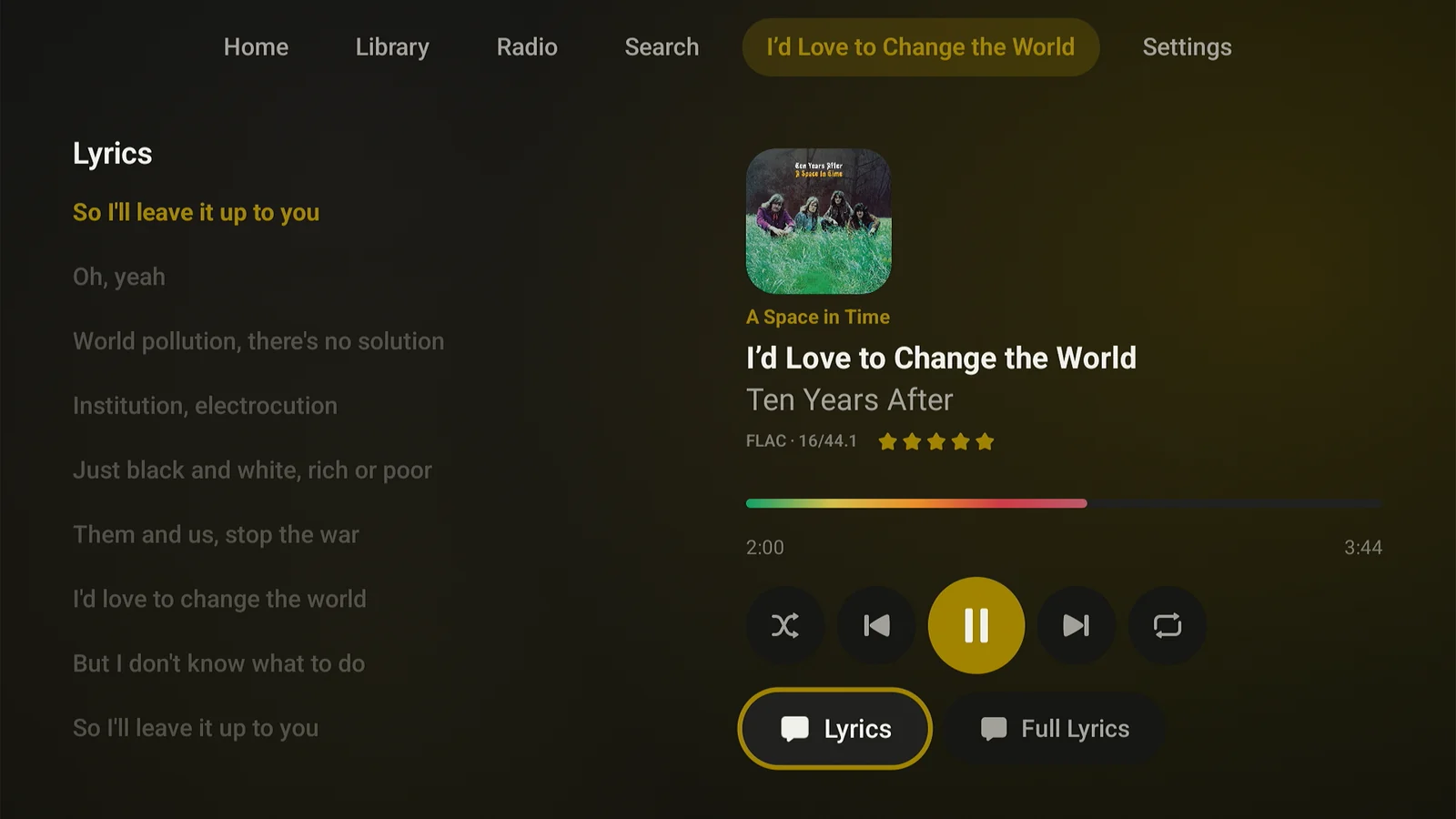
Lagu Now Playing on Android TV with lyrics: synced lyrics on the left with the current line highlighted, and on the right the album cover, track title, a FLAC 16/44.1 quality label, a five-star rating, the rainbow seek bar, transport controls, and Lyrics and Full Lyrics buttons. The top bar reads Home, Library, Radio, Search, the current track, and Settings.
Synced lyrics beside the player, with the current line highlighted.
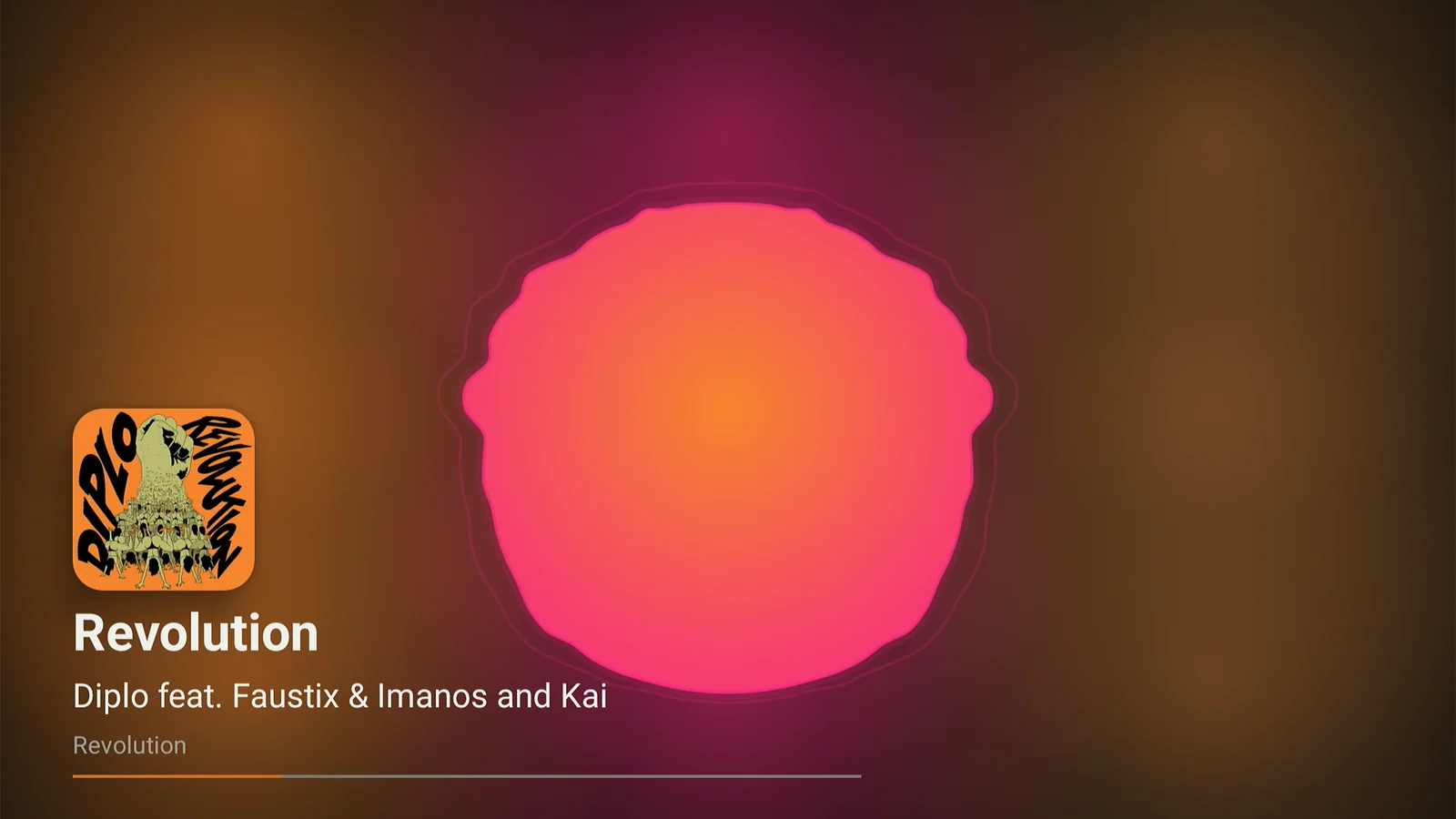
Lagu on Android TV with the Radial visualizer fullscreen: a pulsing pink and orange disc over a warm background taken from the album cover, with the cover, track title, artist, album, and a progress line in the bottom left.
The Radial visualizer, fullscreen, in the colors of the album that is playing.
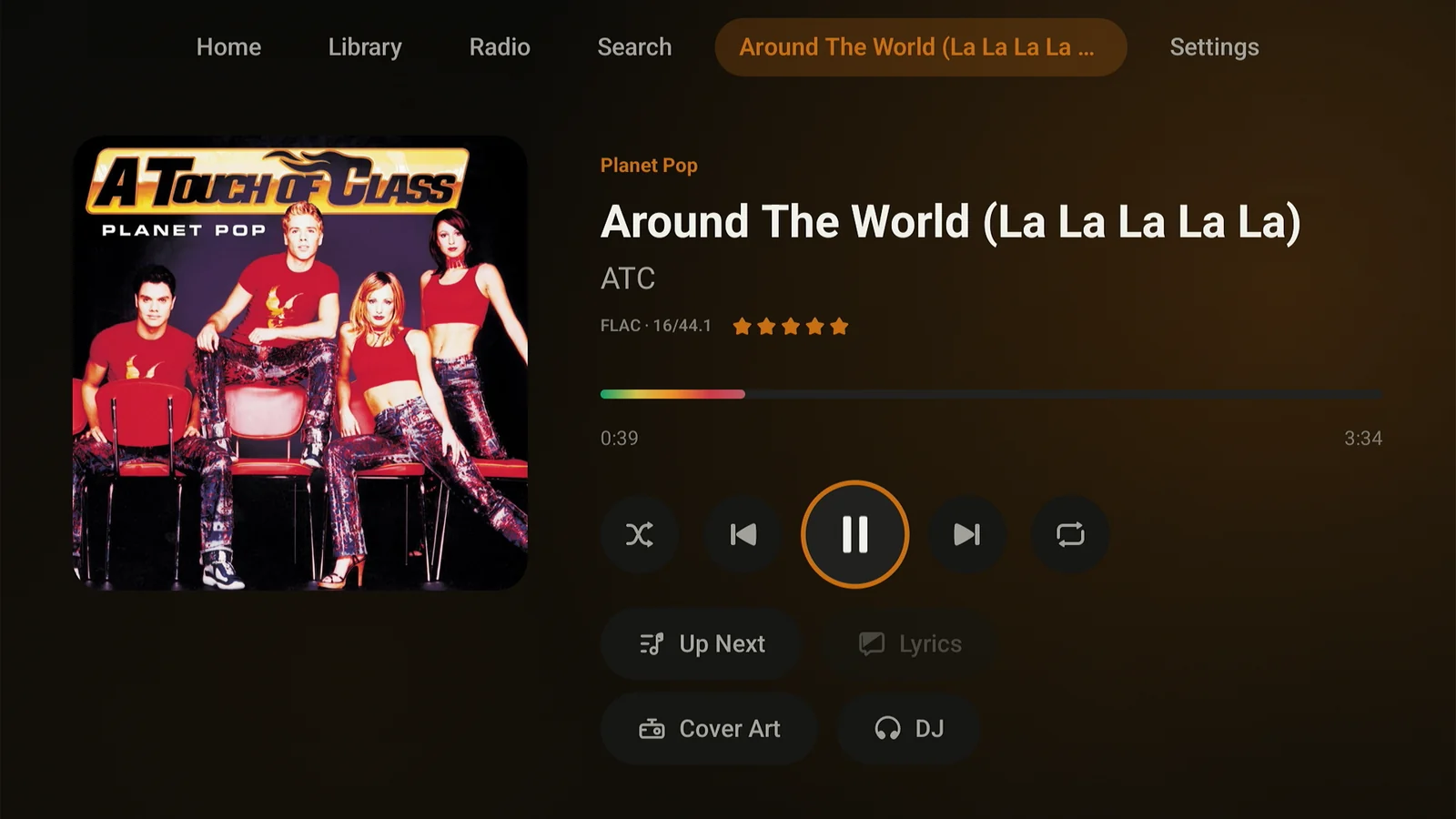
Lagu Now Playing on Android TV without lyrics: a large album cover on the left, and on the right the album name, track title, artist, a FLAC 16/44.1 label, a five-star rating, the rainbow seek bar, transport controls, and buttons for Up Next, Lyrics, Cover Art, and DJ.
Now Playing, with the format, your rating, and the rainbow seek bar.
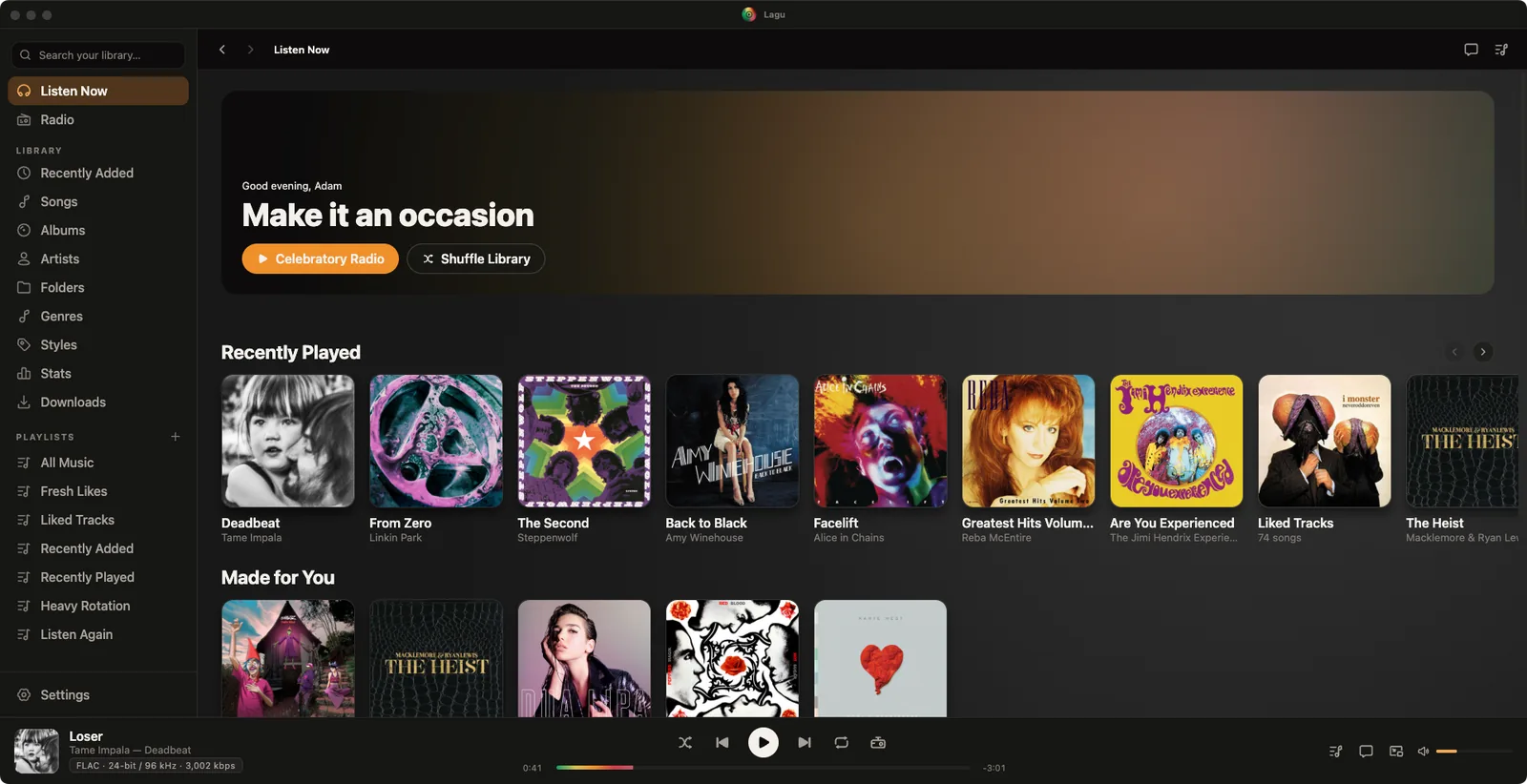
Lagu on macOS with the traffic lights in the title bar: a sidebar with Listen Now, Radio, the library sections including Collections and Folders, and playlists; Home with a Turn it up greeting, Rowdy Radio and Shuffle Library buttons, and Recently Played and Made for You rows; and a player bar showing Loser by Tame Impala in FLAC 24-bit / 96 kHz.
Listen Now: a station to start on, then Recently Played and Made for You.
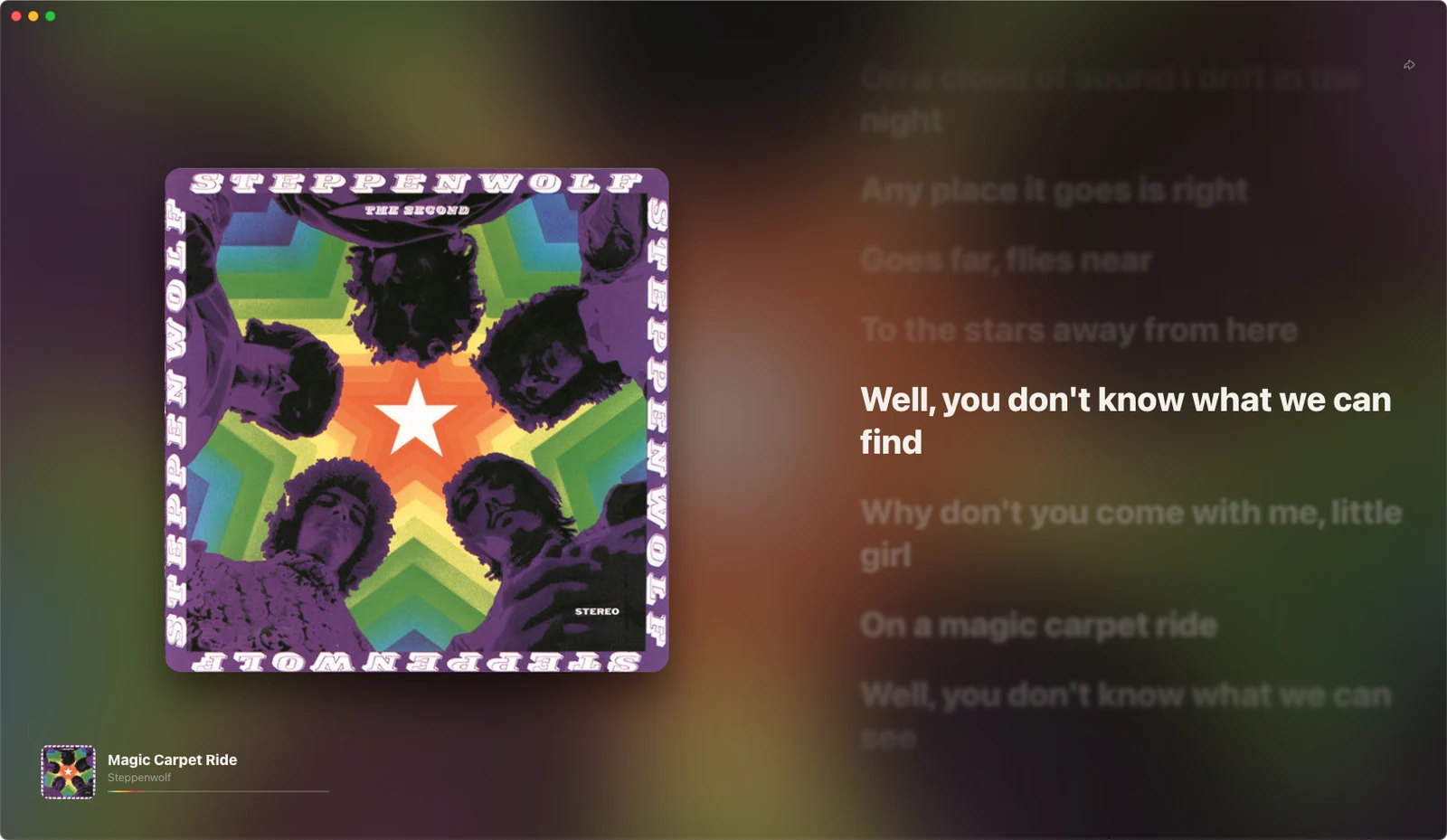
Lagu fullscreen on macOS for Magic Carpet Ride by Steppenwolf: the cover of The Second on the left over a blurred background in its colors, synced lyrics on the right with the current line in white, and the cover, title, artist, and a progress line in the bottom left corner.
Fullscreen, with the cover and synced lyrics beside it.
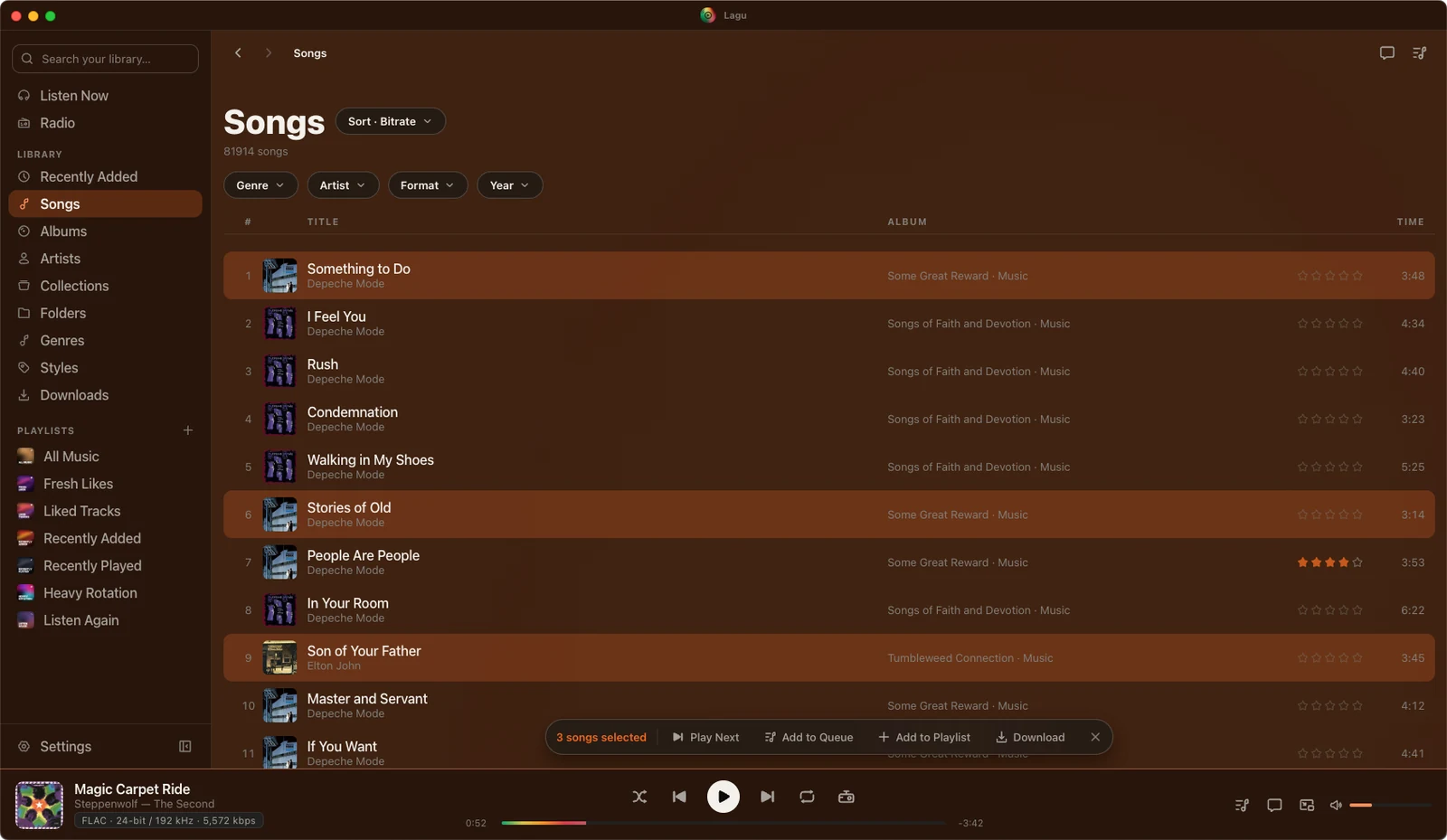
The Songs list on macOS sorted by bitrate, with Genre, Artist, Format, and Year filters: three songs highlighted, and a bar reading 3 songs selected with Play Next, Add to Queue, Add to Playlist, and Download, while the player bar shows Magic Carpet Ride in FLAC 24-bit / 192 kHz.
Select songs to play next, queue, add to a playlist, or download.
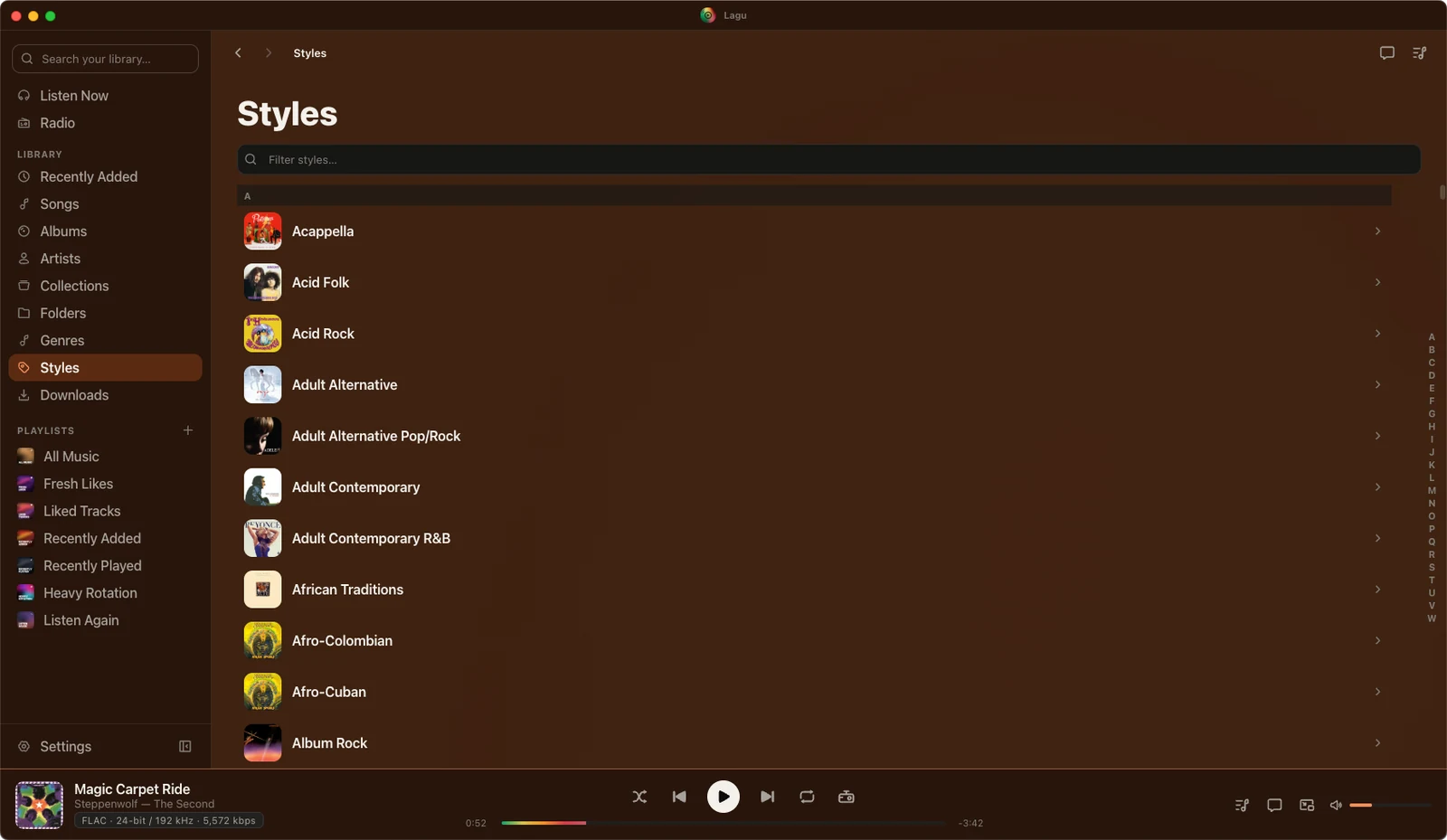
The Styles list on macOS: a filter field, then styles from Acappella and Acid Folk to Afro-Cuban and Album Rock, each with album art, and an A to Z index down the right edge.
Styles, each with its art, and an A to Z rail down the side.
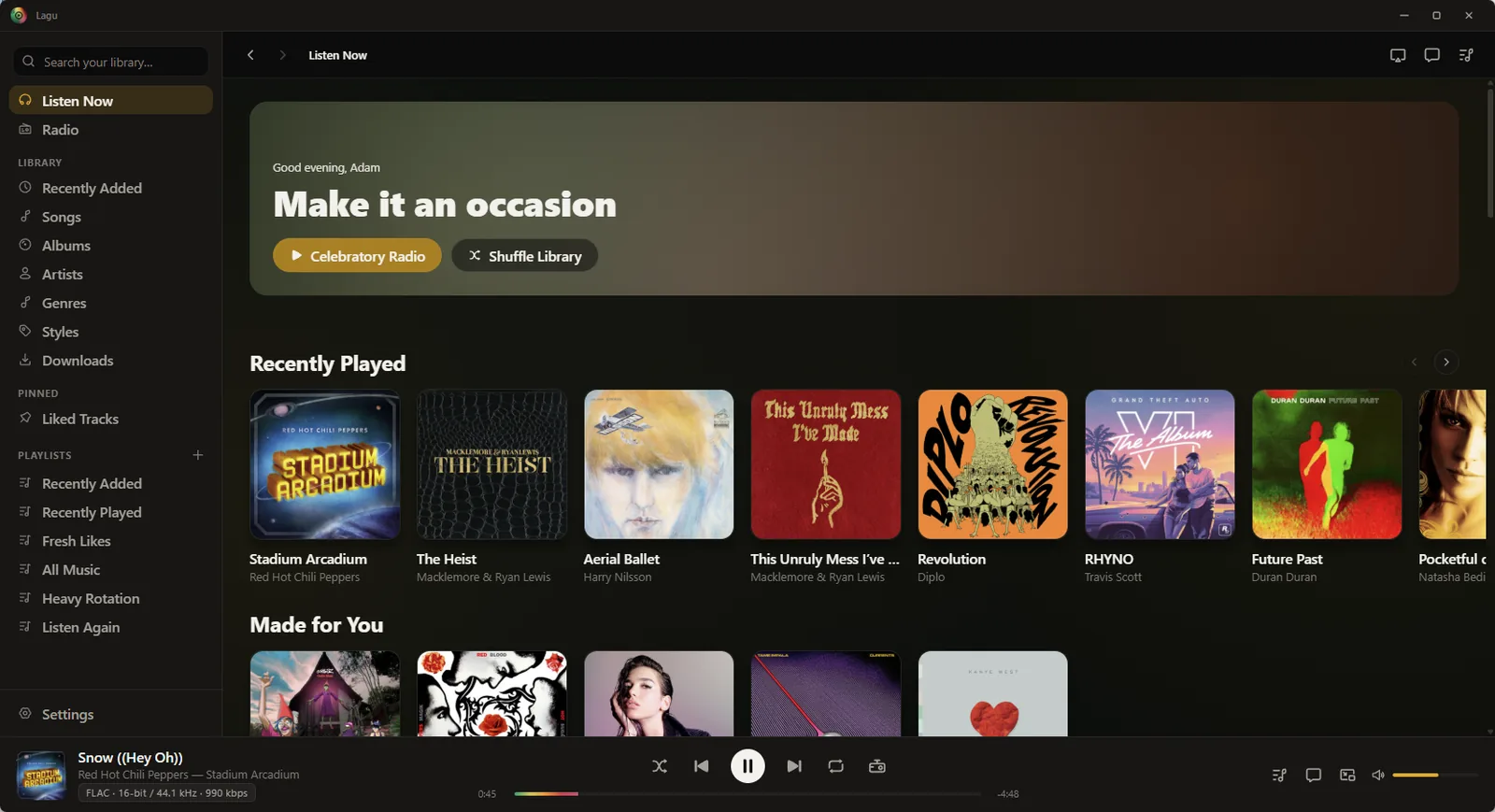
Lagu on Windows: a sidebar with Listen Now, Radio, the library sections including Collections and Folders, a pinned Liked Tracks, and playlists; Home with a Turn it up greeting, Rowdy Radio and Shuffle Library buttons, and Recently Played and Made for You rows; and a player bar showing Snow ((Hey Oh)) by Red Hot Chili Peppers in FLAC 16-bit / 44.1 kHz, with Lagu’s own window buttons in the title bar.
Listen Now: a station to start on, then Recently Played and Made for You.
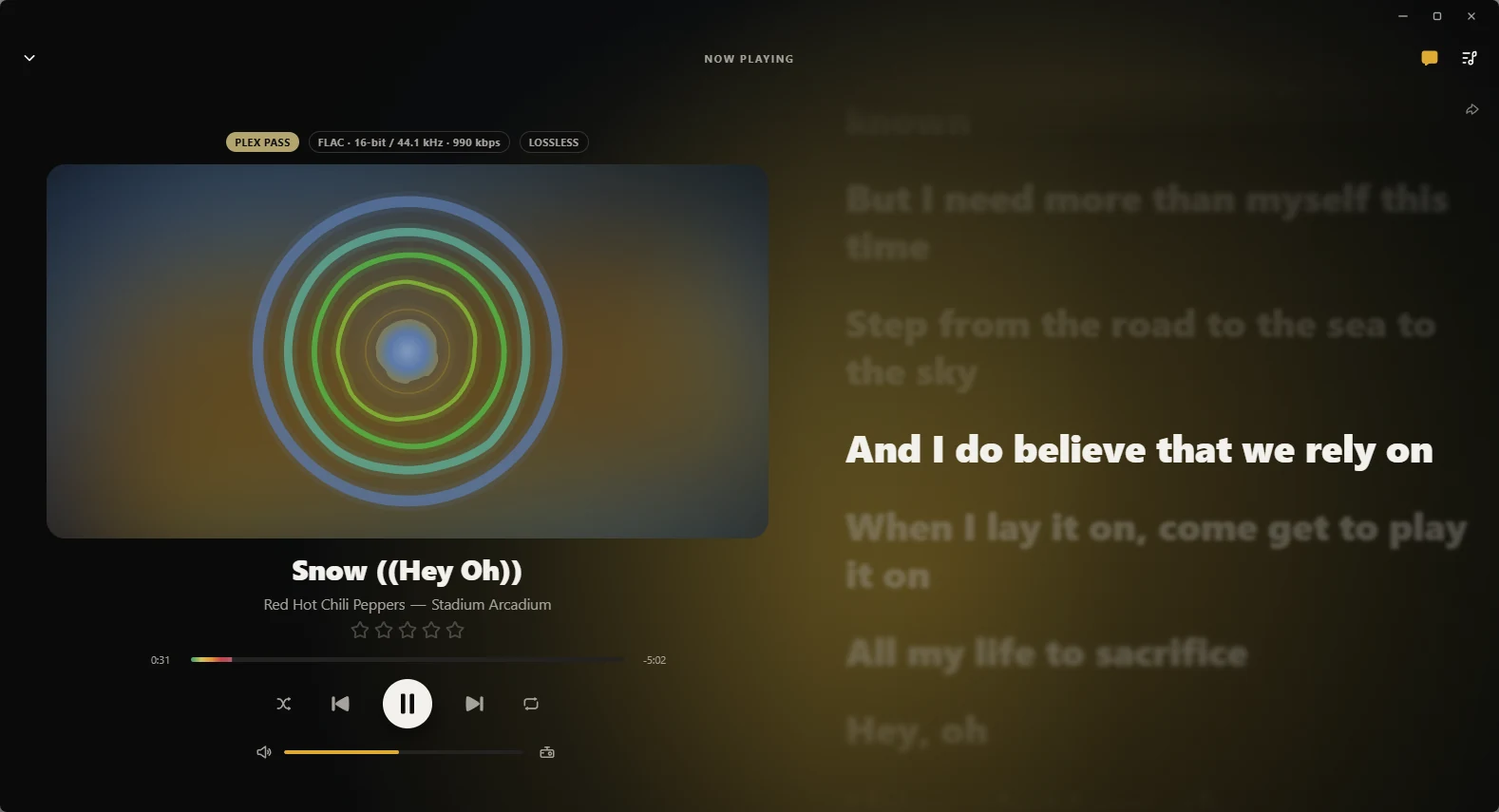
Now Playing on Windows for Snow ((Hey Oh)) by Red Hot Chili Peppers: Plex Pass, FLAC 16-bit / 44.1 kHz · 990 kbps, and Lossless labels above the Orbit visualizer drawn in place of the cover, then the star rating, seek bar, transport controls, and volume, with synced lyrics in a column on the right and the current line in white.
Orbit in place of the cover, with synced lyrics beside it.
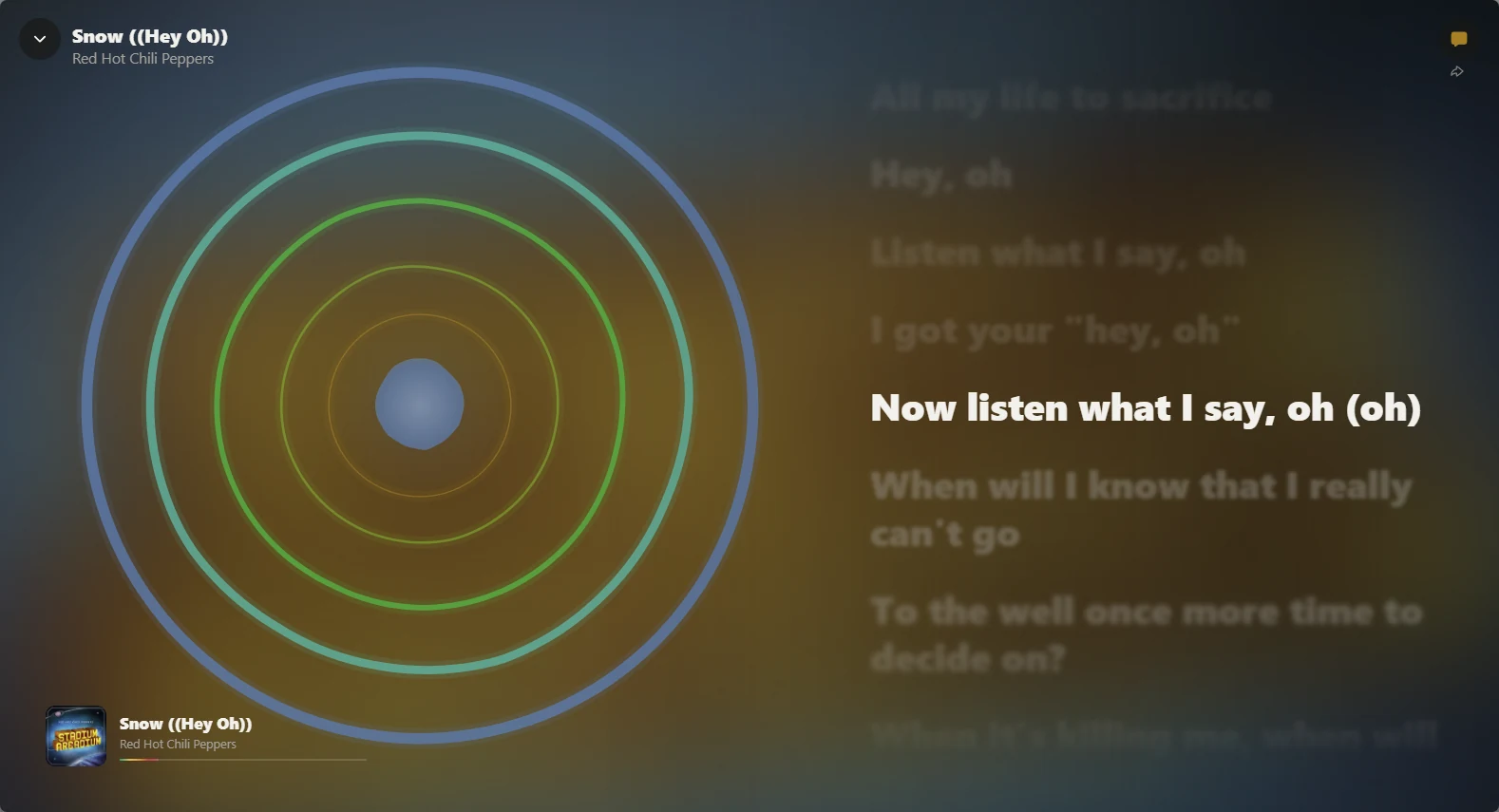
The Orbit visualizer fullscreen on Windows: concentric blue, teal, and green rings over a blurred gold and slate background, synced lyrics for Snow ((Hey Oh)) on the right with the current line in white, and the cover, title, artist, and a progress line in the bottom left corner.
Orbit fullscreen, with the lyrics beside it.
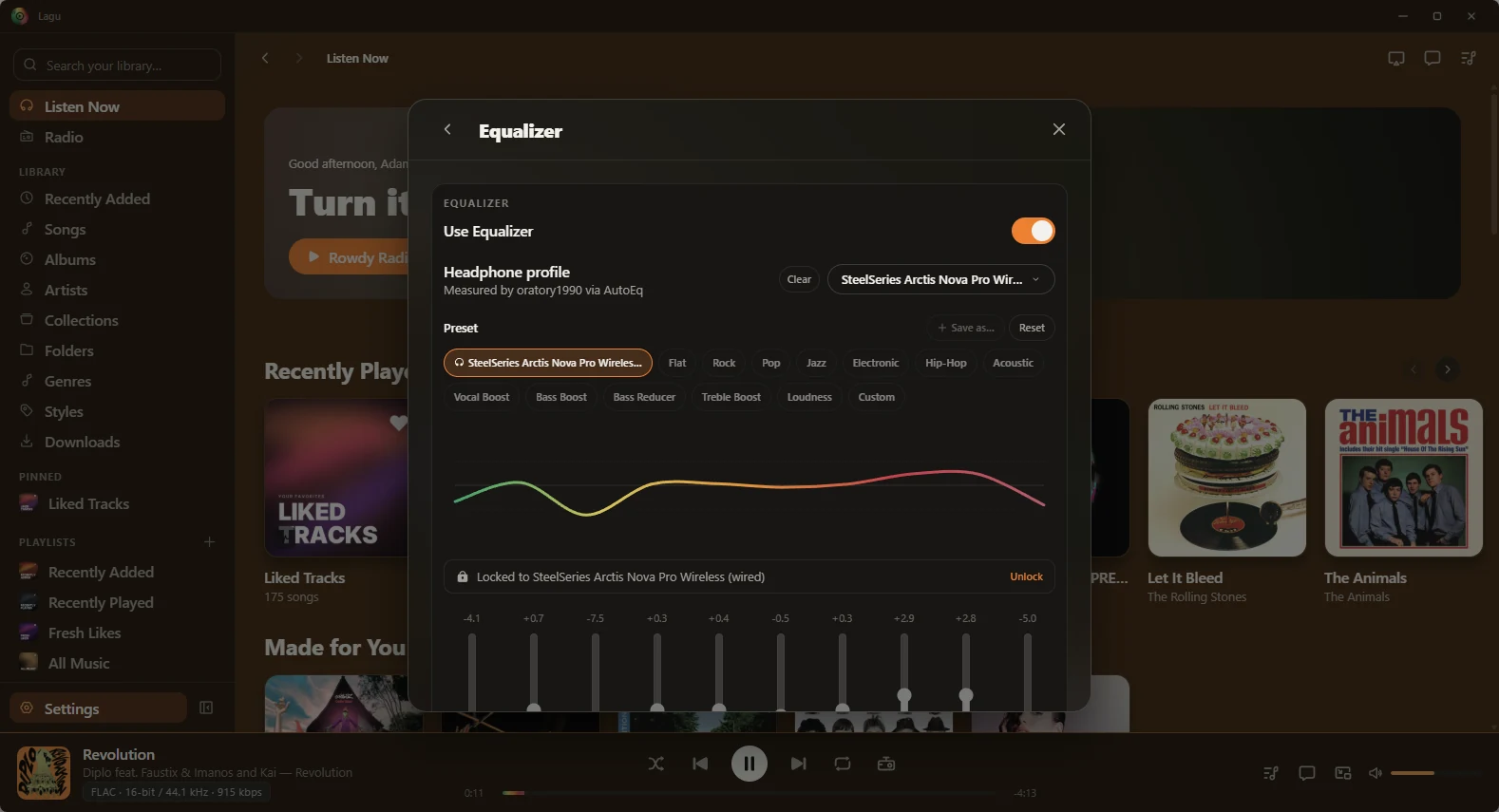
The Equalizer on Windows, open over Home: Use Equalizer switched on, a Headphone profile for the SteelSeries Arctis Nova Pro Wireless measured by oratory1990 via AutoEq, presets from Flat to Loudness, the curve, a bar reading Locked to SteelSeries Arctis Nova Pro Wireless (wired) with an Unlock link, and the band sliders.
The ten-band EQ, set from an AutoEq headphone profile.
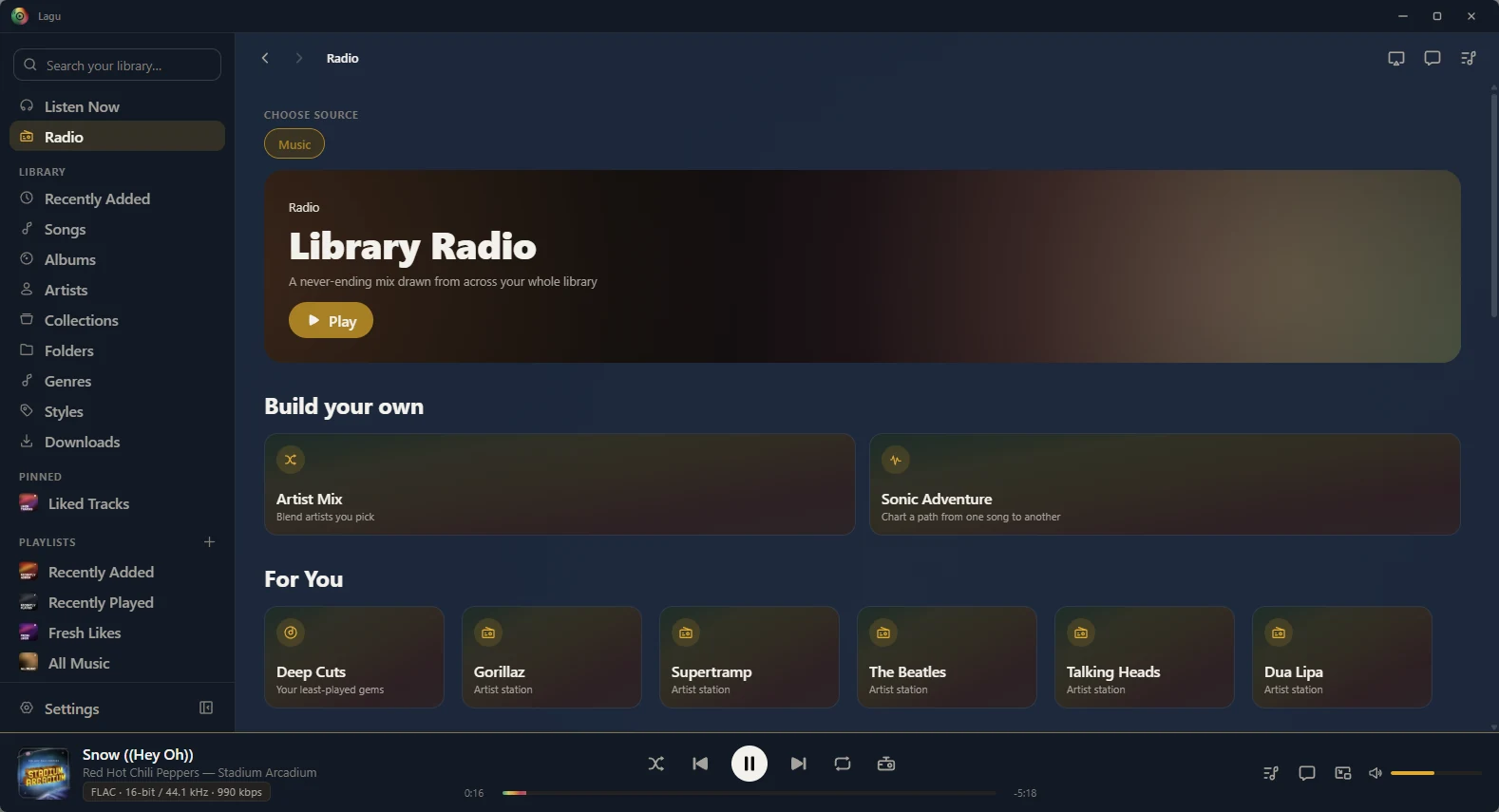
The Radio screen on Windows: Library Radio with a Play button, a Build your own section with Artist Mix and Sonic Adventure, and For You stations: Deep Cuts, then artist stations for Gorillaz, Supertramp, The Beatles, Talking Heads, and Dua Lipa.
Radio: Library Radio, Build your own, and stations for you.
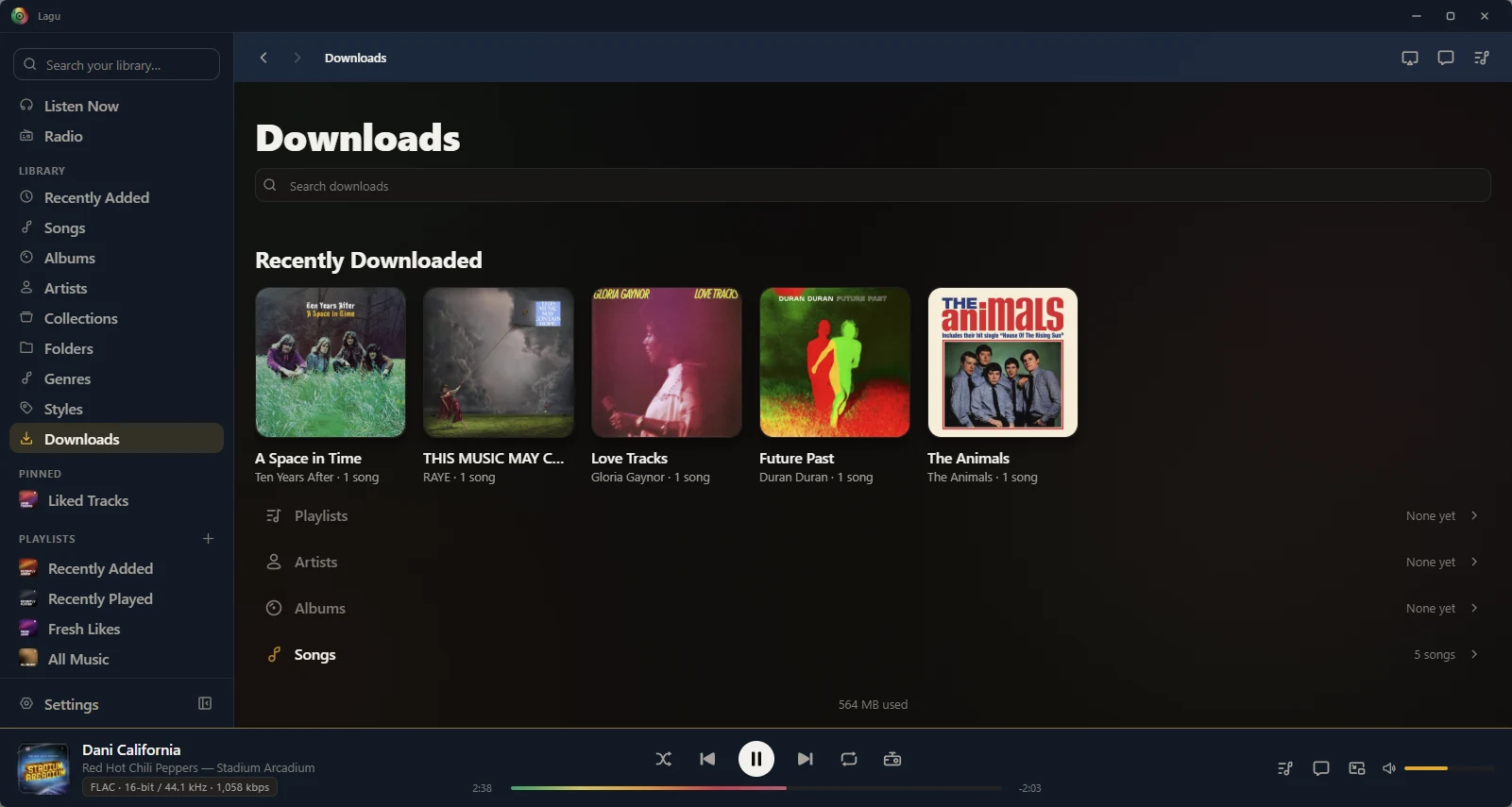
The Downloads screen on Windows: a search field, a Recently Downloaded row of five albums, counted rows for Playlists, Artists, Albums, and Songs, and 564 MB used.
Downloads: recent, then playlists, artists, albums, and songs.
Lagu on Linux showing the Recently Played smart playlist: 150 tracks with Play and Shuffle buttons and a list of songs with their albums and star ratings, a sidebar with the library sections and playlists, and a player bar showing House of the Rising Sun by The Animals in FLAC 24-bit / 176.4 kHz. A badge in the title bar shows a phone connected through Lagu Remote.
A smart playlist, with a phone connected through Lagu Remote.
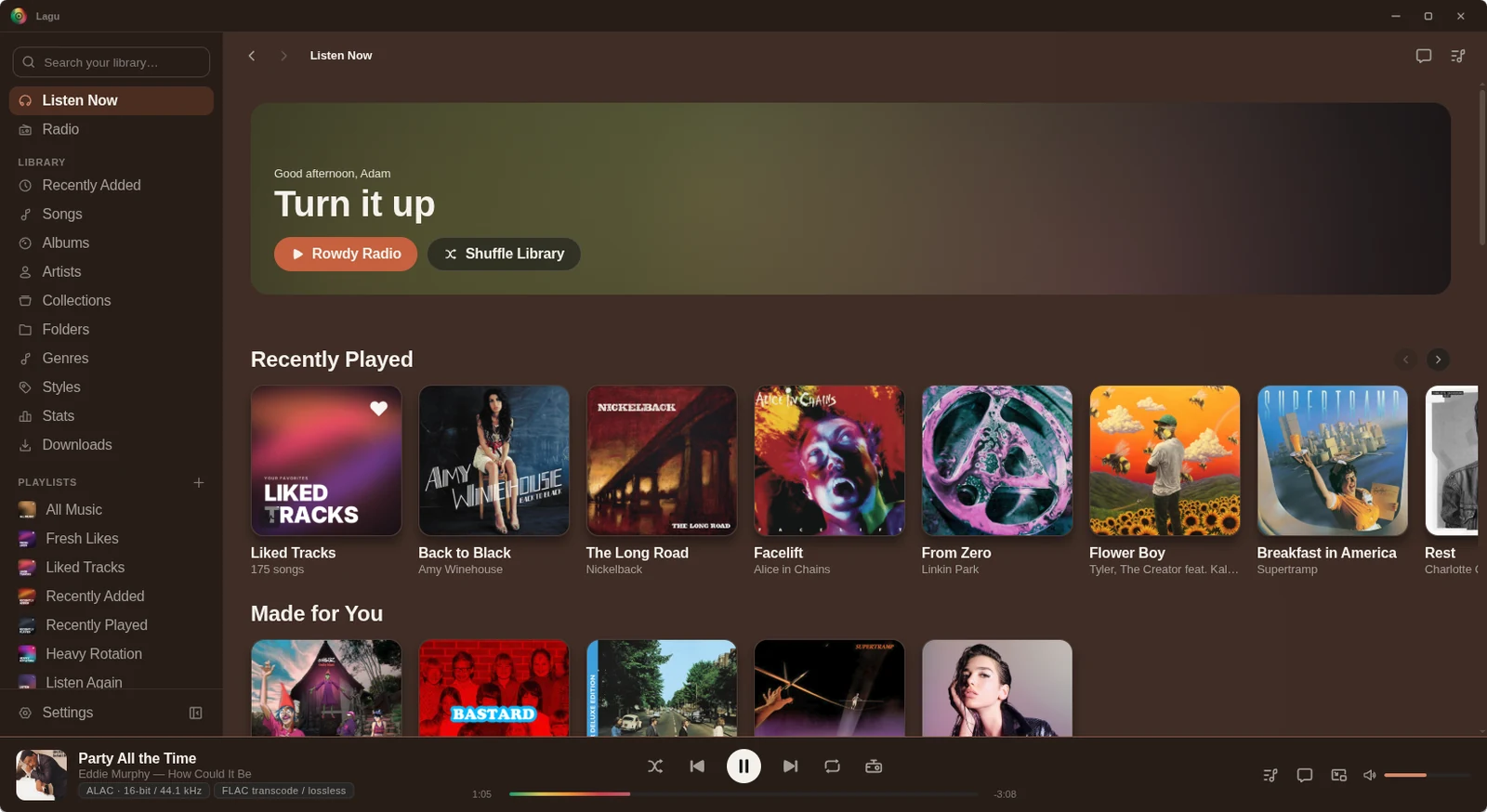
Lagu on Linux: a sidebar with Listen Now, Radio, the library sections including Collections, Folders, and Stats, and playlists; Home with a Turn it up greeting, Rowdy Radio and Shuffle Library buttons, and Recently Played and Made for You rows; and a player bar showing Party All the Time by Eddie Murphy.
Listen Now: a station to start on, then Recently Played and Made for You.
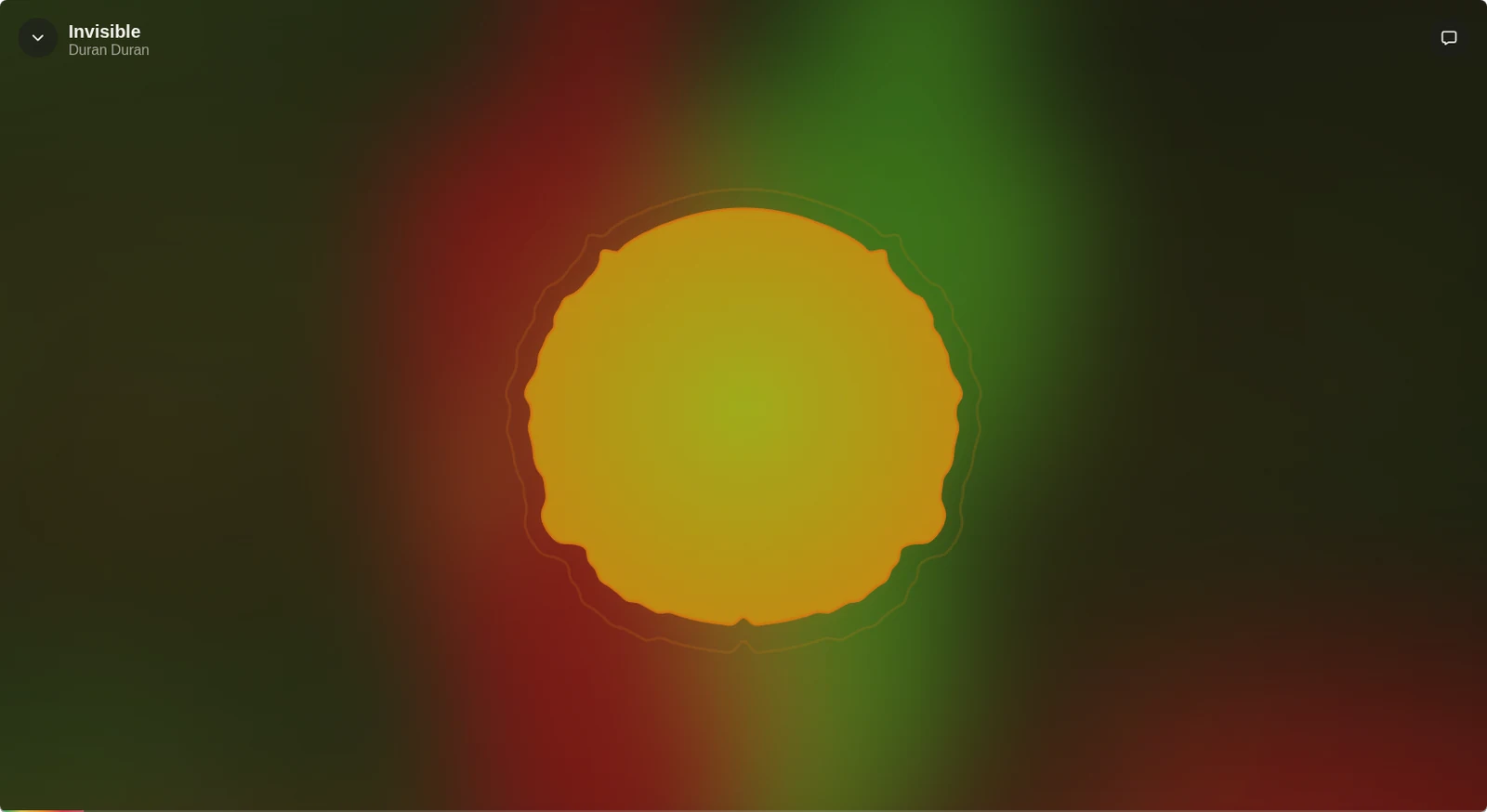
The Radial visualizer fullscreen on Linux: a glowing yellow disc over a red and green background taken from the cover of Duran Duran’s Future Past, with the track Invisible named in the top left corner.
The Radial visualizer, fullscreen, in the colors of the album.
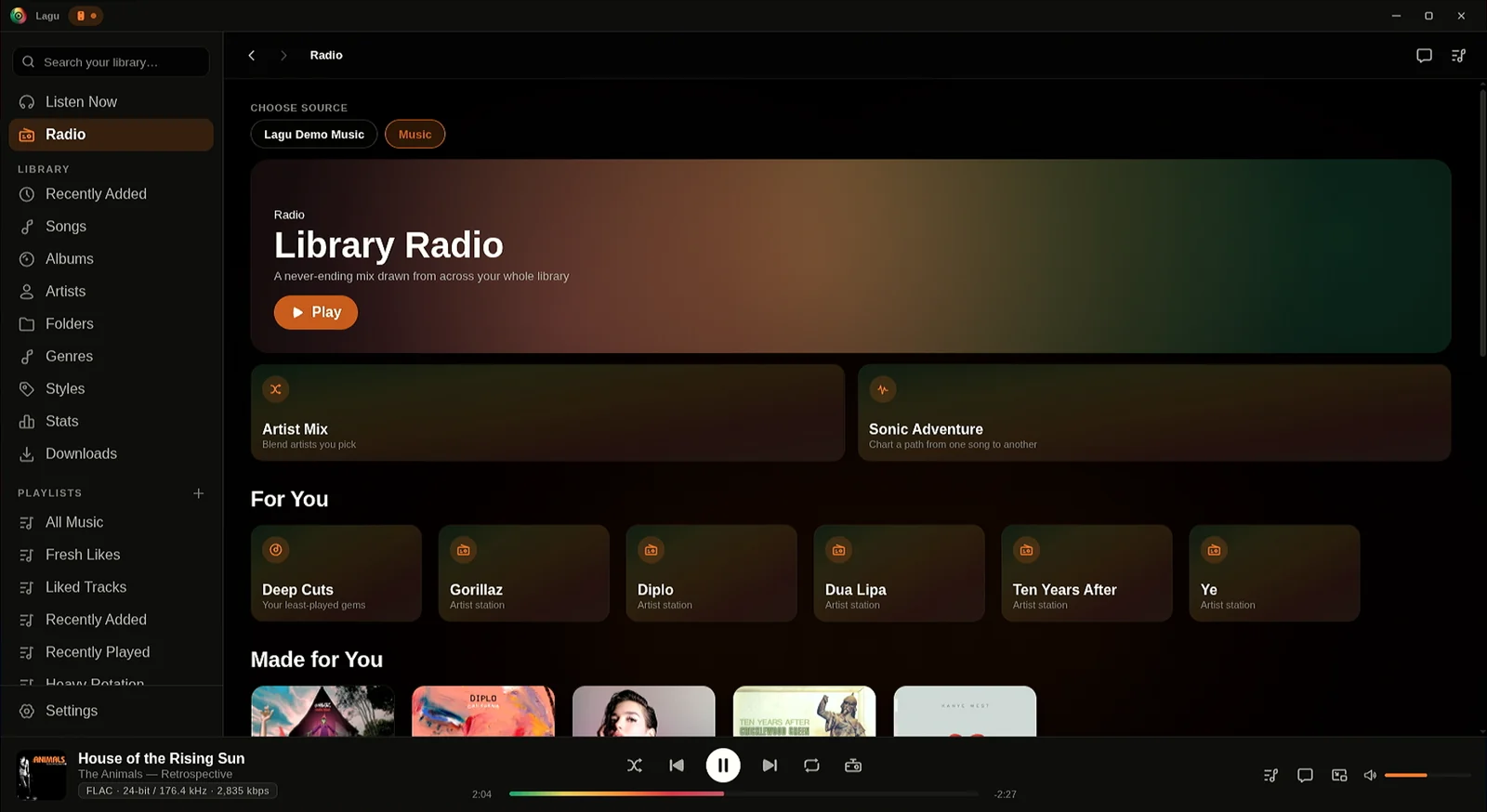
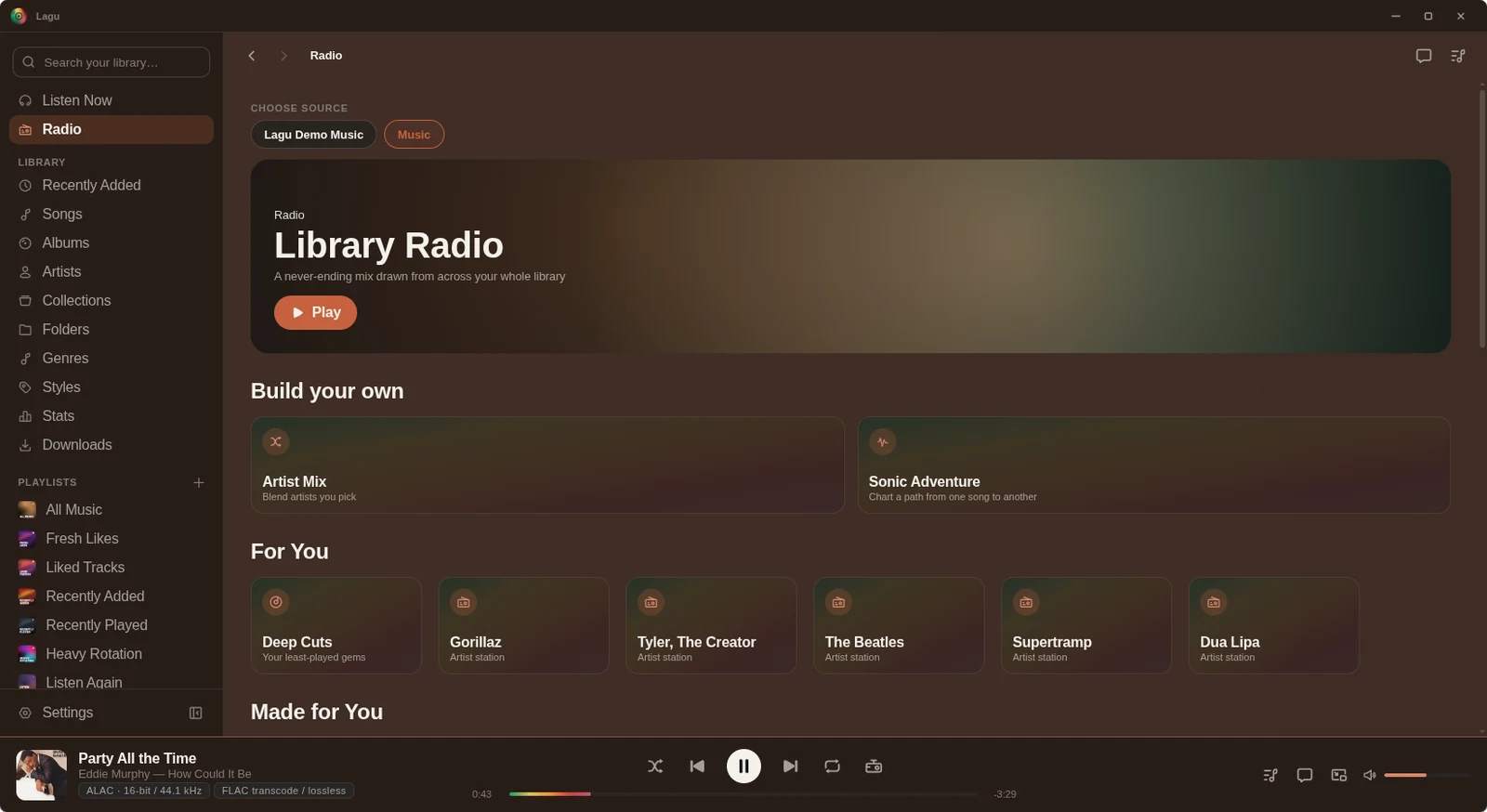
The Radio screen on Linux: a Choose source switch between two music libraries, Library Radio with a Play button, a Build your own section with Artist Mix and Sonic Adventure, and For You stations from Deep Cuts to Dua Lipa.
Radio: Library Radio, Build your own, and stations for you.
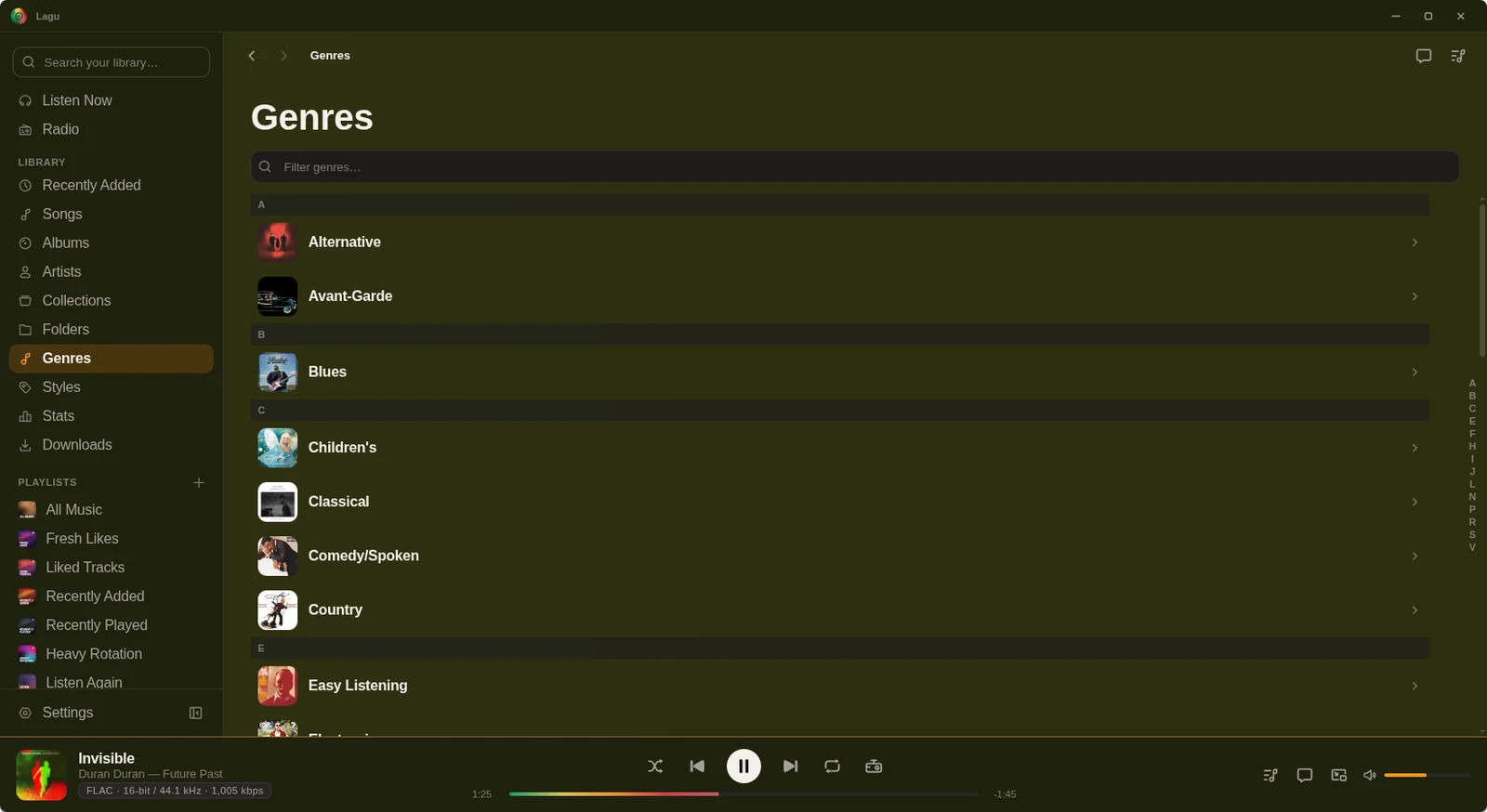
The Genres list on Linux: a filter field, then genres from Alternative and Avant-Garde to Country and Easy Listening, each with album art, and an A to Z index down the right edge.
Genres, each with its art, and an A to Z rail down the side.

Bring your library along.

The open beta is here. Desktop is free, iPhone, iPad, and Apple TV are free while the beta runs, and Android is $1.99 once on Google Play.

Download Lagu