
Three widgets
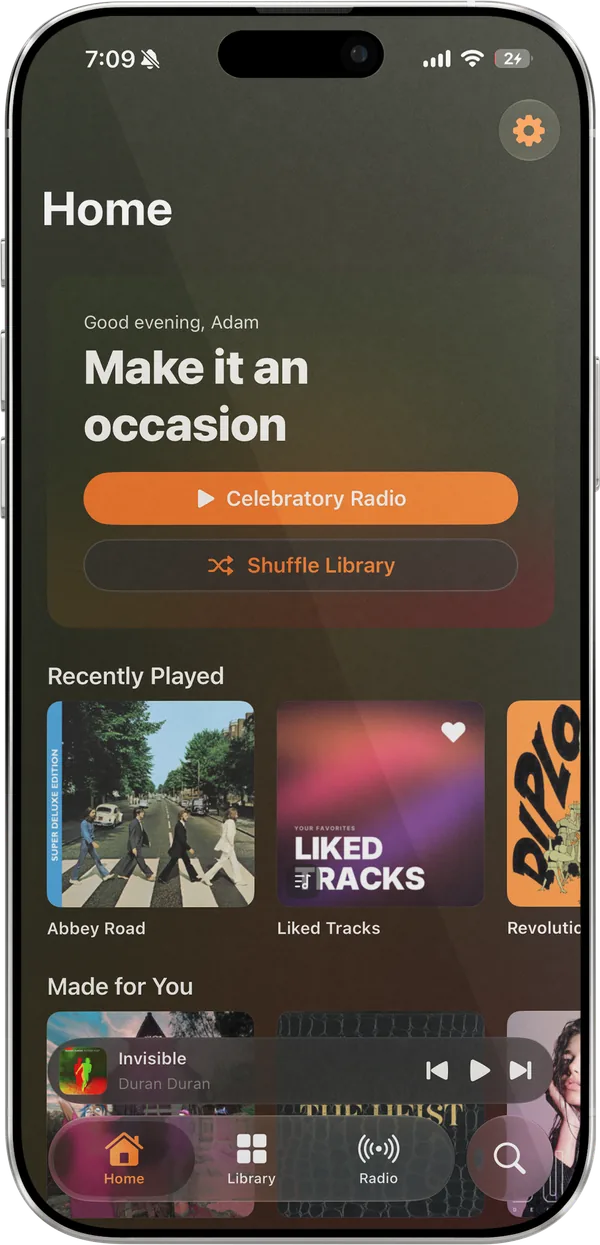
Now Playing, with working controls, on the Home Screen or lock screen. Quick Play, with three or six of your recent albums and playlists. This Week, with your plays, top artist, and top song.
Lagu for iPhone
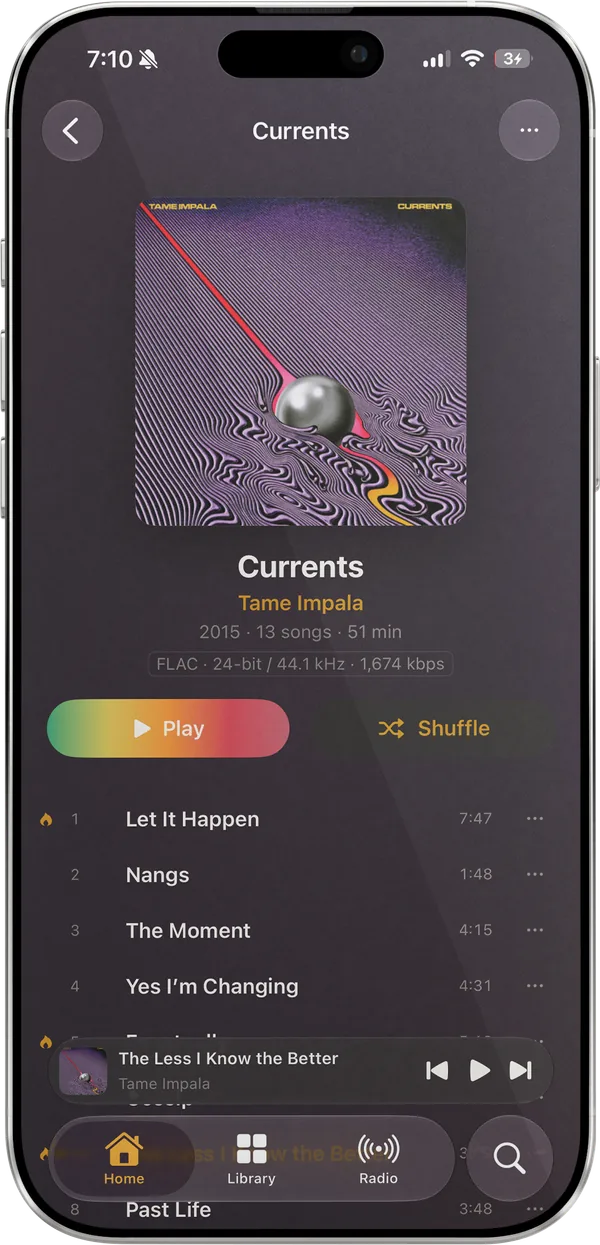
Lagu for iPhone plays the music library on your Plex Media Server with lossless audio, radio drawn from your own collection, and downloads for when the signal goes. It is a SwiftUI app for iOS 26, with widgets, Siri, AirPlay, and CarPlay, and it doubles as the remote for Lagu on your computer or TV.
01 · On the iPhone
Sign in through Plex’s own page, pick a server, and the library loads. Your Plex password never passes through Lagu.
Now Playing, with working controls, on the Home Screen or lock screen. Quick Play, with three or six of your recent albums and playlists. This Week, with your plays, top artist, and top song.
Ask for a song, an album, or a playlist by name, smart playlists included, or for genre radio, mood music, or your loved tracks. “Like this song on Lagu” and “What’s playing on Lagu” work too.
Play, pause, skip, and like are ready-made phrases, with no setup. The Play action takes a search, so a shortcut can start any album.
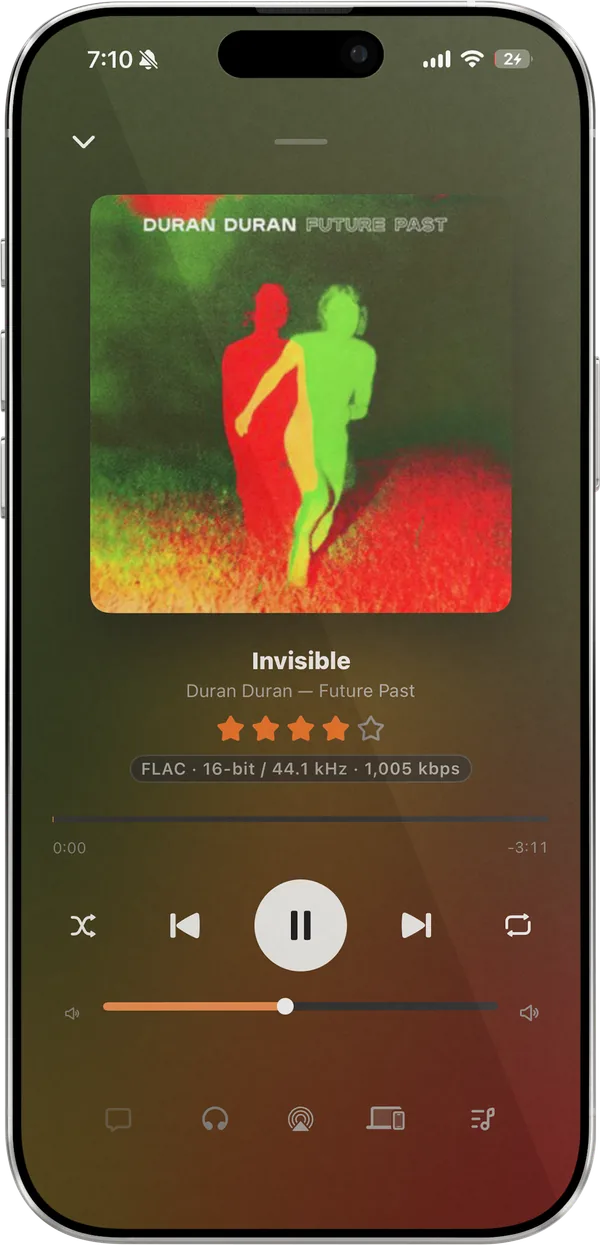
Full controls with the artwork, and a star on the lock screen that gives the playing song five stars in Plex. AirPlay sends playback to speakers and TVs from Now Playing.
One streaming quality on Wi-Fi and another on cellular, from Original down to 128 kbps, with the bitrate on Now Playing whenever Lagu is converting.
Home, Library, Search, and Downloads on the car’s screen. When the signal drops, CarPlay switches to your downloaded music. It is still waiting on a test in a real car.
02 · The player
Lagu takes its color from the album that is playing, in Bloom, Bloom Light, or a System theme that follows the phone.
FLAC direct-plays from your server with the format named on Now Playing, and album tracks run into each other without a gap.
A preamp, twelve presets, and a custom curve, running in Lagu’s audio engine on the phone.
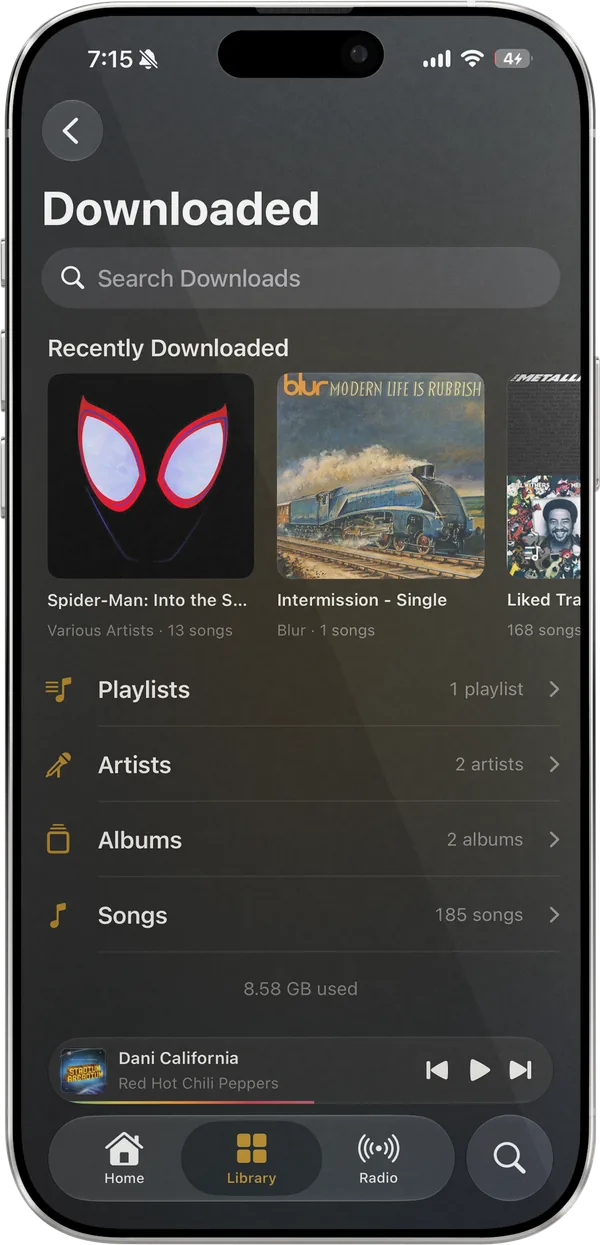
Albums, playlists, artists, and songs, at Original quality or 320 down to 128 kbps. Wi-Fi only by default, and kept-synced playlists follow edits on the server.
Force quit or restart the phone, and the queue comes back paused where you left it.
Spectrum, Radial, Nova, Cover Flow, Oscilloscope, and Trackprint, in the colors of the album that is playing.
All the music libraries on your server, browsed together in one list. Switch off any you do not want in Settings.
On screen
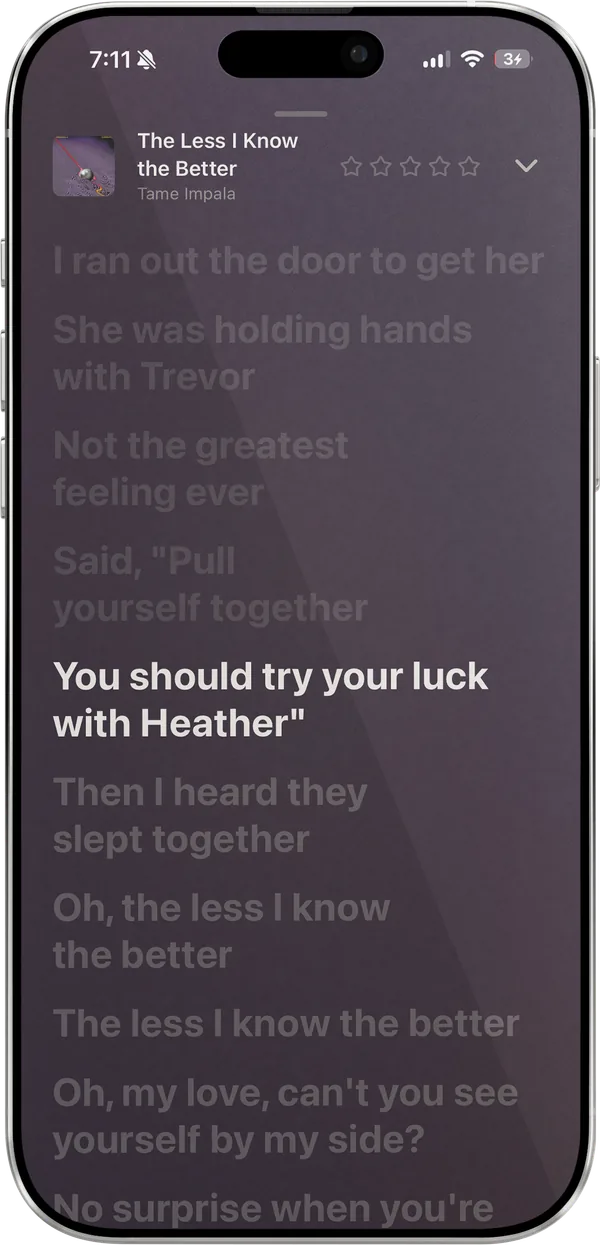
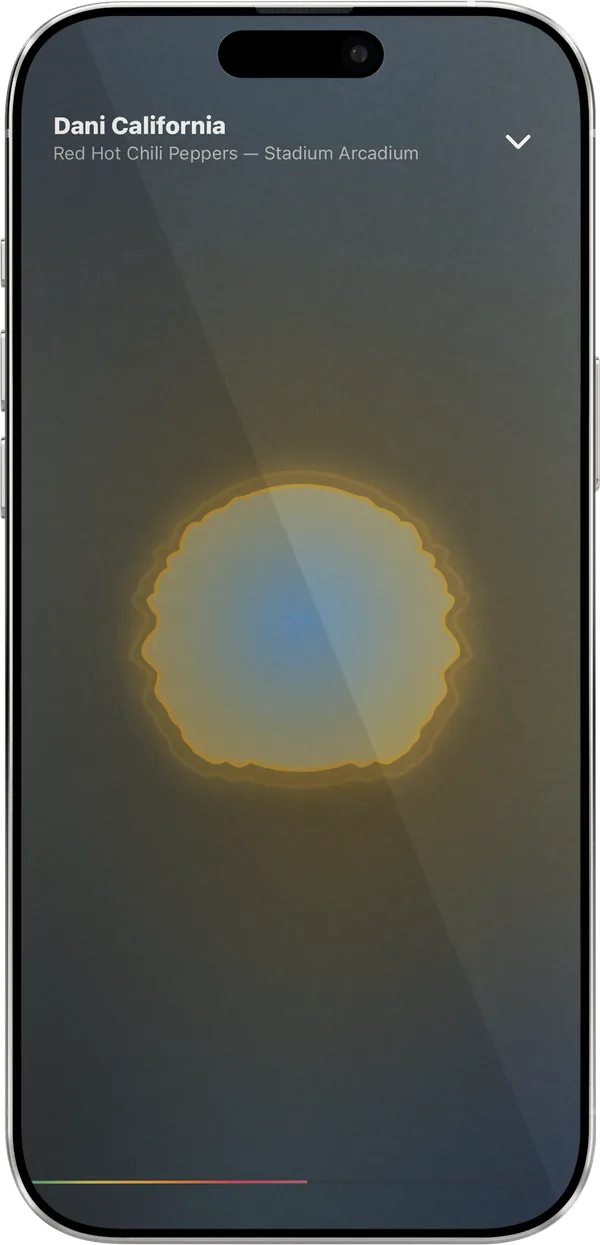
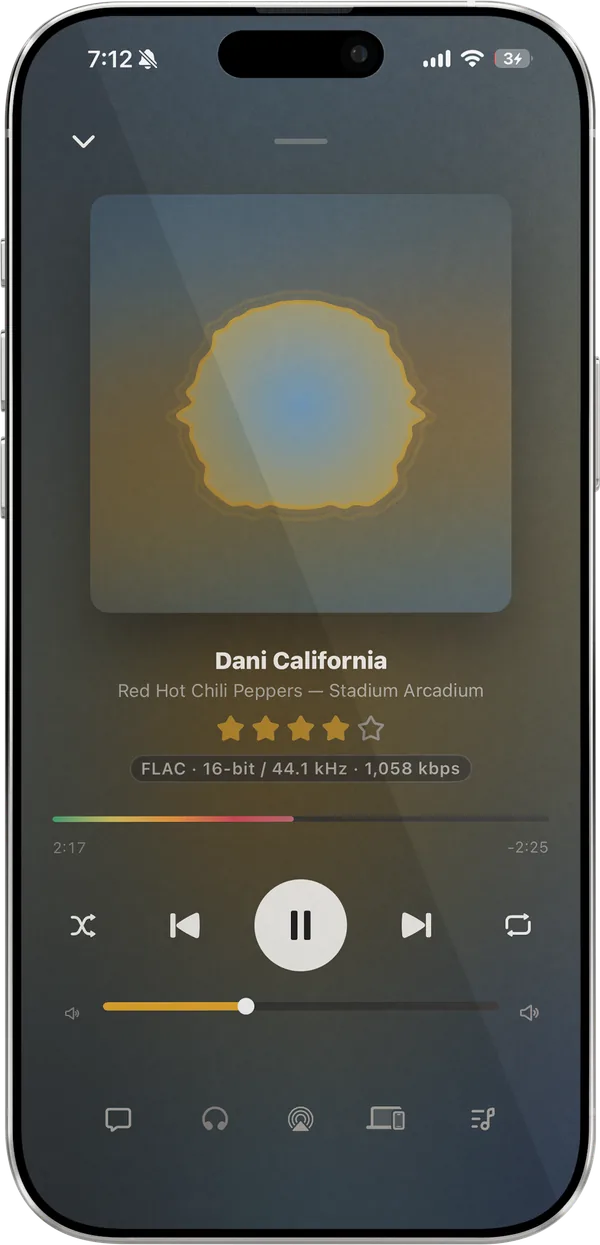
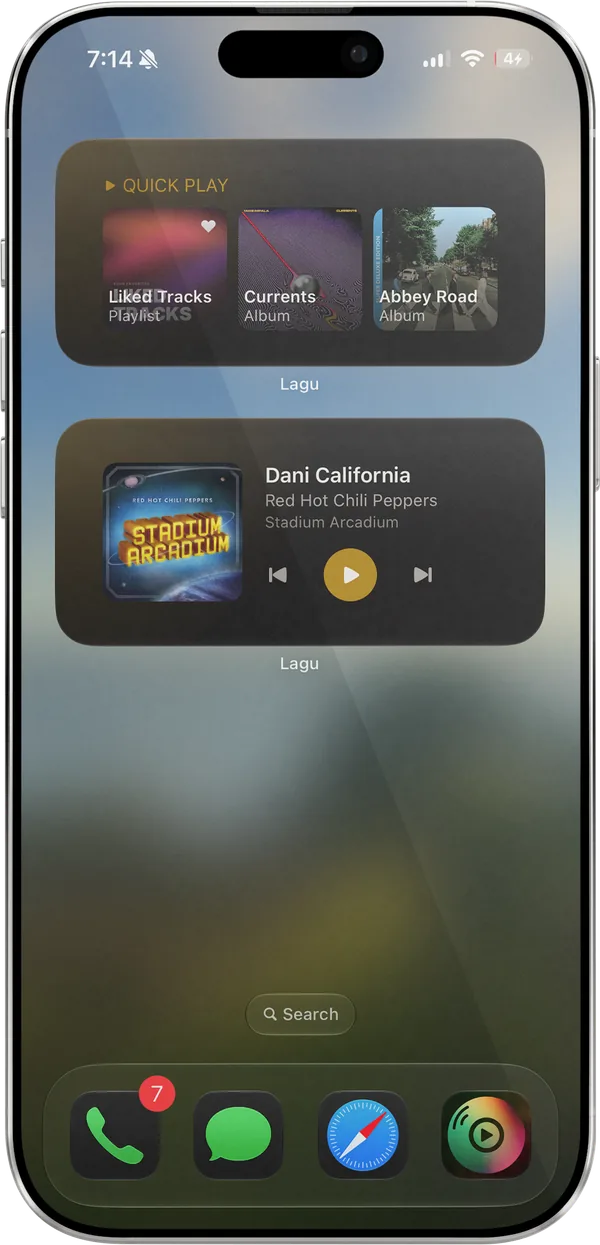
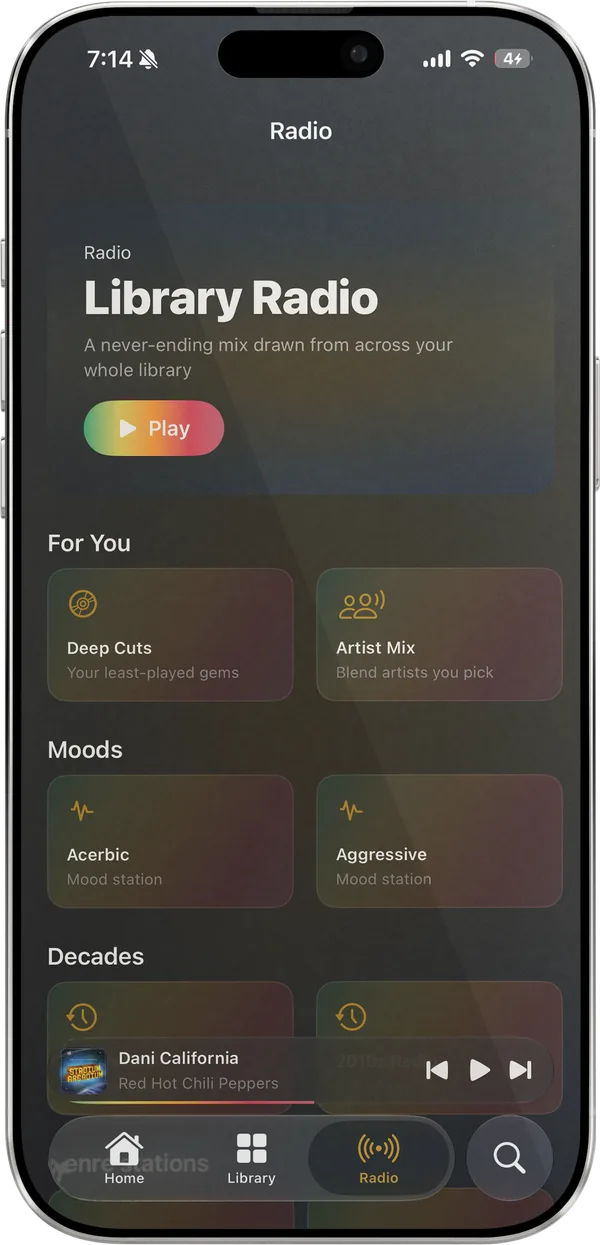
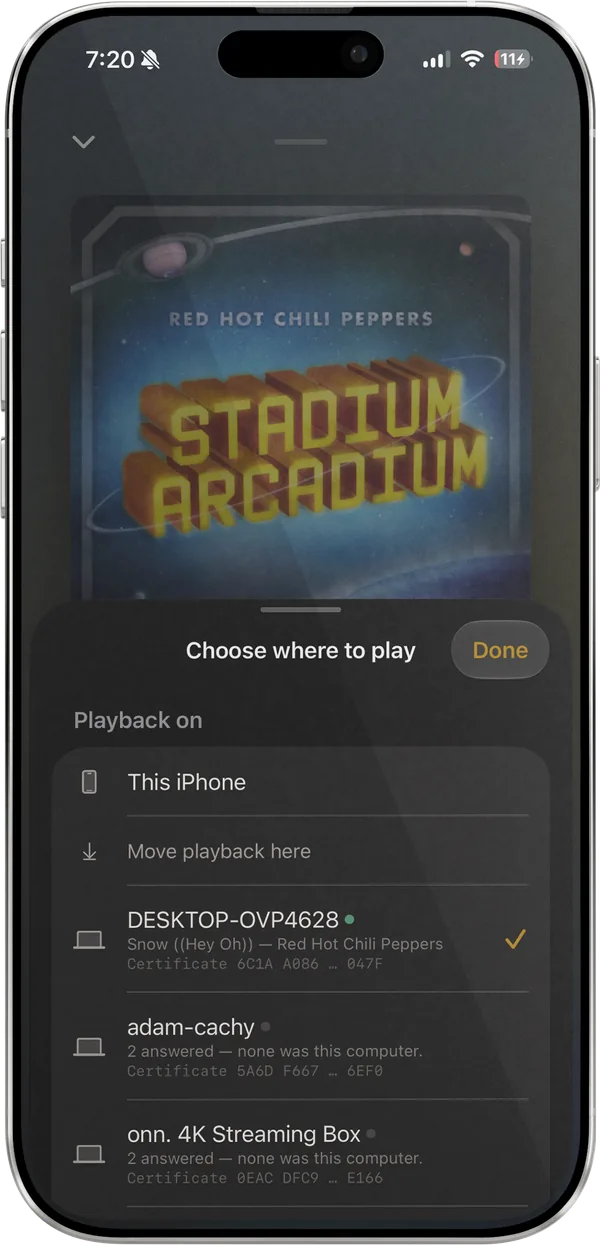
Pair the iPhone with Lagu on a Mac, Windows or Linux PC, Apple TV, or Android TV by scanning a QR code. From the phone you can browse, search, queue, seek, and use the volume buttons for Lagu’s volume on the computer, all over your own Wi-Fi. If both sides have a queue, Lagu asks which one to keep, and Move playback here brings the music back to the phone.
What it doesn’t do
What the iPhone app does not do yet. The platform table has every feature, cell by cell.
Network speakers like WiiM are on Android and desktop. On iPhone, AirPlay covers speakers and TVs.
The iPhone controls other screens. Another device cannot control Lagu on the iPhone.
On iOS 26 the CarPlay Search tab shows recent results, because Apple’s search template for audio apps arrives in iOS 27.
The app stays upright. Now Playing turns with the phone.
Getting it
Pick iPhone on the signup form. Invitations go out by email in waves as TestFlight places open.
iPhone, iPad, and Apple TV share one TestFlight listing, and the Apple Watch app comes with the iPhone one.
Tap Continue with Plex, approve it on Plex’s own page, and pick a server if you have more than one.
Questions
Yes. Lagu is a music player for Plex with a SwiftUI iPhone app. It plays your Plex library lossless and gapless, has a ten-band EQ, downloads for offline listening, widgets, Siri and Shortcuts, AirPlay, and CarPlay.
Yes. Ask Siri for a song, album, or playlist by name and it plays in Lagu, smart playlists included. Saying “on Lagu” makes it certain; iOS has no default-music-app setting, so a bare request depends on what Siri has learned.
Yes. Download albums, playlists, artists, or songs, and they play with no connection. Search works across your downloads offline too.
No. Playback, downloads, the EQ, playlists, and Lagu Remote work without it. Sonic radio, moods, and Plex-fetched lyrics rely on Plex Pass on the server. Streaming away from home takes a Plex Pass on the server owner’s account or a Remote Watch Pass on yours.
It is free during the beta. At launch, one $1.99 App Store purchase covers iPhone, iPad, and Apple TV together, and Family Sharing works. There is no subscription.
Lagu on other screens: iPad · Apple Watch · Apple TV · Android · Android TV · macOS · Windows · Linux · every feature
The closed beta is open and free while it runs, on Android while places last. Invitations go out from the list in waves.
Join the beta list