
Your library
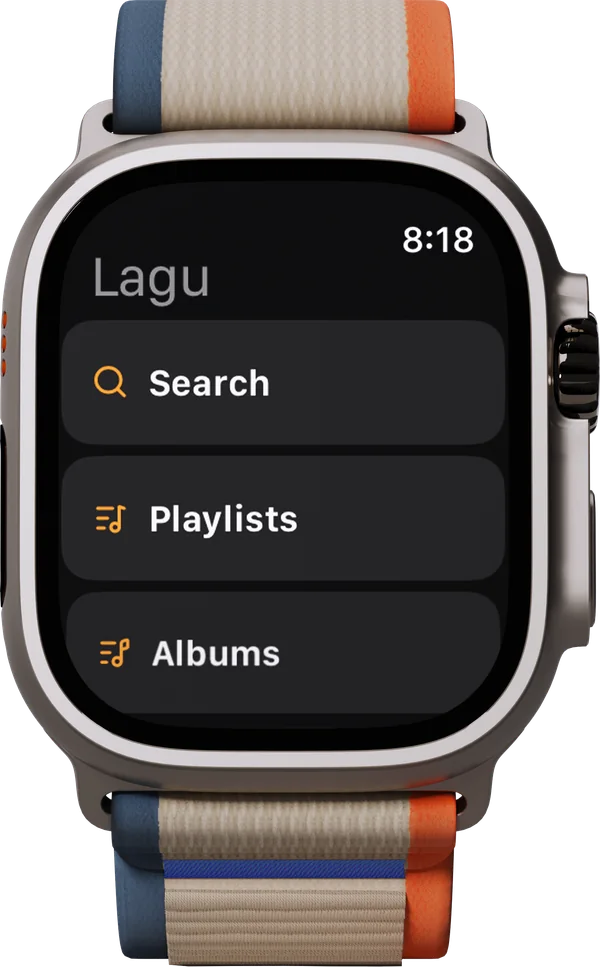
Playlists, albums, and Recently Played, with Play and Shuffle on every album and playlist.
Lagu for Apple Watch
Lagu for Apple Watch comes with the iPhone app. It streams from your Plex server over Wi-Fi or cellular, keeps playlists and albums on the watch for when the phone stays home, and plays through its own speaker or AirPods. When the phone is playing, the watch becomes its remote.
01 · On the wrist
The watch signs in through the iPhone, so there is nothing to type on a small screen. Open Lagu on the phone once and the watch connects.
Playlists, albums, and Recently Played, with Play and Shuffle on every album and playlist.
Type or dictate, and results come back as Artists, Albums, Playlists, and Songs. An artist opens their albums.
Over Wi-Fi or cellular, without the phone nearby. The watch has its own quality setting, 192 kbps by default, with Original and 128 kbps as the other choices.
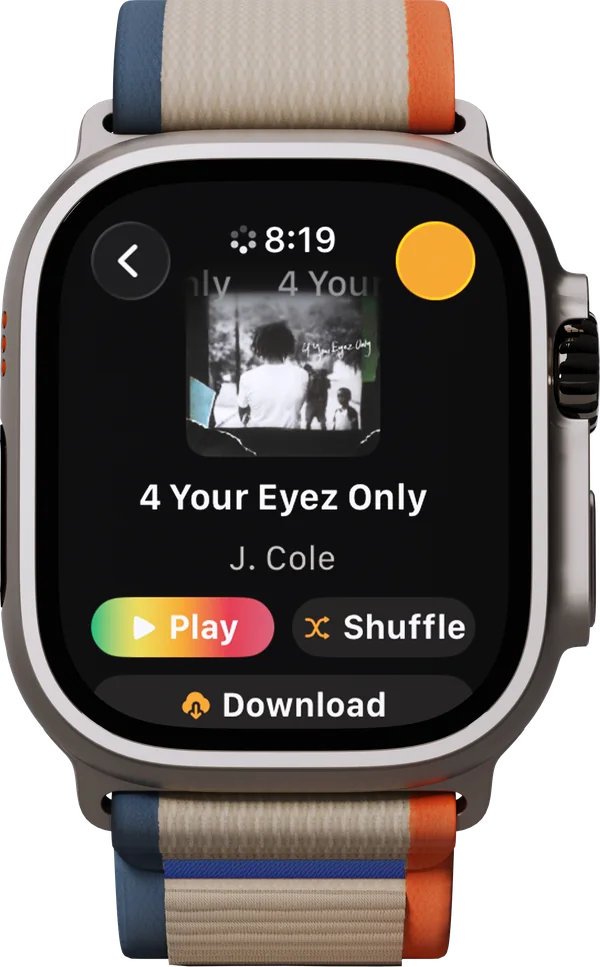
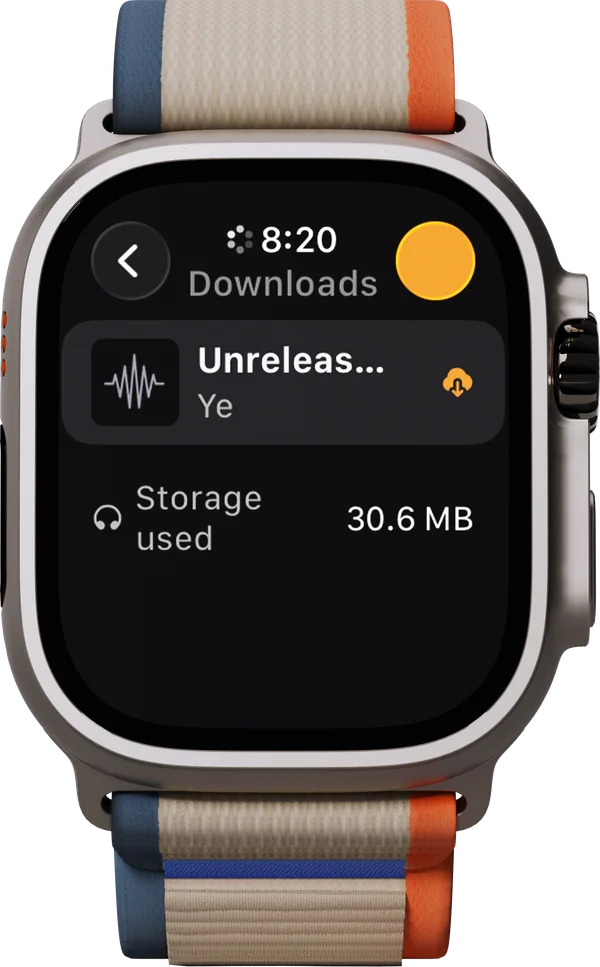
Playlists and albums, at Original quality or 320, 256, 192, or 128 kbps. They finish in the background, the Downloads screen shows the space used, and a swipe removes one.
Play Next and Play Last on a song, and Download as well on an album or playlist.
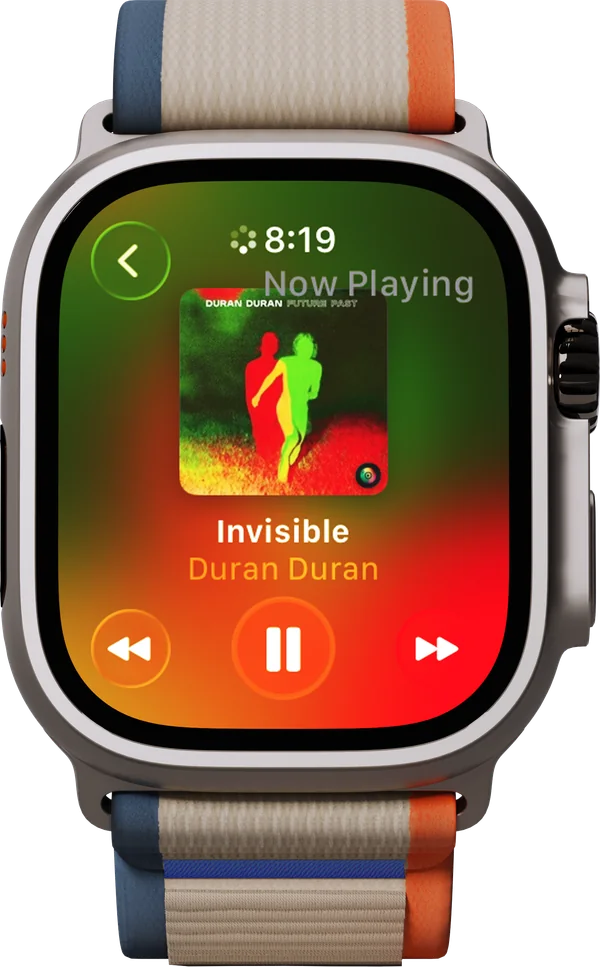
While music plays, every browse screen has a Now Playing button at the top, so pausing never means backing out of a list. The Digital Crown sets the volume.
02 · With the iPhone
When Lagu is playing on the phone, a chip on the watch opens the system Now Playing screen: play, pause, skip, and Crown volume for the phone.
While the iPhone is playing, the watch asks whether to play there or on the wrist. If the phone does not answer, the watch offers to play it itself. Downloads always play on the watch.
The watch browses the library you set as preferred in the iPhone app, and search covers your whole server.
Connect Last.fm or ListenBrainz on the iPhone and the watch scrobbles too, with a switch to turn either off on the watch alone.
On screen
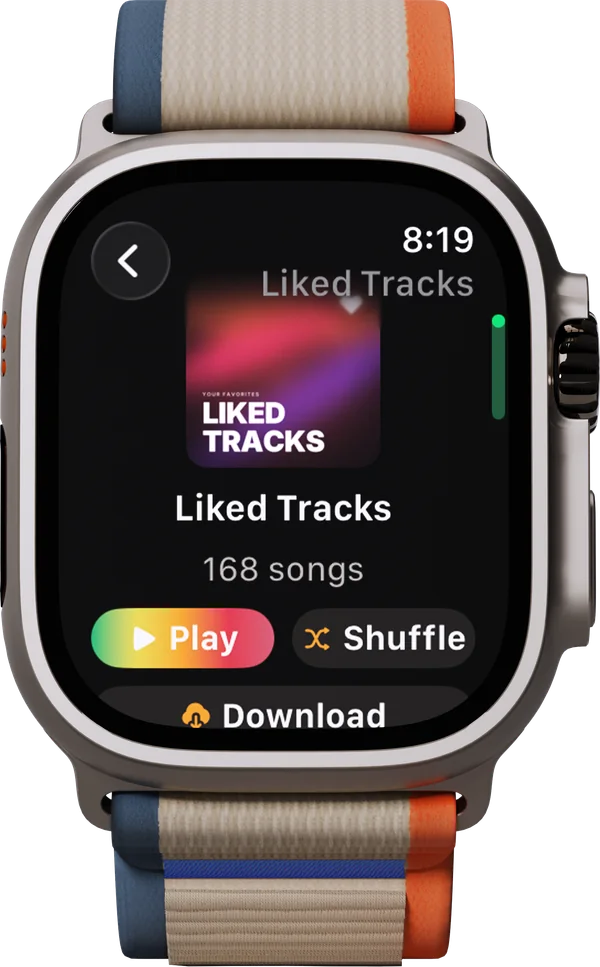
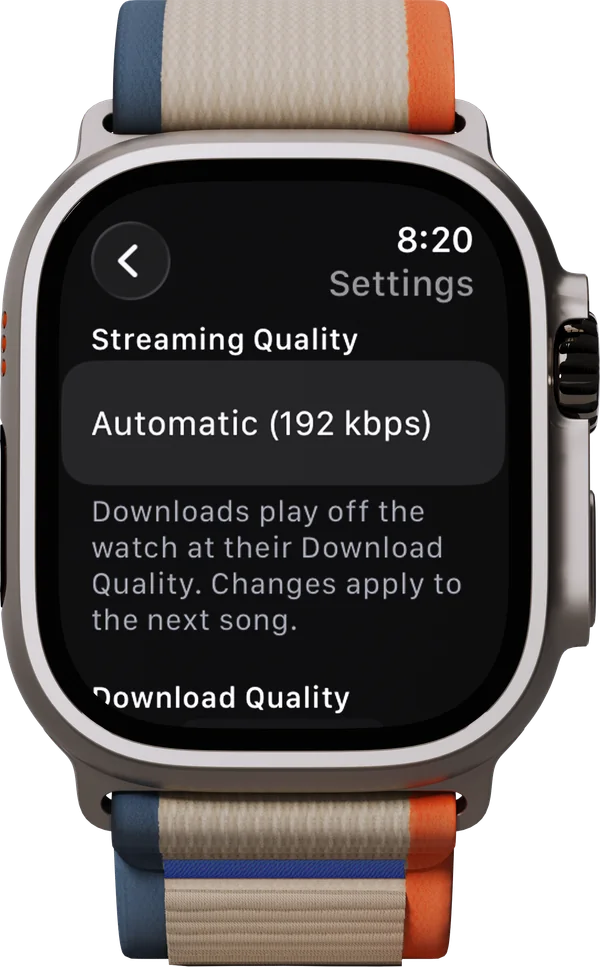
Tap Download on a playlist or an album and it lives on the watch, at Original quality or a bitrate you pick. Leave the phone at home and it plays in airplane mode, through AirPods or the watch’s own speaker. The Downloads screen lists what is stored and the space it takes, and a swipe removes it.
What it doesn’t do
The watch app is made for the wrist, and some of the phone’s features stay on the phone. The platform table has every feature, cell by cell.
The watch keeps whole playlists and albums. A single song or an artist’s catalogue cannot be downloaded on its own.
The watch plays the music straight. The equalizer, crossfade, lyrics, and visualizers are on the phone.
So are playlists that stay in sync on the watch. Both are on the list for a coming release.
The browse menu has playlists, albums, and Recently Played. To find an artist, search for them.
Getting it
Pick iPhone on the signup form. The watch app comes with it; there is nothing separate to ask for.
Install Lagu on the iPhone from TestFlight, then add it to the watch from the Watch app if it does not install on its own.
Sign in to Plex in Lagu on the iPhone and choose your libraries. Open Lagu on the watch and it connects.
Questions
Yes. Lagu is a music player for Plex, and its iPhone app includes an Apple Watch app. It streams your Plex music over Wi-Fi or cellular, downloads playlists and albums, plays through the watch speaker or AirPods, and controls Lagu on the iPhone.
Yes. Download playlists or albums to the watch and they play with the phone left at home, even in airplane mode. With Wi-Fi or cellular, the watch can also stream from your server on its own.
Yes. The watch app comes with Lagu for iPhone and signs in through it. Once set up, it browses, streams, and plays downloads by itself.
No. It is part of the iPhone app. Lagu is free during the beta, and at launch one $1.99 App Store purchase covers iPhone, iPad, Apple TV, and the watch app. There is no subscription.
Streaming from outside your home network takes a Plex Pass on the server owner’s account or a Remote Watch Pass on yours. That is a Plex rule that applies to every Plex client. Downloaded music plays without either.
Lagu on other screens: iPhone · iPad · Apple TV · Android · Android TV · macOS · Windows · Linux · every feature
The closed beta is open and free while it runs, on Android while places last. Invitations go out from the list in waves.
Join the beta list