
Home shelves
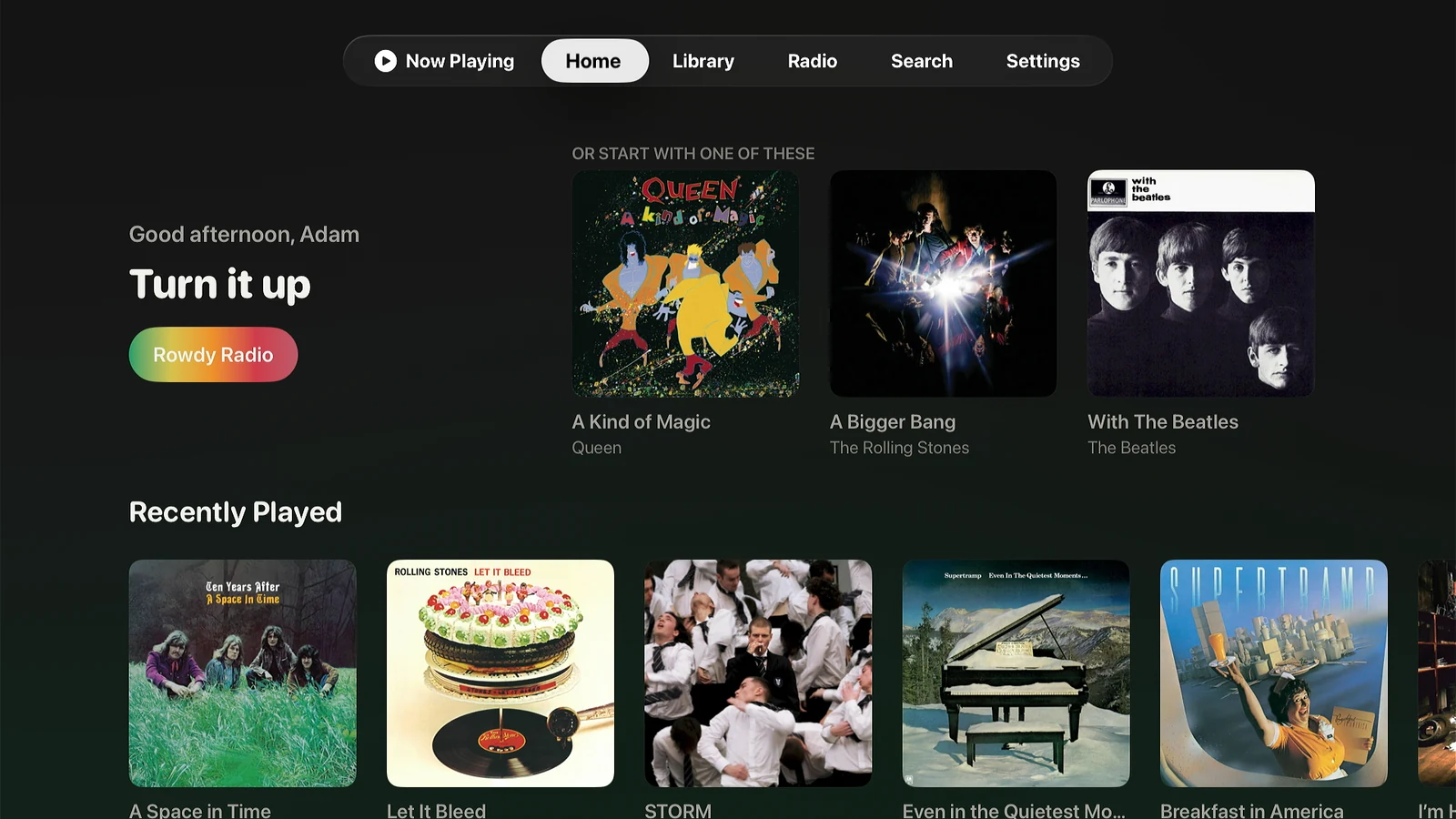
Recently played, recently added, Made For You mixes, and radio stations, grouped by library when your server has more than one.
Lagu for Apple TV
Lagu for Apple TV plays the music library on your Plex Media Server through the television and whatever it is plugged into. It is a tvOS app written in SwiftUI, laid out for a 16:9 screen and a Siri Remote, with the full library, radio, lyrics, and visualizers.
01 · The library
Sign in by typing a short code at plex.tv on your phone, or by scanning the QR code on screen. There is no password to enter with a remote. Pick a server, and the library loads.
Recently played, recently added, Made For You mixes, and radio stations, grouped by library when your server has more than one.
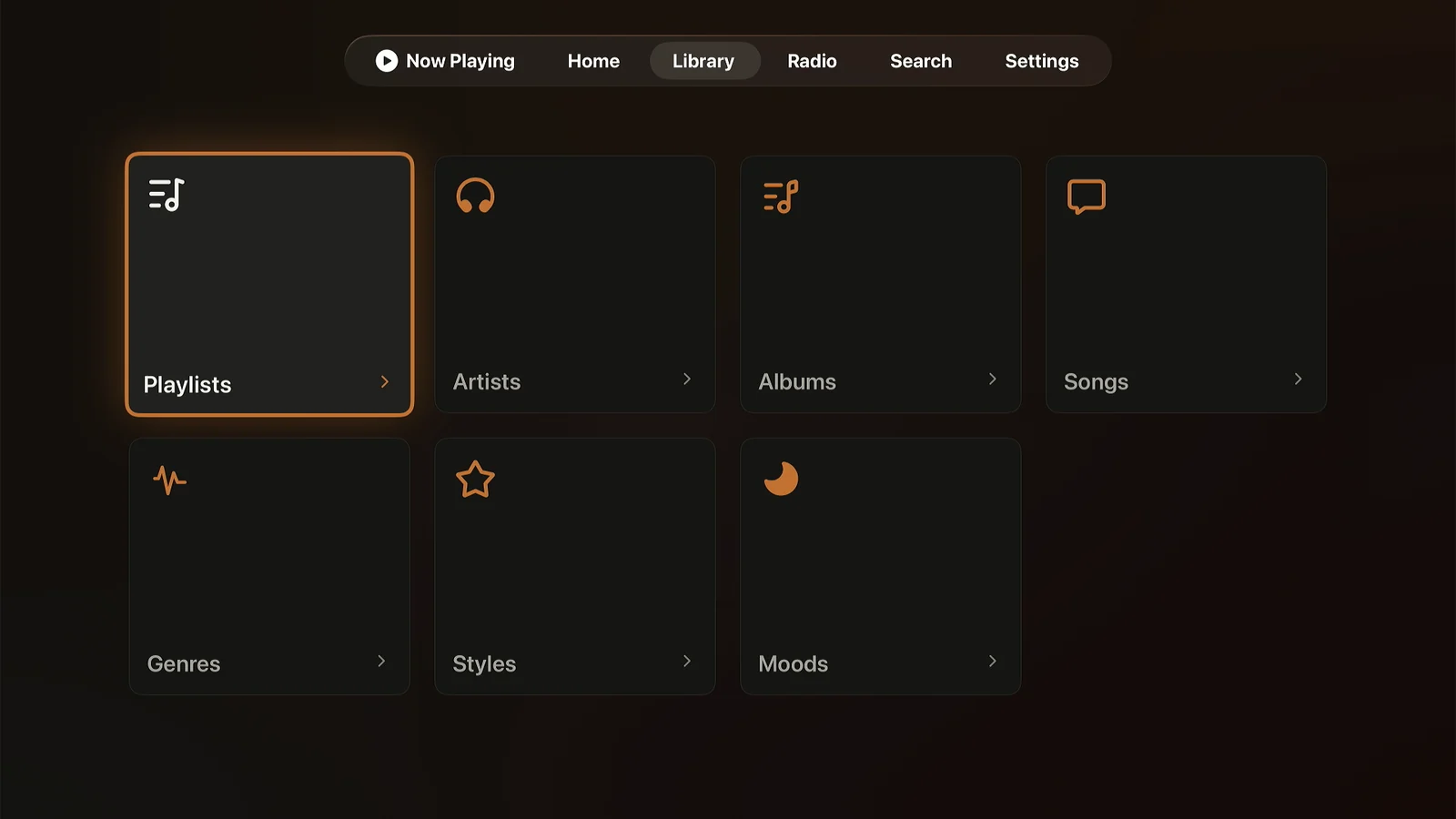
Playlists, artists, albums, songs, collections, genres, styles, and moods, with sorts and Genre, Year, and Format filters like the phone’s.
The tvOS search field takes Siri dictation, so an artist’s name is one button press and a few words.
If the server keeps music in several libraries, they arrive as one A–Z. The TV’s own Settings choose which libraries show and which comes first, and Switch Server is there too.
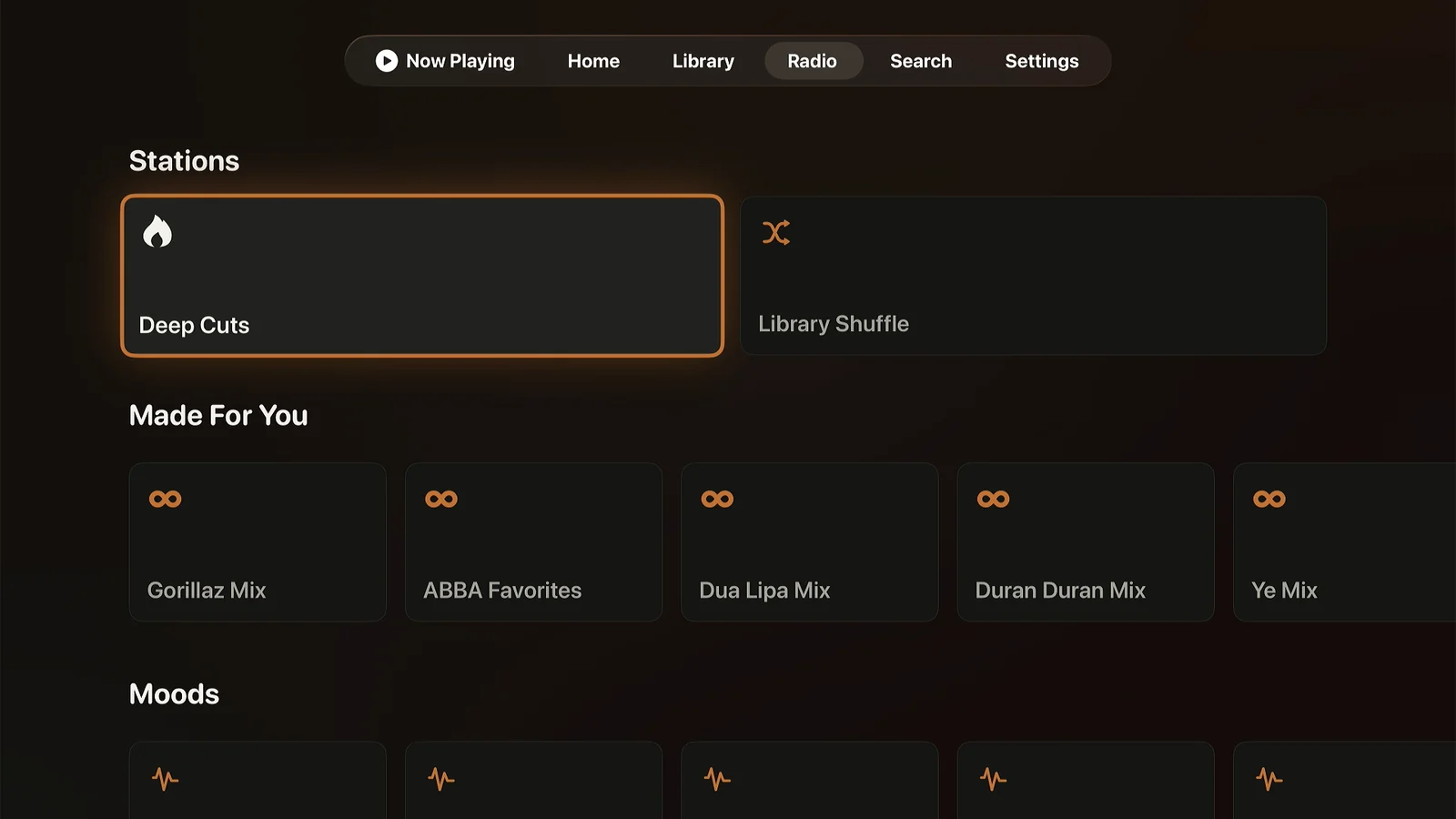
Track, artist, album, genre, mood, and decade stations, Deep Cuts, Artist Mix, Sonic Adventure, and a Guest DJ that tops up the queue. Sonic features use your server’s Plex Pass analysis.
When an album ends, Lagu can carry on with music that sounds like what you queued. Off by default.
On a song, album, or playlist, Play Next and Add to Queue. On a Home tile, View Artist, View Album, and View Playlist as well.
02 · Now Playing
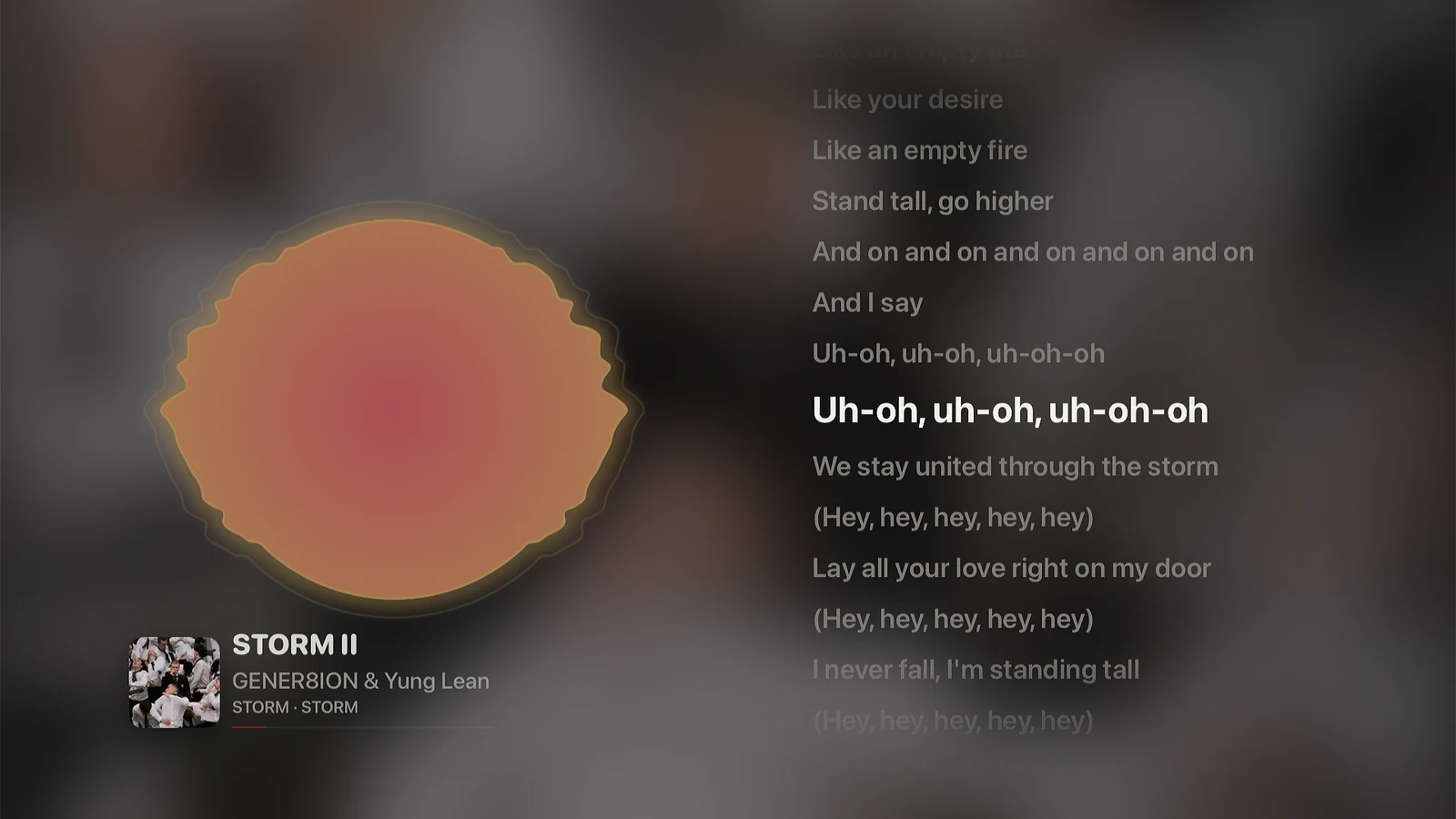
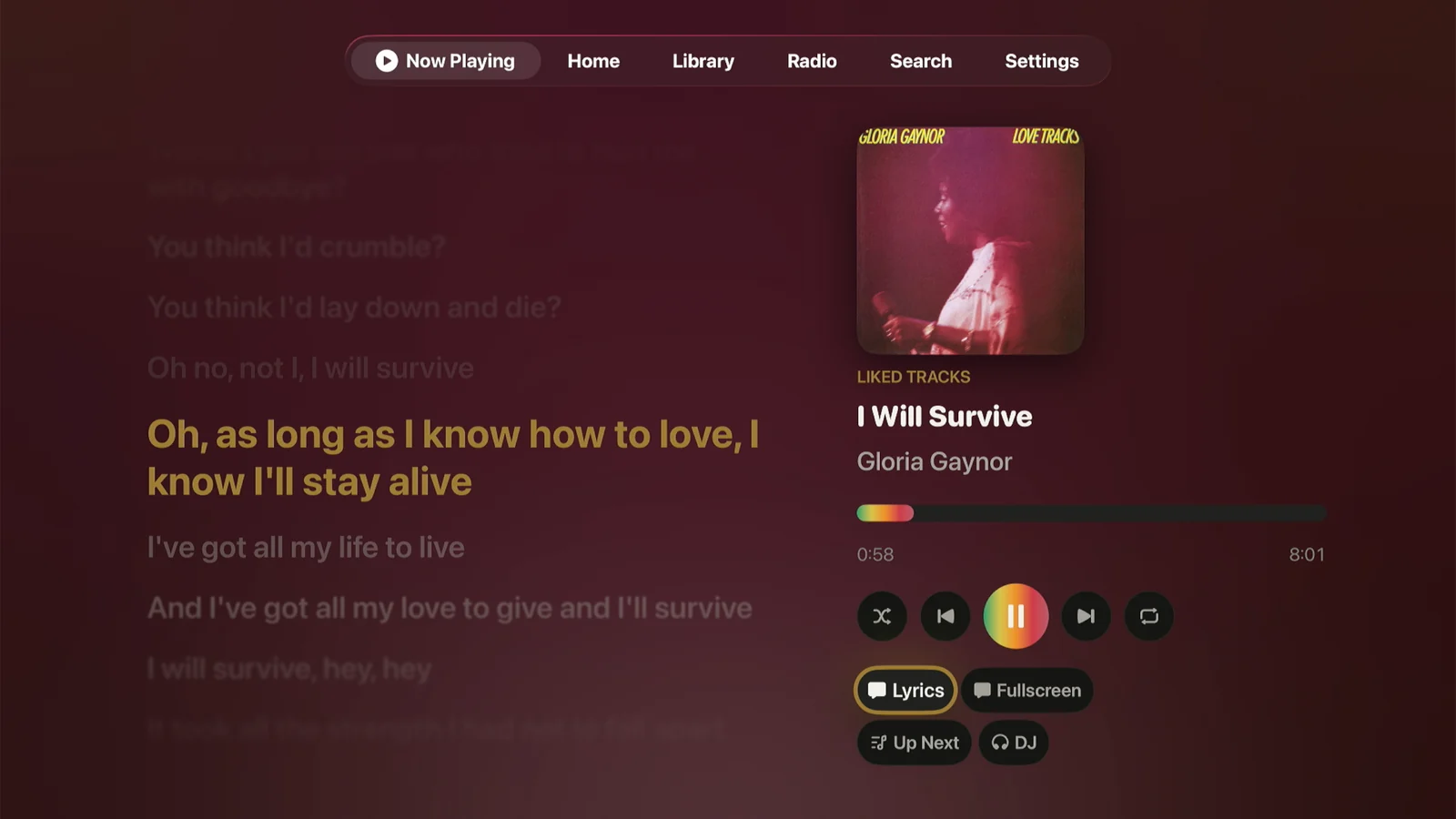
Beside the artwork, or fullscreen. The current line sits in the center and the rest dim around it.
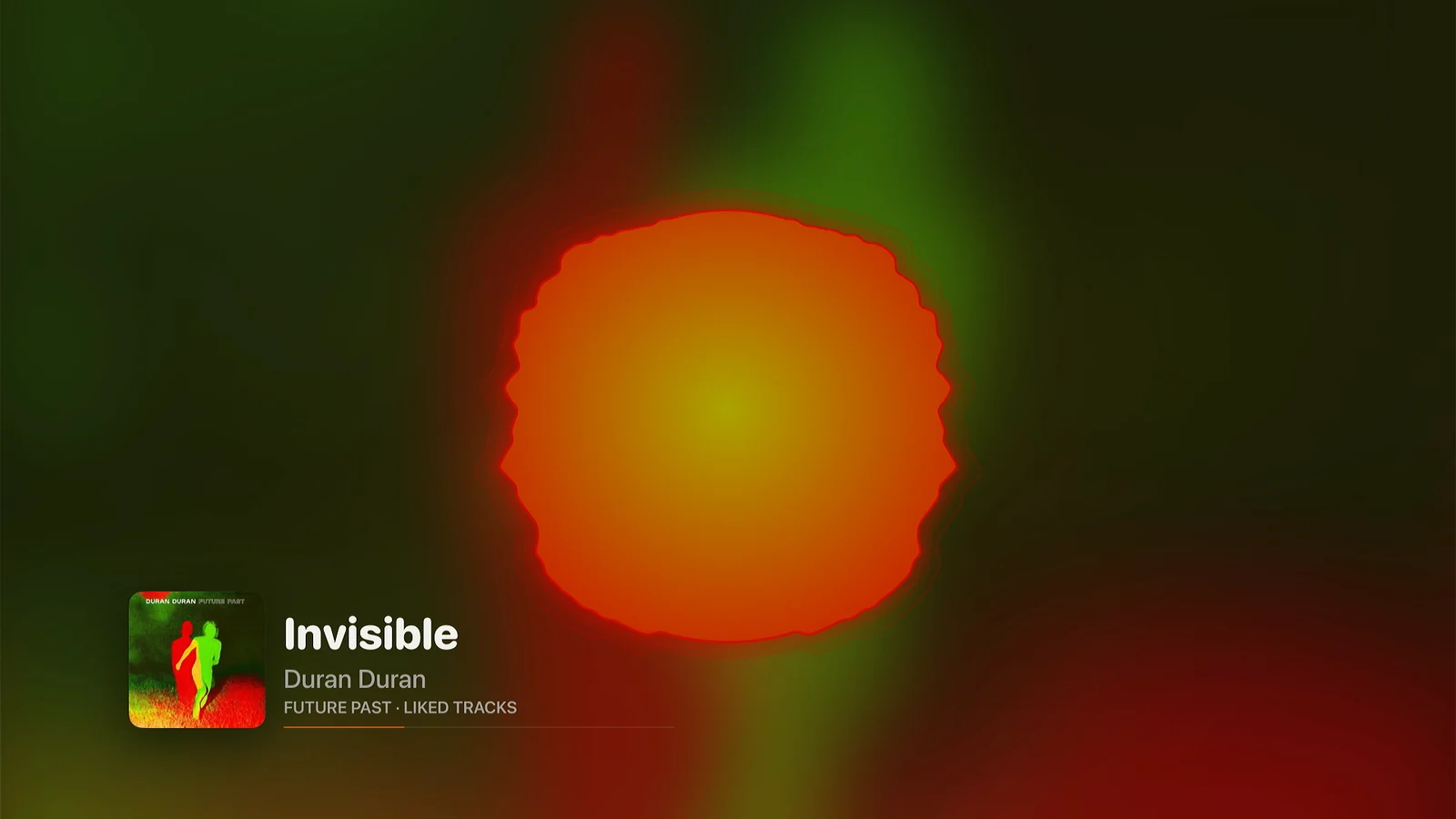
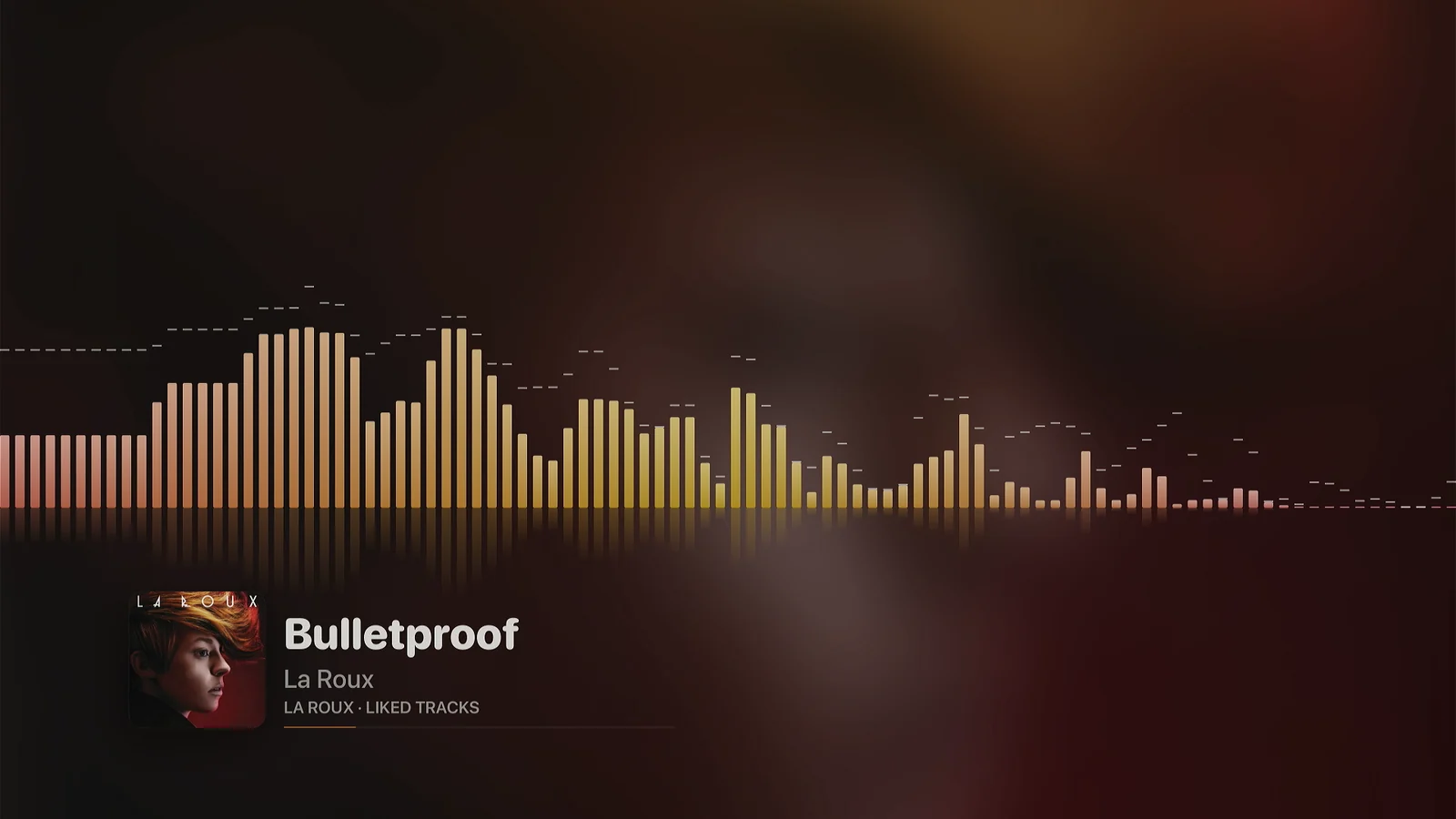
Spectrum, Radial, Tide, Orbit, Oscilloscope, and Trackprint, edge to edge in the colors of the album that is playing. Press Down for synced lyrics beside them. Mode, lyrics, and seeking stay on the remote.
Live albums and classical works run without a break between tracks. Crossfade, Smart Fades, and loudness leveling work as they do on the phone, and a track your server hasn’t analyzed starts 8 dB down.
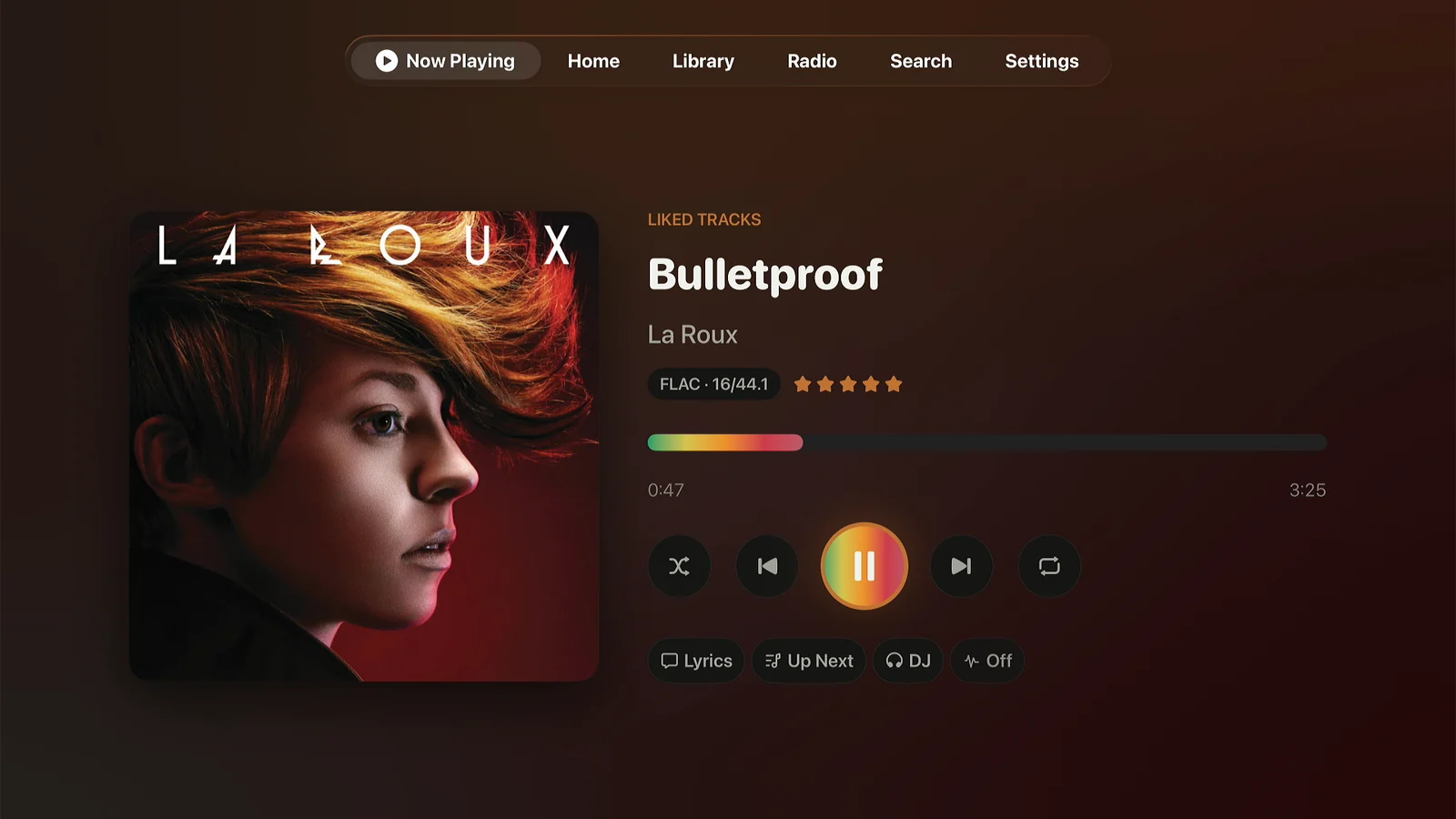
The queue is on screen beside the player, and tracks reorder from the remote.
Slide a thumb across the touch surface to seek. Slow movement is fine-grained, fast movement covers minutes, and it coasts to a stop when you let go.
Last.fm and ListenBrainz. Last.fm sign-in is a QR code you approve from a phone.
Turn it on in Settings, Playback, and Back asks before it leaves Lagu while music plays. Off by default.
On screen
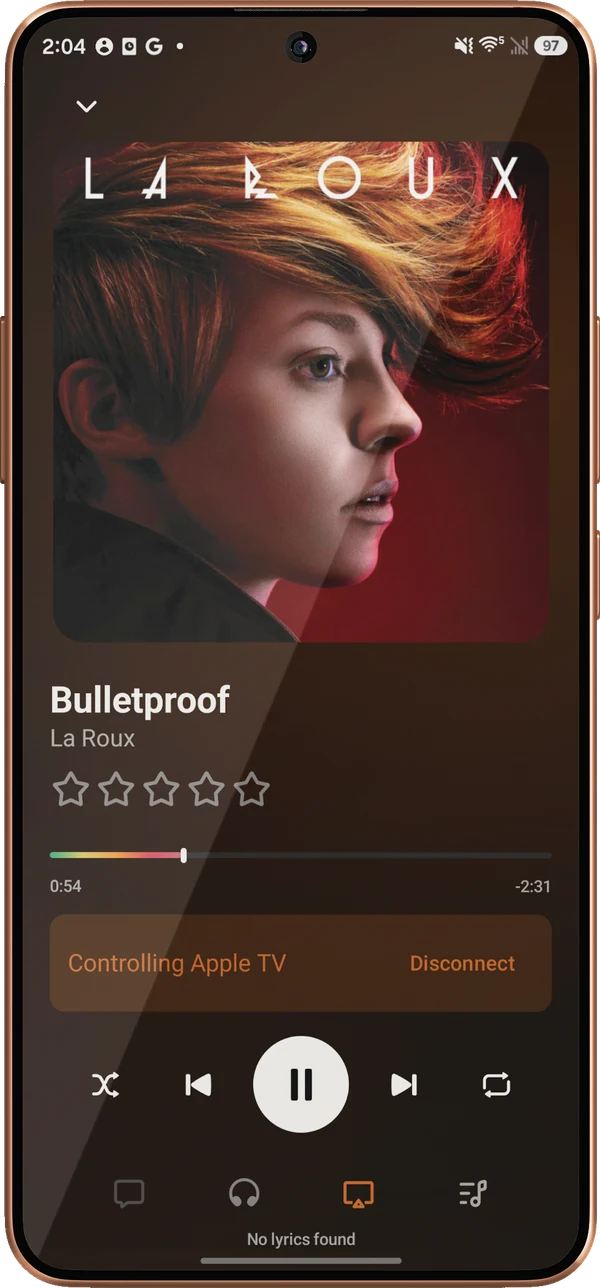
Turn on Remote in Settings and the Apple TV shows a QR code, with a six-digit PIN as a fallback. A paired phone can browse the library, search, build the queue, seek, and start stations on the TV, over your own Wi-Fi. An Android phone works as well as an iPhone. Apple TV hosts while Lagu is open in the foreground, which is a tvOS rule.
What it doesn’t do
Apple TV is a playback screen, and a few things from the phone and desktop apps are not on it. The platform table has every feature, cell by cell.
Apple TV streams from your server. Offline listening is on iPhone, iPad, Android, desktop, and Apple Watch.
The ten-band equalizer and waveform seek bar are on phones, tablets, and desktop.
The sleep timer is on phones and desktop, not on Apple TV yet.
A phone can control Lagu on the Apple TV while the app is open on the TV.
Getting it
Open Lagu’s public TestFlight link from the download page on your iPhone or iPad, signed in with the same Apple Account as the TV.
Apple TV, iPhone, and iPad share one TestFlight listing. Open TestFlight on the Apple TV and Lagu is there to install.
Open Lagu, enter the code it shows at plex.tv/link, and choose your server. The library is there a moment later.
Questions
Yes. Lagu is a music player for Plex with a dedicated Apple TV app. It plays the music library on your Plex Media Server with gapless lossless playback, synced lyrics, fullscreen visualizers, and radio, and it is built for tvOS and the Siri Remote.
No. Playback, the library, search, playlists, the queue, lyrics from your own files, and Lagu Remote all work without it. Sonic radio, Guest DJ’s sonic personas, moods, and Plex-fetched lyrics rely on Plex Pass on the server, as they do in any Plex client.
No. Lagu is free during the beta. At launch, one $1.99 App Store purchase covers iPhone, iPad, and Apple TV together. There is no subscription.
Yes. Lagu Remote lets an iPhone or an Android phone browse, search, queue, and seek on the Apple TV over your home Wi-Fi. It needs no Plex Pass and no cloud service. The Apple TV hosts while the Lagu app is open in the foreground.
Yes. Lagu direct-plays FLAC from your Plex server and plays albums gaplessly. You can also choose a lower streaming quality, from 320 down to 128 kbps, if the server is on a slow connection.
Lagu on other screens: iPhone · iPad · Apple Watch · Android · Android TV · macOS · Windows · Linux · every feature
The open beta is here. Desktop is free, iPhone, iPad, and Apple TV are free while the beta runs, and Android is $1.99 once on Google Play.
Download Lagu