
Your library
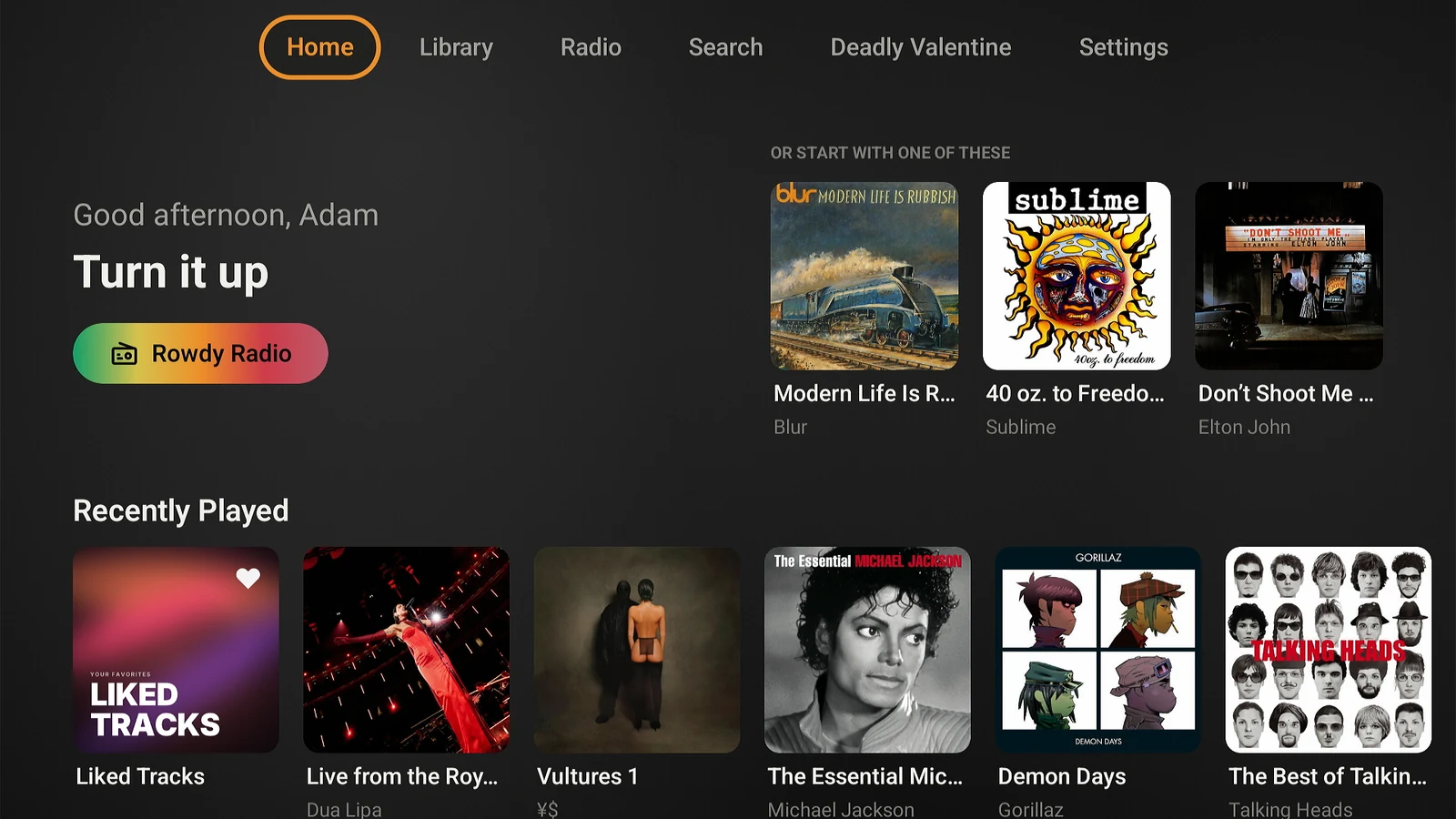
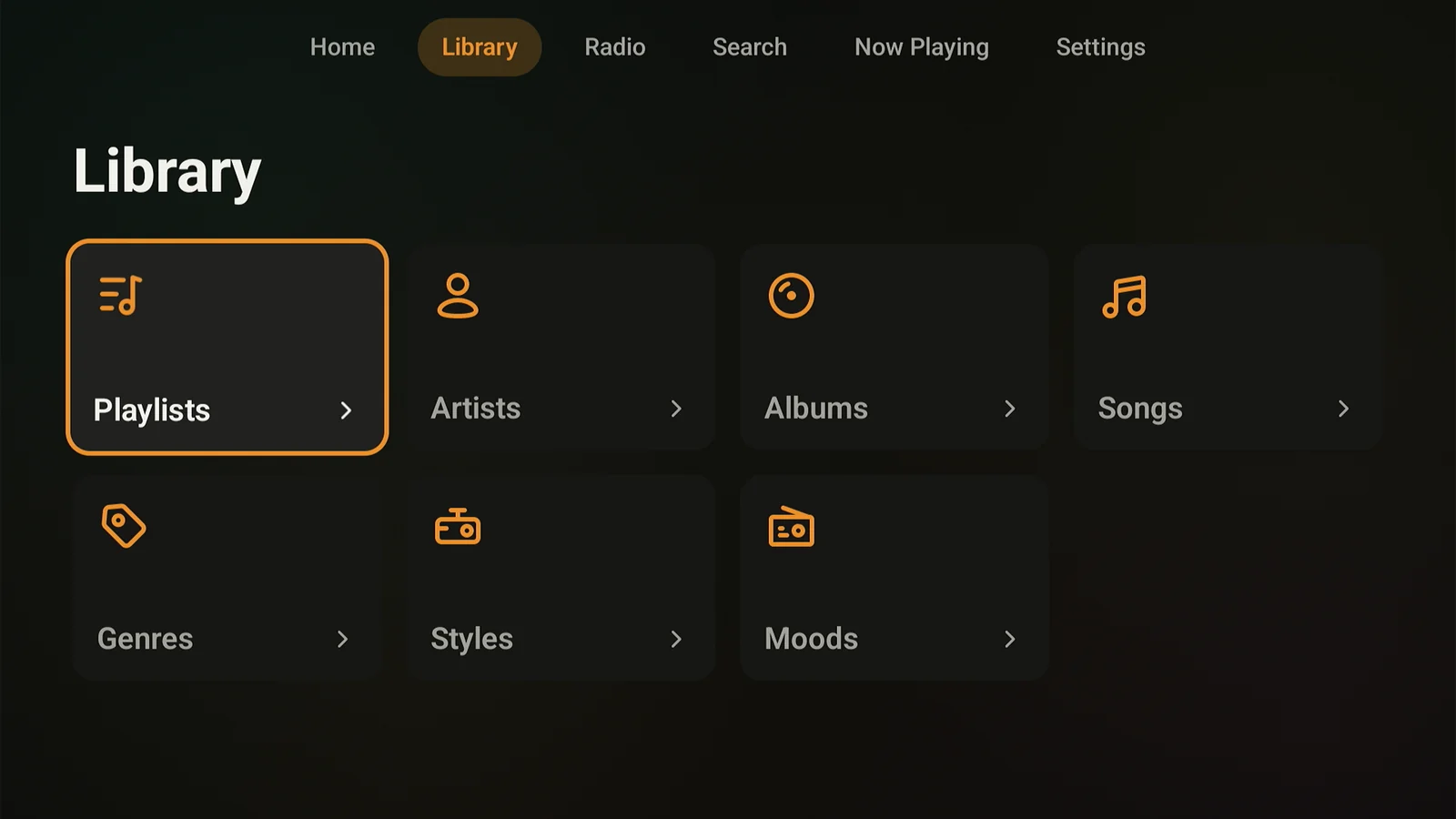
Home shelves, playlists, artists, albums, songs, collections, genres, styles, and moods, with a year filter and sorting by year, format, and bitrate. Several music libraries on one server arrive merged into one list.
Lagu for Android TV
Lagu for Android TV plays the music library on your Plex Media Server on a Google TV streaming box, a television with Google TV built in, or any Android TV device. It is written in Kotlin and Jetpack Compose for a D-pad remote, and it ships under the same Google Play listing as the phone app.
01 · On the television
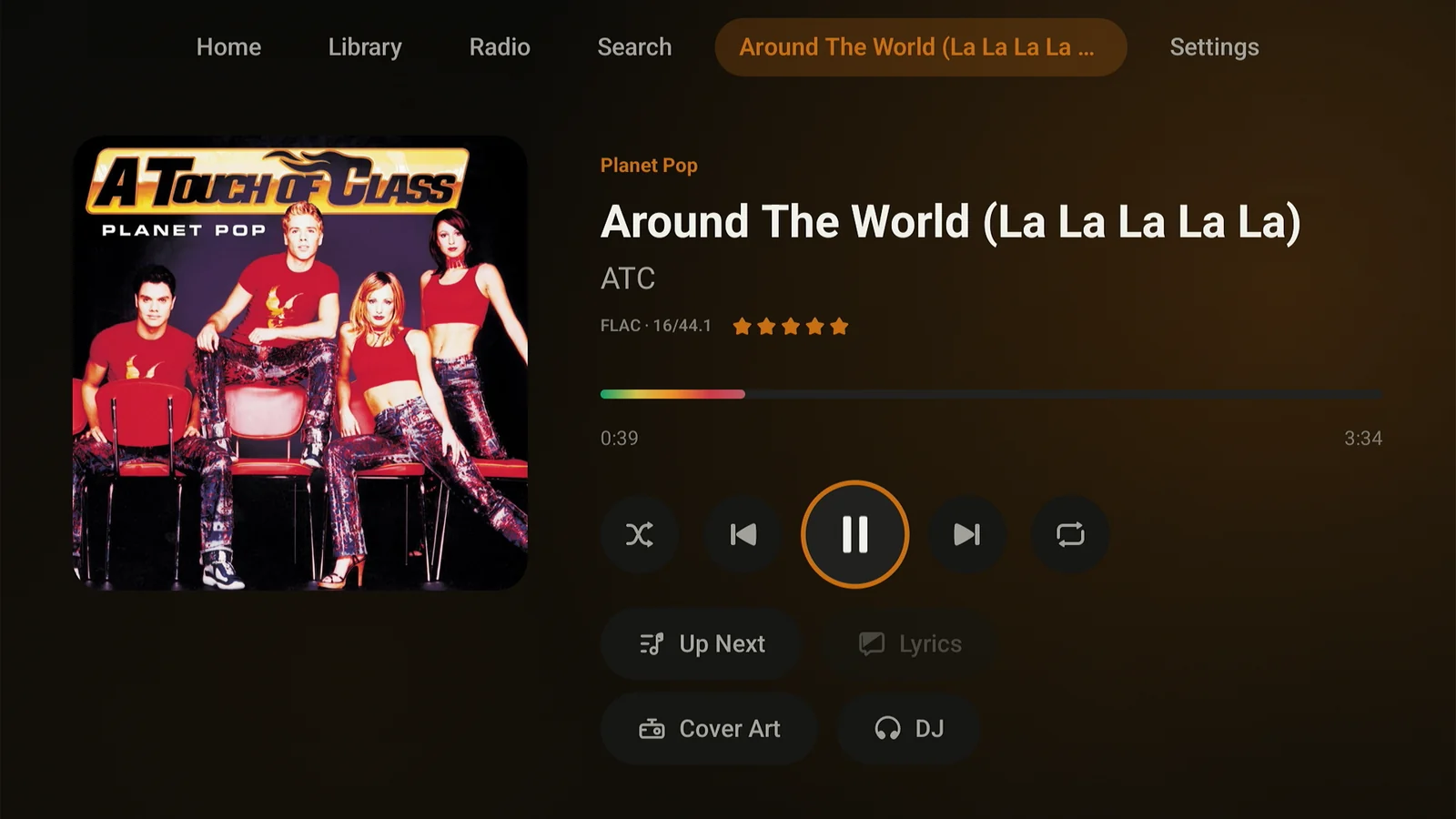
Every screen is laid out for focus navigation: up, down, left, right, select. Lagu works on remotes that have no play and pause key, which covers most of the ones that come in the box. Back at a tab root asks before it leaves Lagu while music plays, and Exit keeps your queue for next time.
Home shelves, playlists, artists, albums, songs, collections, genres, styles, and moods, with a year filter and sorting by year, format, and bitrate. Several music libraries on one server arrive merged into one list.
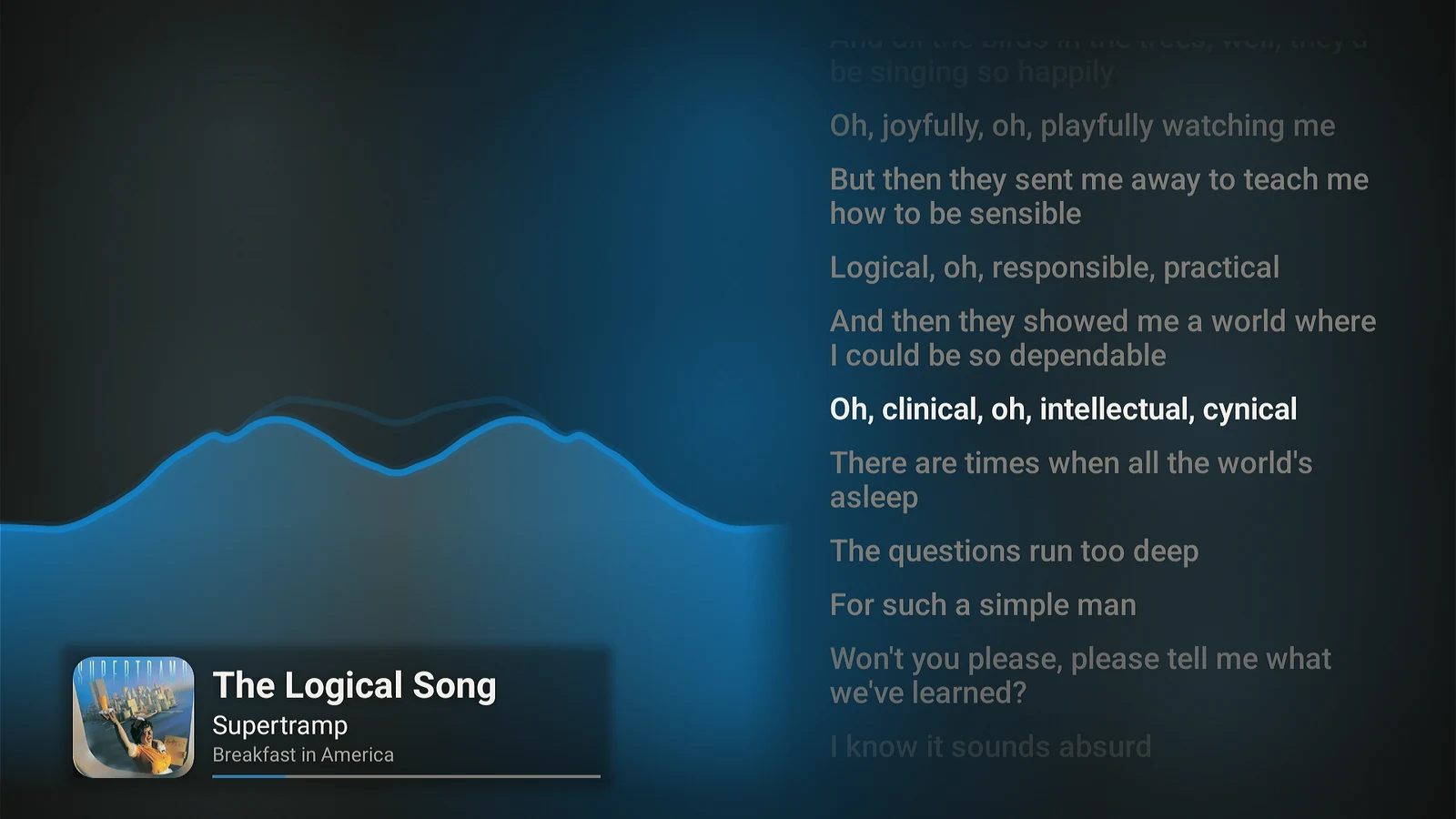
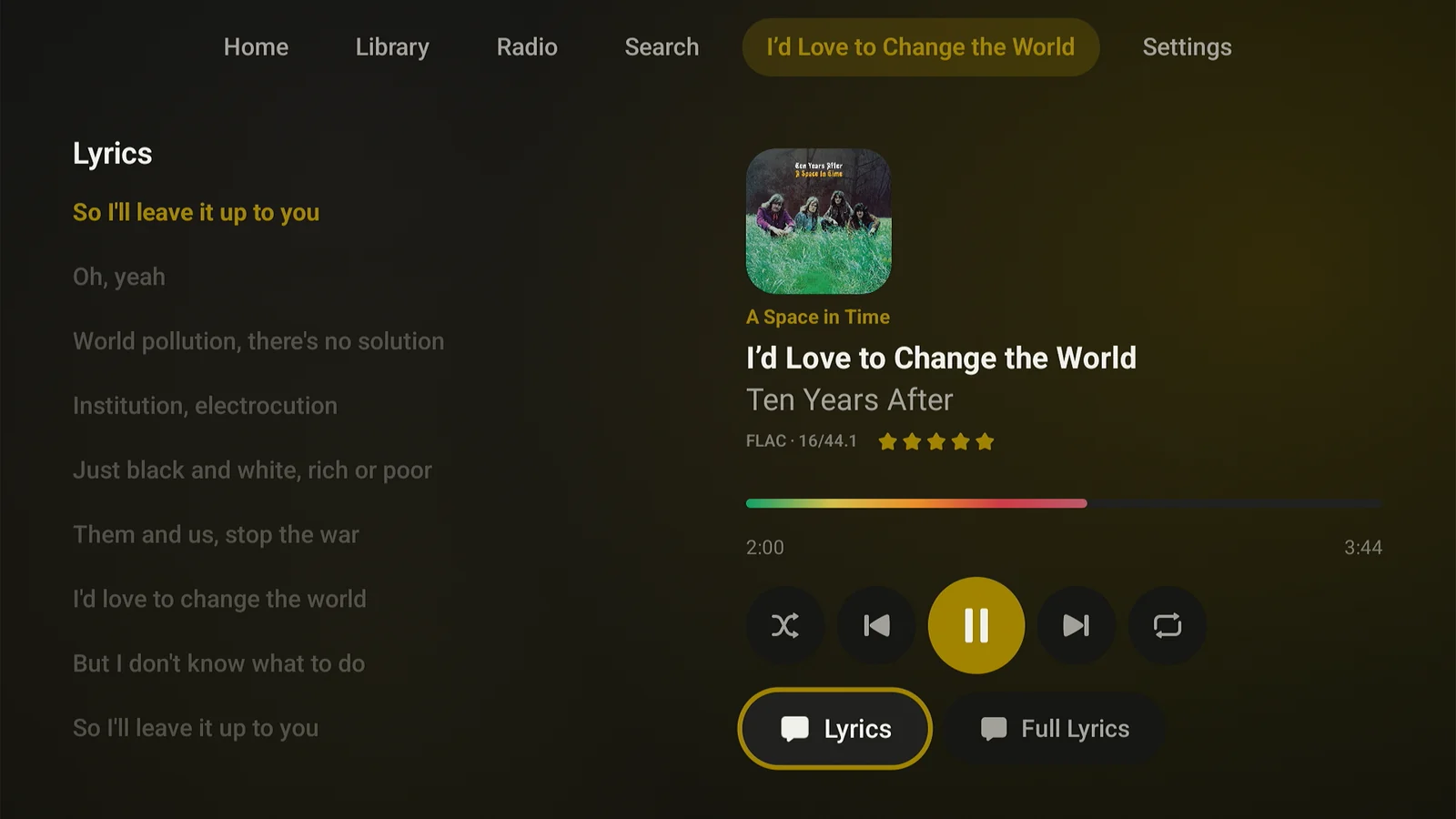
Synced lyrics scroll next to the cover, or take the whole screen. They come from your server: Plex-fetched with Plex Pass, or your own .lrc files without it.
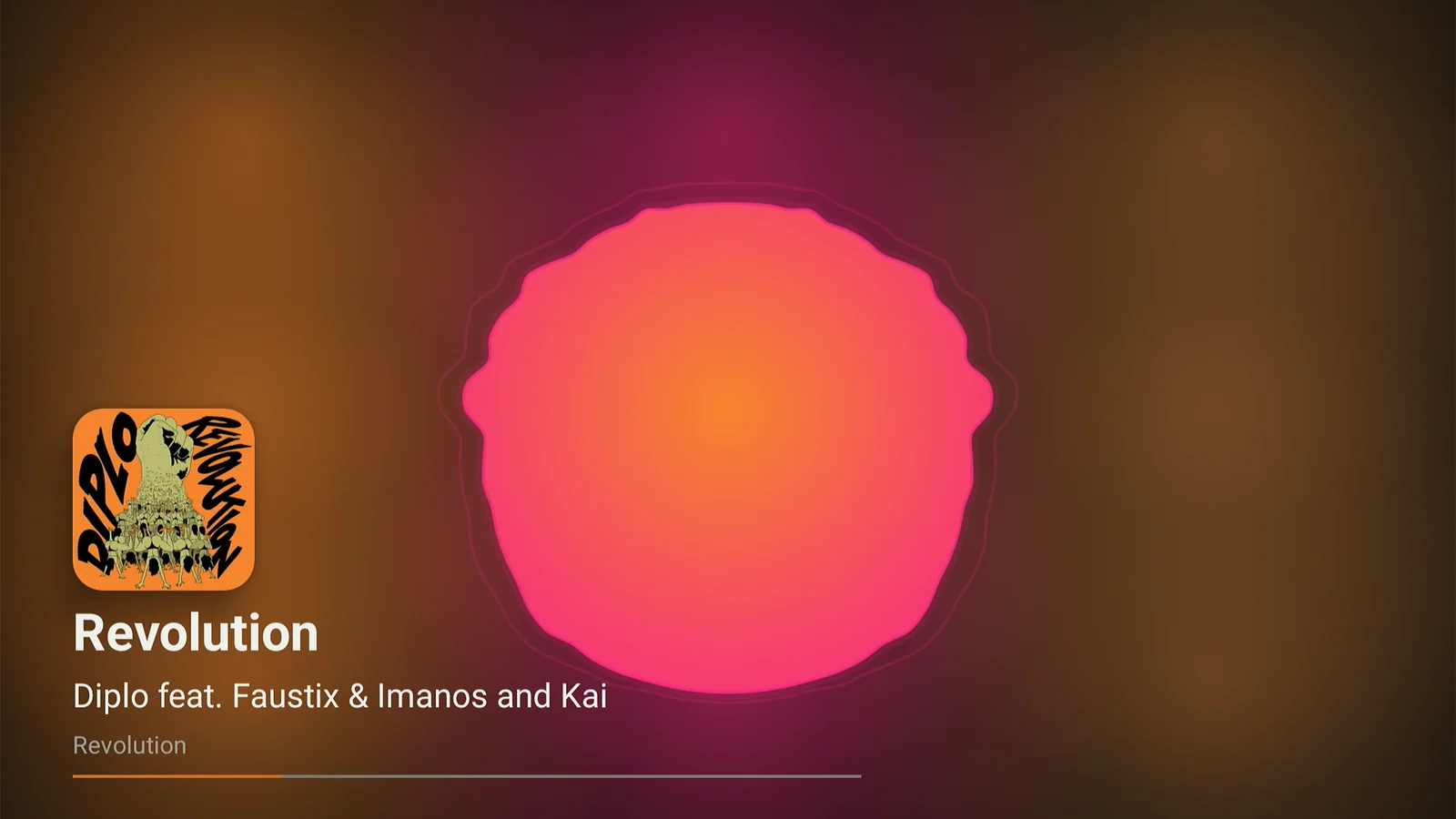
Spectrum, Radial, Tide, Orbit, Oscilloscope, and Trackprint, edge to edge in the album’s colors. Press Down for synced lyrics beside them, and change the mode or seek without leaving fullscreen.
Reorder and remove tracks from the remote, without reaching for a phone.
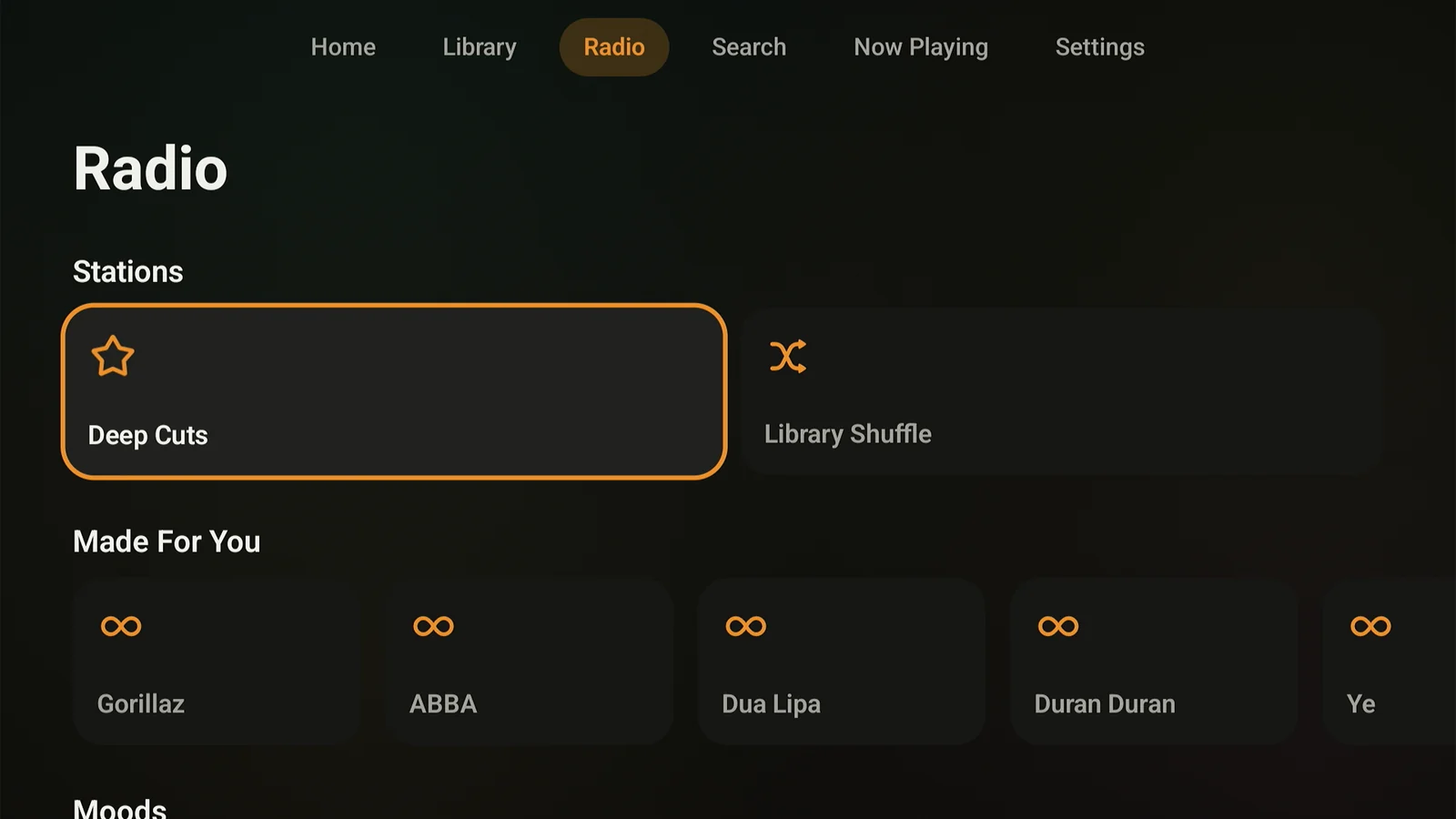
Stations from a track, artist, album, genre, or decade, Deep Cuts, Guest DJ, and Autoplay when a queue runs out.
Move between the Plex servers on your account from Settings, without signing out.
On a song, album, or playlist, Play Next and Add to Queue. On a Home tile, View Artist, View Album, and View Playlist as well.
02 · Sound
FLAC direct-plays from your server with no transcode. On a slow link, pick a streaming quality from 320 down to 128 kbps instead.
Built on Media3, so consecutive tracks on an album play without a gap.
Crossfade from 1 to 12 seconds, Smart Fades when your server has analyzed the track’s loudness, and loudness leveling set before the first note. A track your server hasn’t analyzed starts 8 dB down.
Last.fm and ListenBrainz, and your Plex server keeps its own play counts either way.
On screen
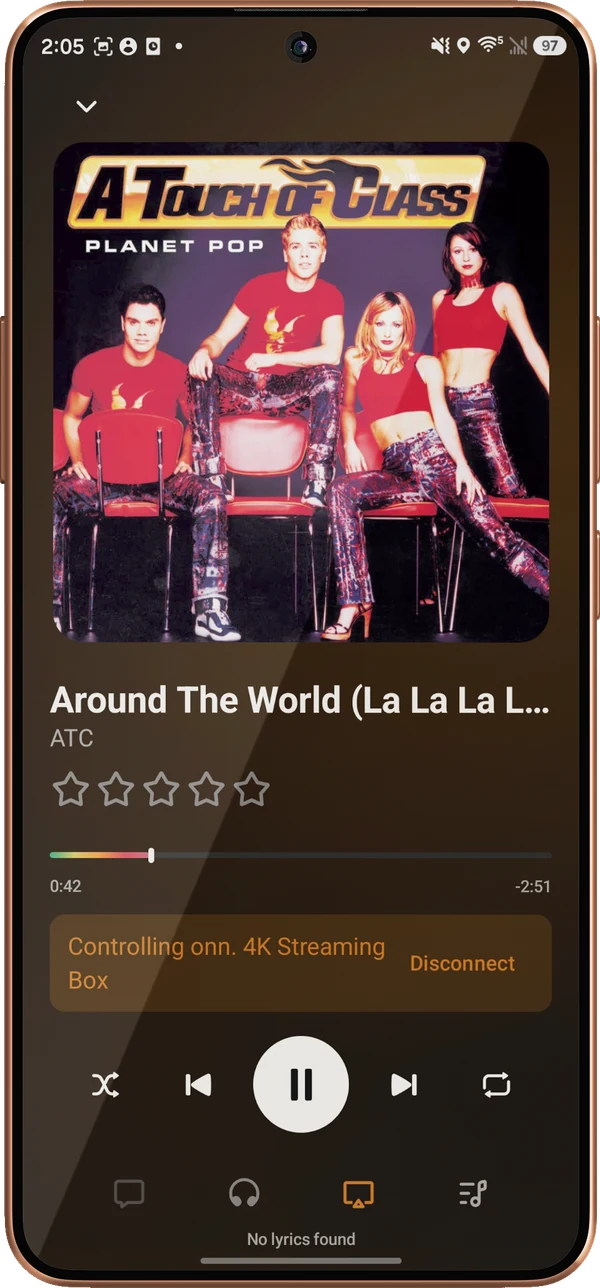
Turn on Remote in Settings and the TV shows a QR code and a six-digit PIN. A paired iPhone or Android phone can browse, search, queue, and seek on the TV over your own Wi-Fi. Android TV keeps hosting after you back out of Lagu, so the phone stays connected while the TV shows something else. Settings lists each paired phone with when it was last seen, and a Forget button.
What it doesn’t do
The TV app is for playback in the room. Some phone features are not on it. The platform table has every feature, cell by cell.
Android TV streams from your server. Downloads are on Android phones and tablets, SD card included.
Those are on the phone, tablet, and desktop apps.
Plex Collections open as a grid of their albums or artists. Playing a whole collection at once is on the phone and desktop.
Android’s visualizer API requires the record-audio permission to read Lagu’s own audio session. Nothing is recorded or sent. Decline it and you keep the cover art.
Getting it
Open Lagu’s Google Play link from the download page and join the test with the Google account on your TV. One $1.99 purchase covers the phone too.
Install Lagu from Play on the TV itself, or send it to the TV from the Play website.
Lagu shows a short code. Enter it at plex.tv/link on any device, choose your server, and start playing.
Questions
Yes. Lagu is a music player for Plex with a dedicated Android TV app that also runs on Google TV. It plays your Plex music library with gapless lossless playback, synced lyrics, fullscreen visualizers, and radio, and a phone can control it with Lagu Remote.
Yes, on Fire TV devices that run Fire OS 7 or later, such as the Fire TV Stick 4K, 4K Max, and Cube. The Android TV app comes through the Amazon Appstore, and during the beta Amazon invites testers by email: sign up on the download page with the address on your Amazon account. The newest sticks, the 4K Select and the 2026 Stick HD, run Vega OS instead, which can’t run Android apps.
Lagu runs on Android TV and Google TV devices, streaming boxes and televisions alike, and it is tested on a Google TV streaming box. It does not depend on a play and pause key, so the simpler remotes work.
No. One $1.99 Google Play purchase covers Android phone, tablet, and Android TV, and it works with Google Play Family Library. During the beta it’s bought through Google Play’s open testing, and you keep it at launch. There is no subscription. Fire TV is separate: Amazon’s test is free during the beta.
No. Playback, the library, search, playlists, the queue, and Lagu Remote work without it. Sonic radio, moods, and Plex-fetched lyrics rely on Plex Pass on the server, as they do in any Plex client.
Lagu on other screens: iPhone · iPad · Apple Watch · Apple TV · Android · macOS · Windows · Linux · every feature
The open beta is here. Desktop is free, iPhone, iPad, and Apple TV are free while the beta runs, and Android is $1.99 once on Google Play.
Download Lagu