
Widgets and the lock screen
Now Playing, Quick Play, and This Week widgets, controls on the lock screen, and a Play from your Buds or car picks up your last queue.
Lagu for Android
Lagu for Android plays the music library on your Plex Media Server on phones and tablets, from Android 8 up. It is written in Kotlin and Jetpack Compose on Media3, casts to network speakers, downloads to an SD card, and comes with Android Auto. One Google Play listing covers the phone, tablet, and Android TV apps.
01 · On the phone
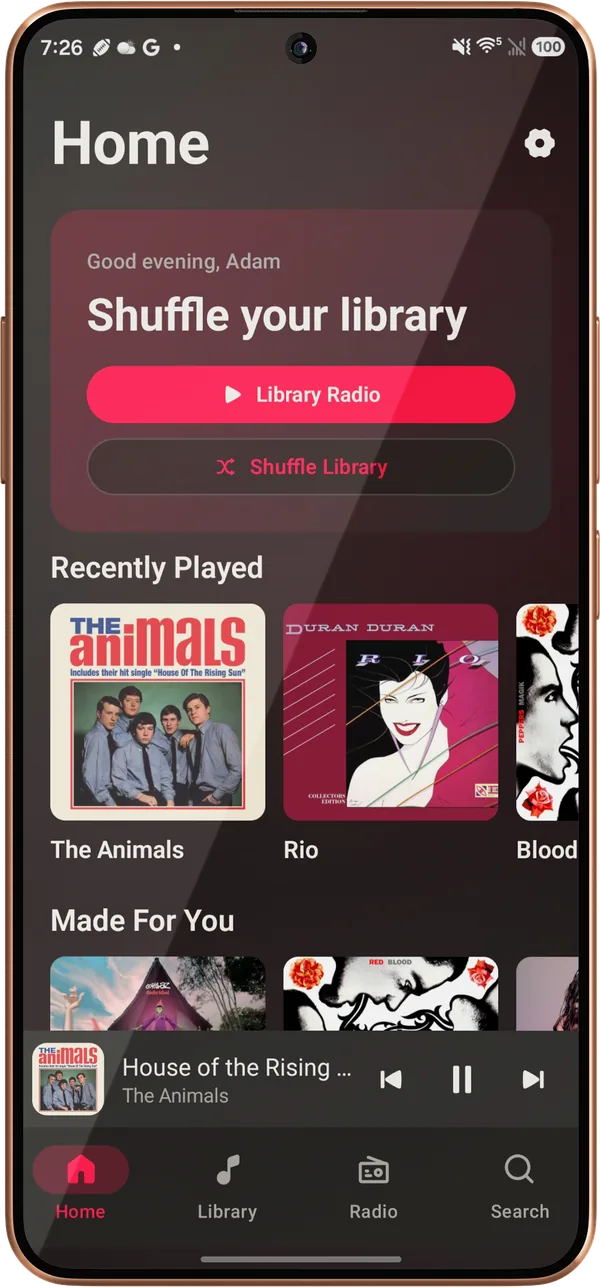
Sign in through Plex’s own page, pick a server, and the library loads. Your Plex password never passes through Lagu.
Now Playing, Quick Play, and This Week widgets, controls on the lock screen, and a Play from your Buds or car picks up your last queue.
“Hey Google, play … on Lagu” works on the phone as well as in the car, and Samsung Modes and Routines can pick Lagu as your music app.
The watch shows the title, the cover, and the real Up Next from the phone, with the controls to match.
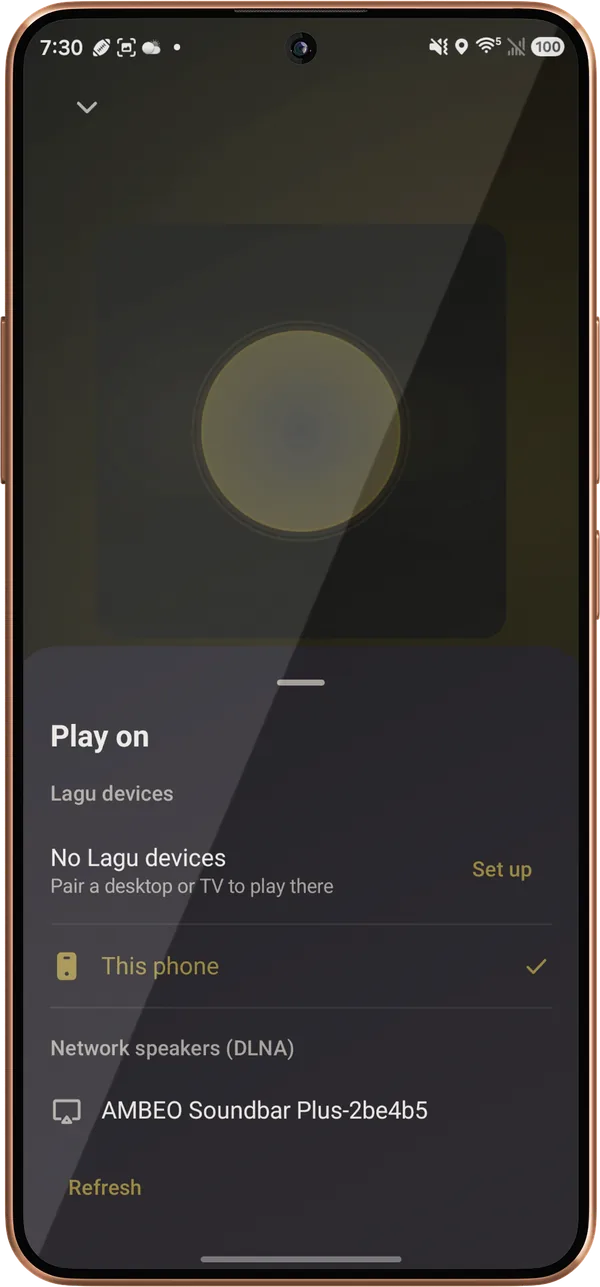
Cast to a WiiM or another DLNA speaker. The volume keys set the speaker’s own level, seeking works, and casting carries on with the screen locked.
Home shelves, Library, Search, and Downloads on the car screen, with voice search, playlists, and the queue.
Albums, playlists, artists, and songs, on internal storage or an SD card, at Original quality or 320 down to 128 kbps. Lyrics are saved with them.
The lock screen, notification, and headphone buttons control Lagu on a computer or TV, and the volume keys set Lagu’s volume there. Away from home, Lagu Relay carries the same controls, encrypted end to end.
Last.fm and ListenBrainz, each off until you connect it.
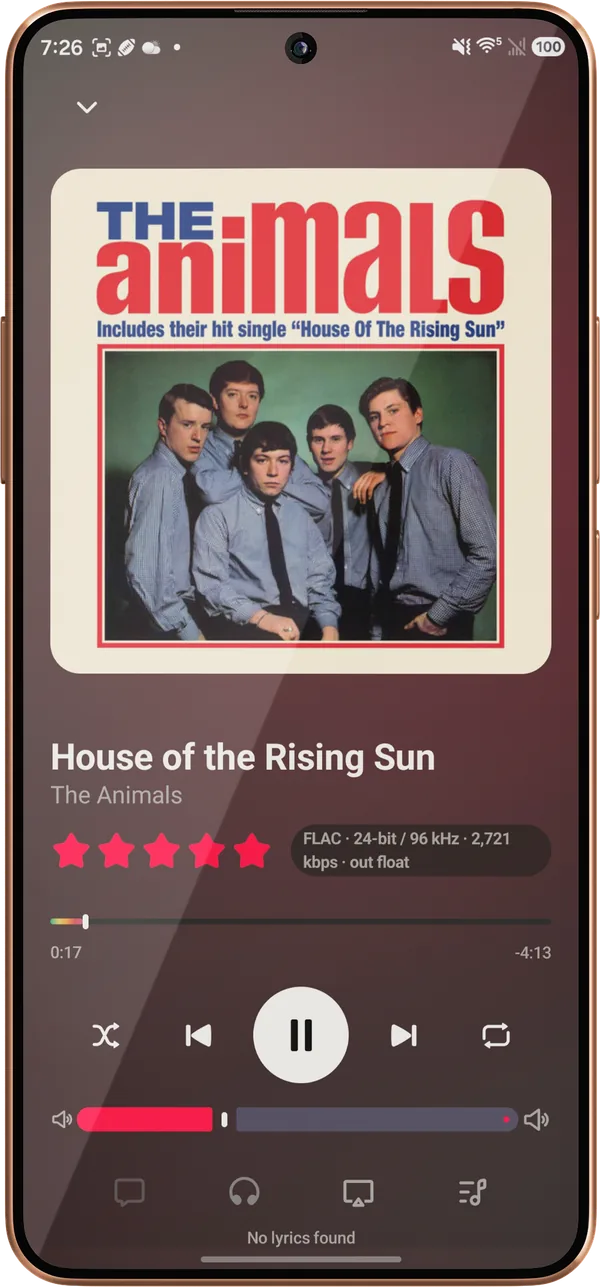
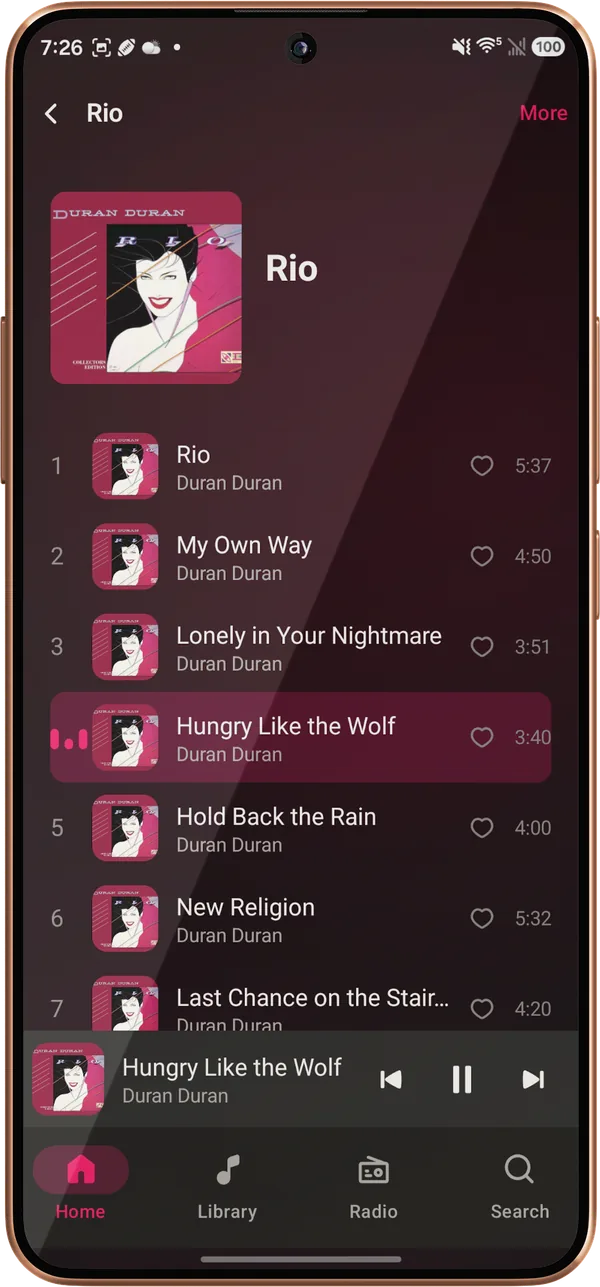
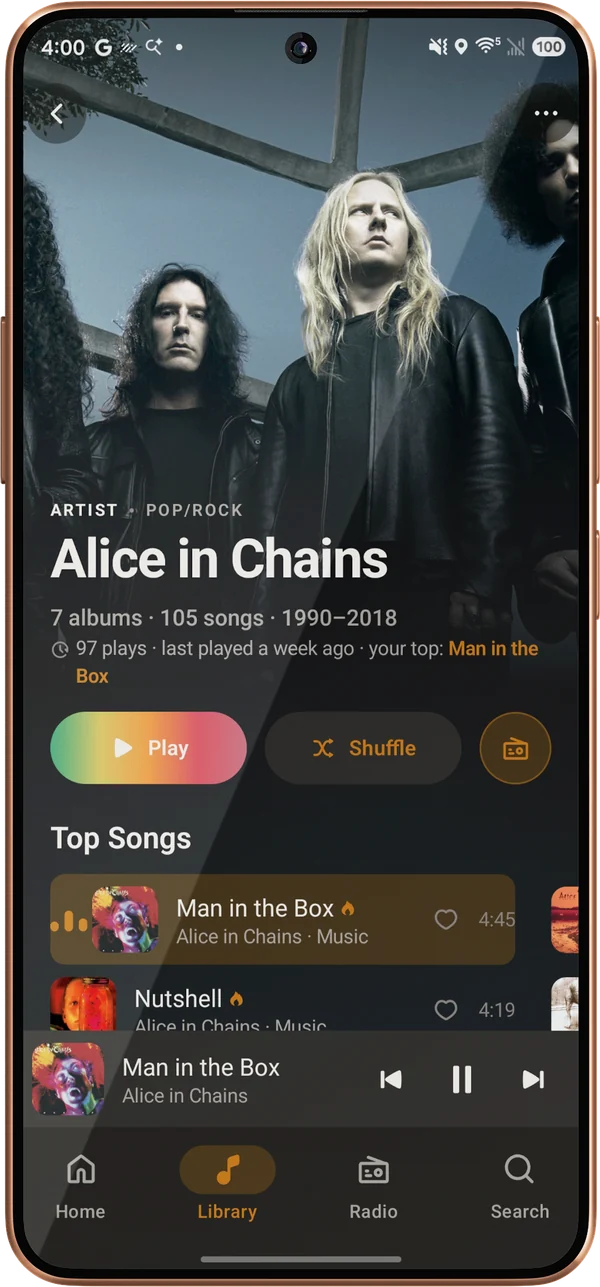
The glowing Bloom look or the flat Mono, dark, light, or with the system, true-black OLED included, and an accent from the album or of your own. The widgets follow your pick.
02 · Sound
FLAC direct-plays from your server with the format named on Now Playing, and albums play without gaps. Wi-Fi and mobile data each get their own streaming quality.
Preamp, presets, presets of your own, and AutoEq profiles for about 2,900 headphones, on Android 9 and up.
Fades from 1 to 12 seconds, Smart Fades timed from each track’s loudness, and leveling for every track: one your server hasn’t analyzed is measured on the phone, so a first play never starts too loud.
Spectrum, Radial, Tide, Orbit, Cover Flow, Oscilloscope, and Trackprint, fullscreen or in place of the cover.
Album and playlist pages have Play and Shuffle, Plex Collections too. Restart the phone and the queue comes back paused where you left it.
Synced lyrics, saved with your downloads for offline. Long-press a line to copy up to six, or share them as a card with the cover.
Stations from any track, artist, album, genre, mood, or decade, Deep Cuts, Sonic Adventure, and a Guest DJ that keeps the queue topped up.
Swipe a song right to Play next or left to Add to queue, on every song list, with a tick you feel at the threshold. TalkBack offers both as actions on the row.
A full-width artist photo, ten popular songs, your own plays and most played albums, then About and Similar artists. With Plex Pass on the server, Sounds like too.
03 · Tablets
The layout follows the window size, so a tablet gets room to spread out. On a phone, Now Playing turns sideways and the rest stays upright.
Your libraries and destinations down the side, like Lagu on the iPad.
Album and artist grids add columns as the screen gets wider.
Landscape Now Playing, on tablets and phones, keeps the rating, shuffle and repeat, and the sleep timer.
On screen
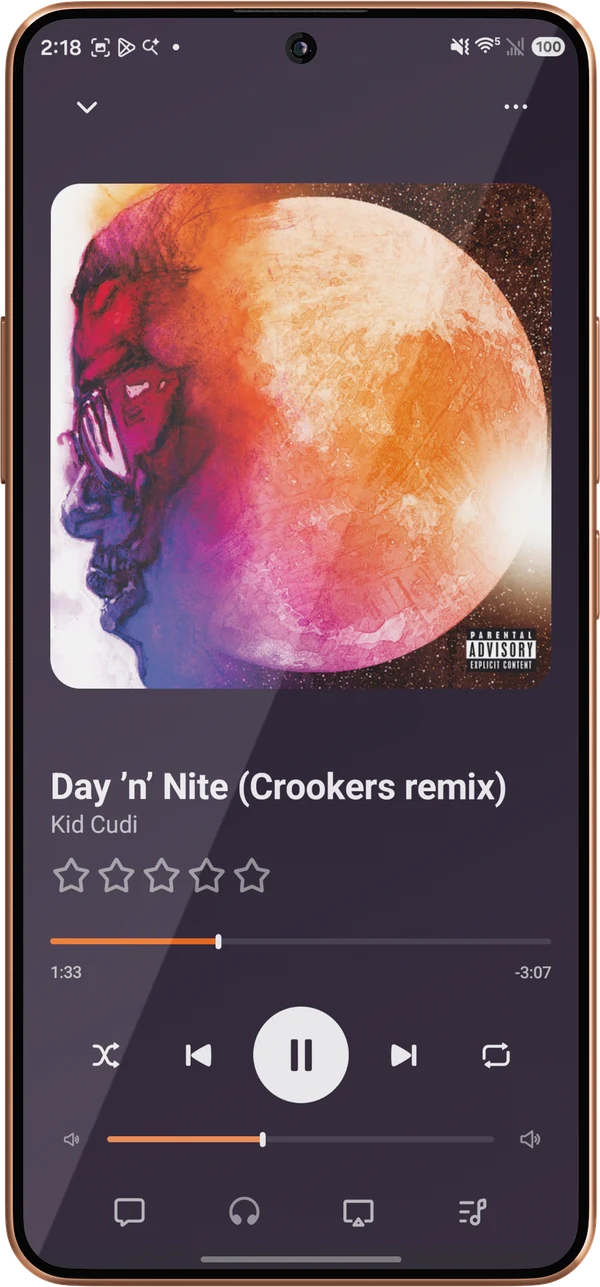
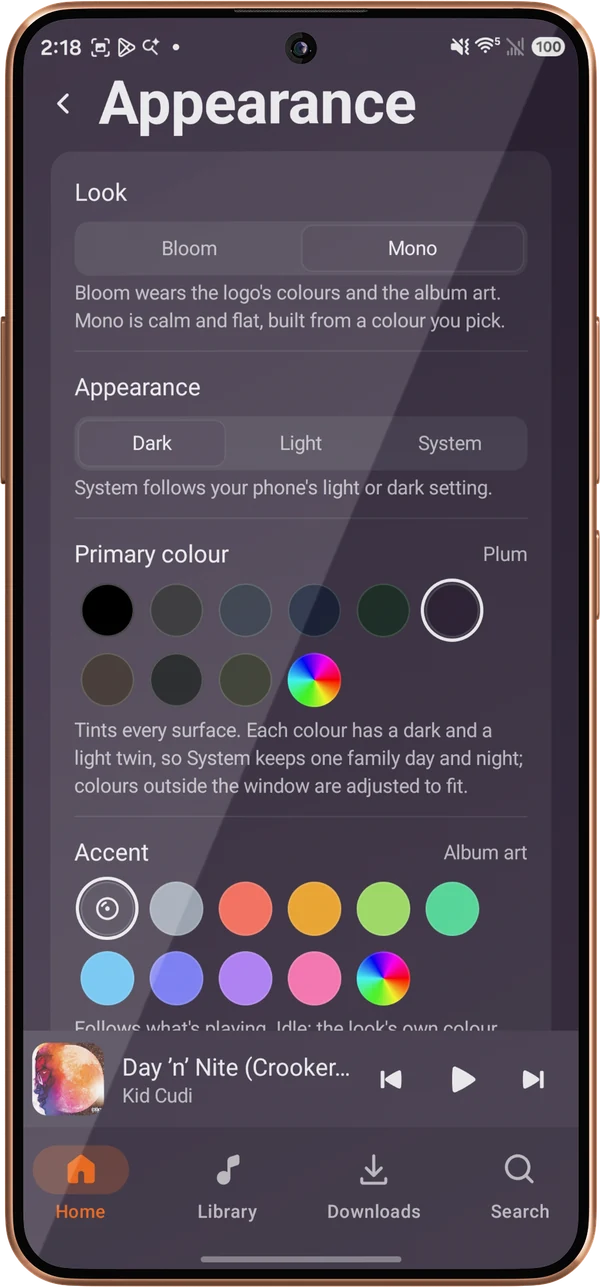
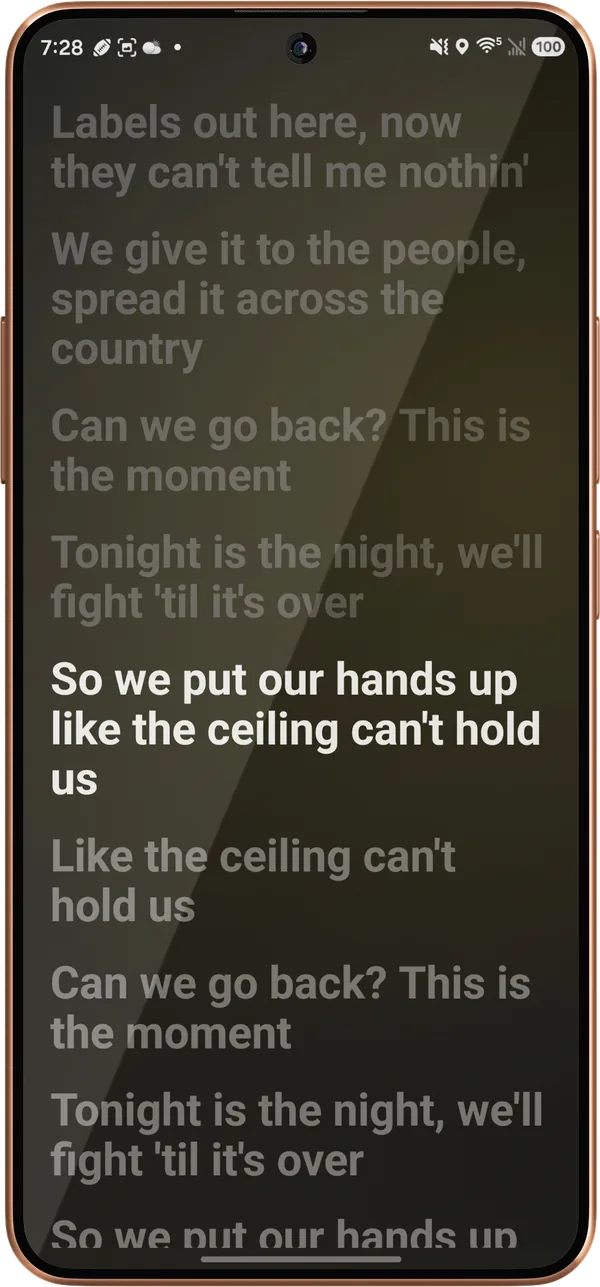
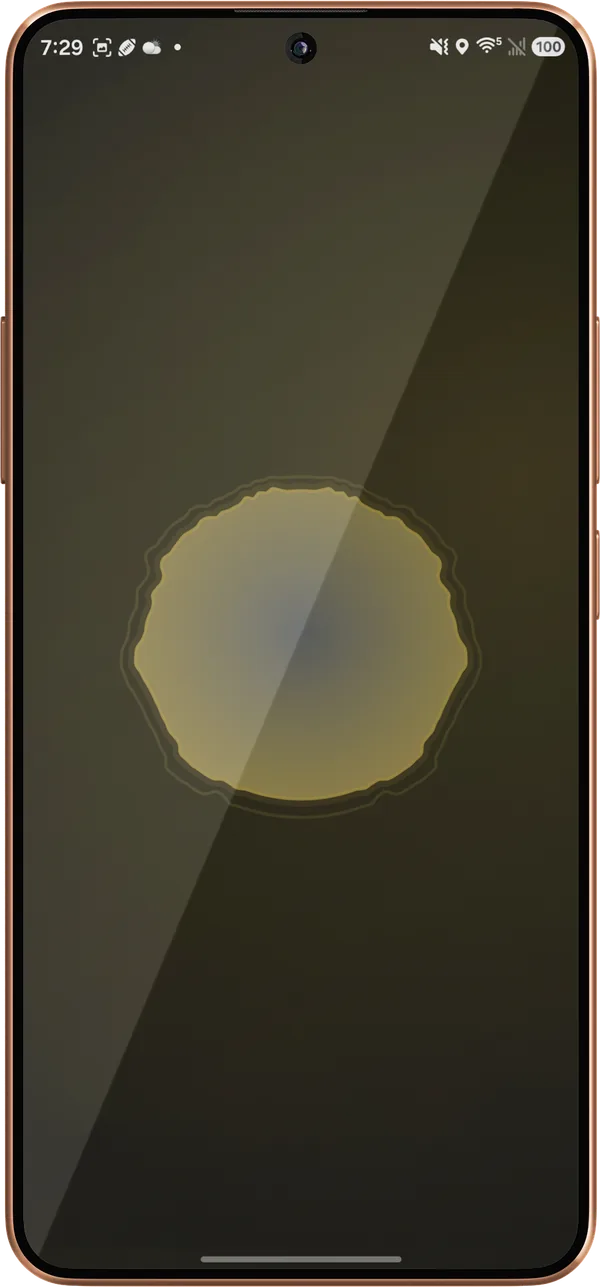
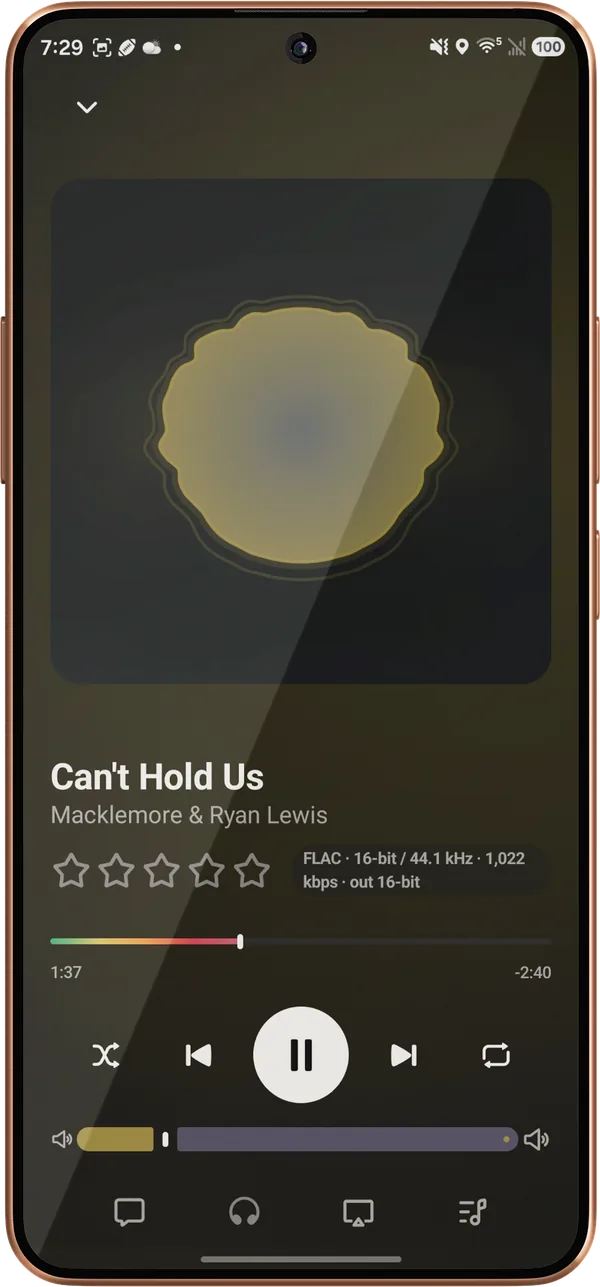
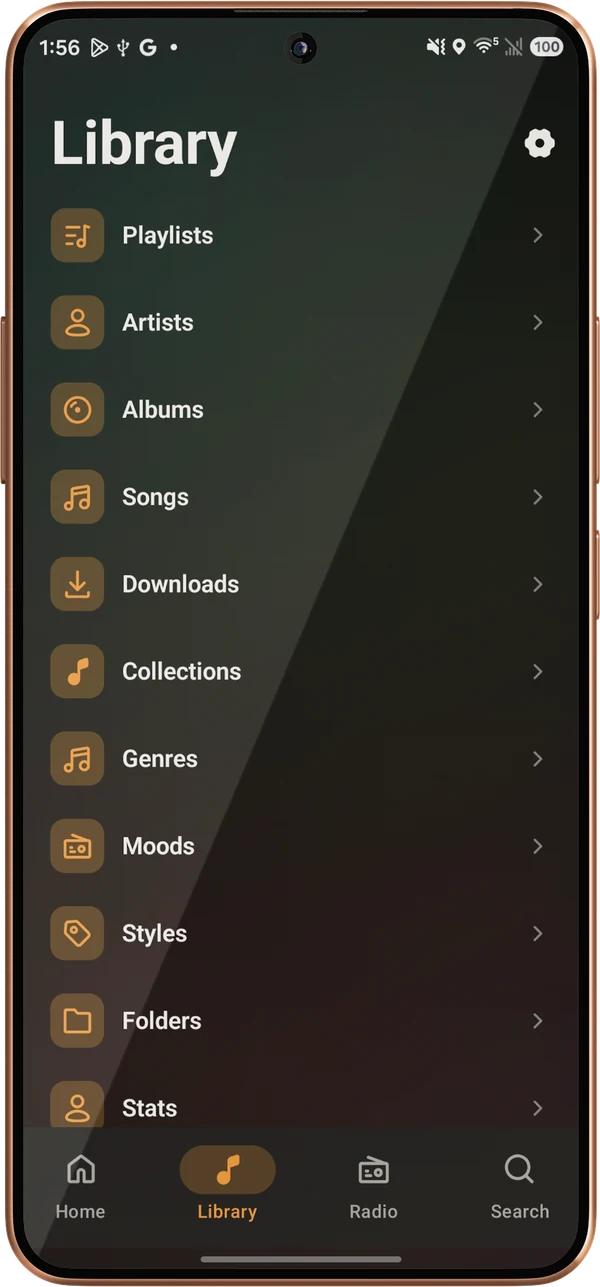
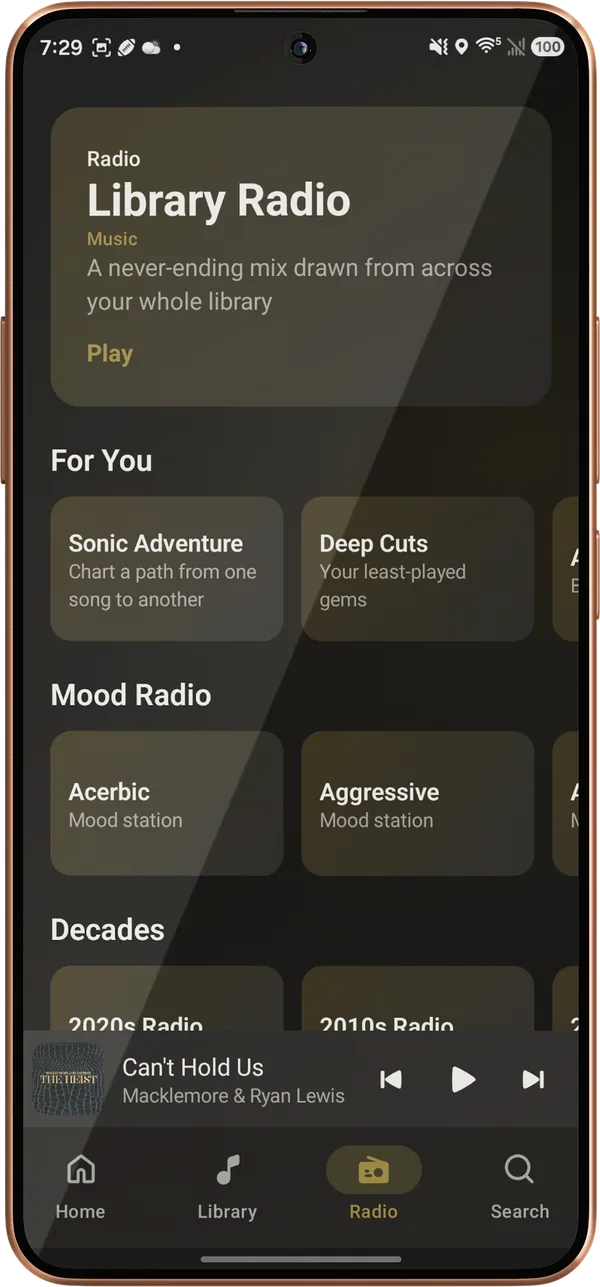
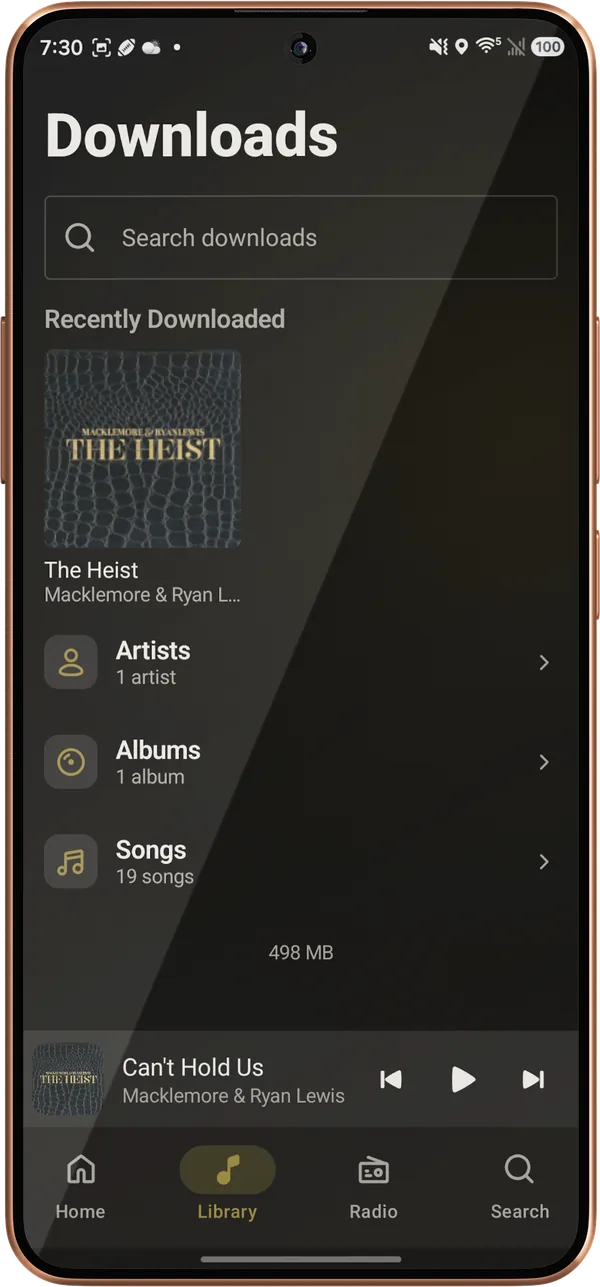
Tap Play on and the phone, your network speakers, and Lagu on your other devices are in one list. Pick a speaker and the music moves to it, even when your Plex server is away from home, and your Plex sign-in never leaves the phone. The volume keys follow the speaker, seeking lands where you ask, and a small notification keeps casting going with the screen off.
What it doesn’t do
What the Android app does not do yet. The platform table has every feature, cell by cell.
Android’s visualizer API needs the record-audio permission to read Lagu’s own audio. Nothing is recorded or sent. Decline it and you keep the cover art.
Android plays to DLNA speakers. Casting to a Chromecast or Nest speaker is in the desktop app, as an experiment.
Picking several songs at once to queue, add to a playlist, or download is on iPhone, iPad, and desktop so far.
The tablet layout and Android Auto are built and still being tested on real hardware. Reports from yours help.
Getting it
Open Lagu’s Google Play link from the download page and join the test. It’s the $1.99 purchase you’d make at launch, and you keep it.
Install Lagu from Play with the same Google account. The one purchase covers phone, tablet, and Android TV.
Tap Continue with Plex, approve it on Plex’s own page, and pick a server if you have more than one.
Questions
Yes. Lagu is a music player for Plex with a native Android app for phones and tablets. It plays lossless and gapless on Media3, has a ten-band EQ, downloads to internal storage or an SD card, casts to DLNA speakers, and includes Android Auto.
Yes. Turn on Network speakers in Settings, Playback, and DLNA speakers on your network appear under Play on. It works even when the Plex server is on another network, and you can seek and set the speaker’s volume while it plays.
Yes. Tablets get a landscape layout with a sidebar and wider grids. It is built and in verification on real tablets, and the phone layout runs on any screen in the meantime.
$1.99, once. The free places in Google Play’s internal test are taken, so Android joins the beta through open testing at the store price, and you keep Lagu when it leaves beta. One purchase covers phone, tablet, and Android TV, with no subscription. Free codes are posted on the Lagu forum from time to time.
Yes, in the beta. Amazon’s test covers Fire tablets as well as Fire TV, by email invite: sign up on the download page with the address on your Amazon account. It hasn’t been tried on a Fire tablet yet, so a report from yours helps.
Lagu on other screens: iPhone · iPad · Apple Watch · Apple TV · Android TV · macOS · Windows · Linux · every feature
The open beta is here. Desktop is free, iPhone, iPad, and Apple TV are free while the beta runs, and Android is $1.99 once on Google Play.
Download Lagu